


Headless Server Developer Manual / Version 2401
Table Of ContentsThe detail text is markup and there are multiple npm modules that help with rendering it correctly. But for now it is sufficient to use dangerouslysetinnerhtml, a way of React to set the inner HTML for DOM nodes. Since it is not secure and open for cross-site scripting it is not advised to use it in a real world scenario.
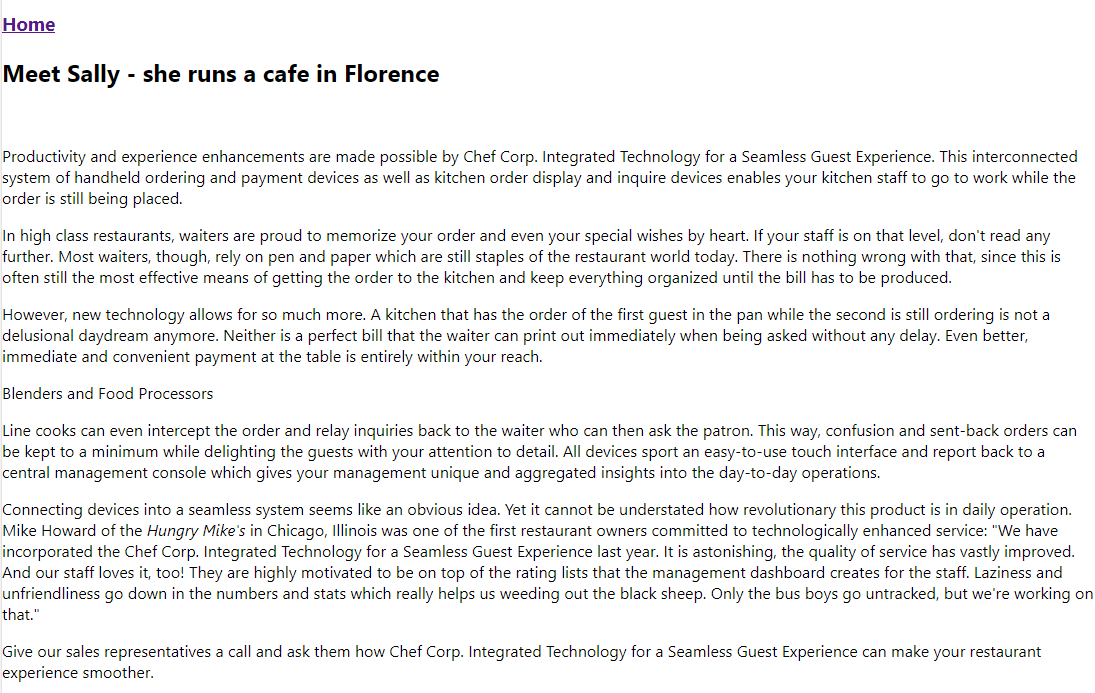
Image and Richtext ready, the article component looks as follows:
const ARTICLE_QUERY = gql`
  query ArticleQuery($articleId: String!) {
    content {
      article(id: $articleId) {
        id
        title
        detailText
        picture {
          data {
            uri
          }
        }
      }
    }
  }
`;

function Article(props) {
  const idFromLink = props.match.params.id;
  const articleId = idFromLink ? idFromLink : props.id;

  const { loading, error, data } = useQuery(ARTICLE_QUERY, { variables: { articleId } });

  if (loading) {
    return <p>Loading...</p>;
  }
  if (error) {
    return <p>Error {error}</p>;
  }

  const article = data.content.article;
  const imageUrl = serverUrl + article.picture.data.uri;

  return (
    <div className="article-container">
      <h2>{article.title}</h2>
      <img src={imageUrl} alt="" />
      <p dangerouslySetInnerHTML={{ __html: article.detailText }} />
    </div>
  );
}

export default Article;
Example 14.13. Detailview of an article component

Note
If you like to dive into more details and to understand some core concepts, please go to The GitHub repository https://github.com/CoreMedia/coremedia-headless-client-react. It includes an example app written in TypeScript with routing, view dispatching, preview integration and more.
