Connector for HCL Commerce Manual / Version 2512.1
Table Of ContentsCoreMedia Studio supports time based commerce preview functions directly:
Time based preview (time travel)
When a preview date is set in CoreMedia Studio, it sets the virtual render time to a time in the future. If the currently previewed page contains content from the commerce system, it is desirable that also these content reflects the given preview time. That could be a marketing spot containing activities with different validity time ranges. A specific activity could be valid only after a certain time or a marketing teaser that announces a happy hour could be another example.
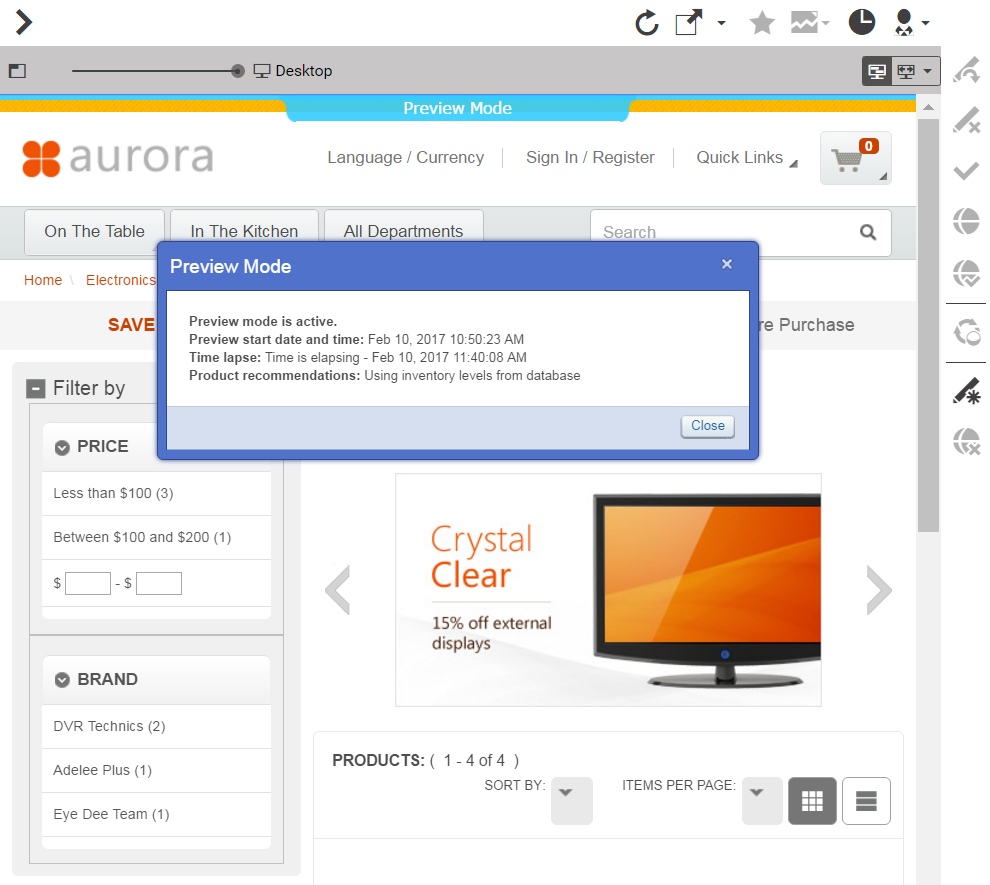
If such preview is requested from HCL Commerce the preview date is also sent to HCL Commerce as a genuine HCL Commerce preview token. The HCL Commerce recognizes the transmitted preview date and renders a control on top of the page that lets you inspect the currently active settings. Figure 8.10, “Time based preview affects also the HCL Commerce preview” gives an example.