CoreMedia UAPI in TypeScript/Node
Last updated 17 minutes ago
How to use the CoreMedia Unified API from TypeScript and Node.js. In case you need access to our GitHub repository, please have a look at the Note below.
CoreMedia UAPI in TypeScript/Node
This documentation provides an overview of using the TypeScript version of CoreMedia’s Unified API (UAPI) in Node.js to interact with the CoreMedia Content Cloud via Studio’s REST API.
It includes setup instructions and code examples for:
- Logging in
- Reading content
- Creating content
- Updating content
- Querying content
- Handling content issues
The guide emphasizes strong typing and asynchronous capabilities.
Use Cases
- Integrating CoreMedia with other systems
- Custom web-based extensions for CoreMedia
- Automation of custom tasks for your own use cases
Resources
- To learn more, have a look at these examples of using CoreMedia Unified API from TypeScript and Node.js.
Note
To access the repository content-scripting-with-typescript-examples:
- You need a GitHub account.
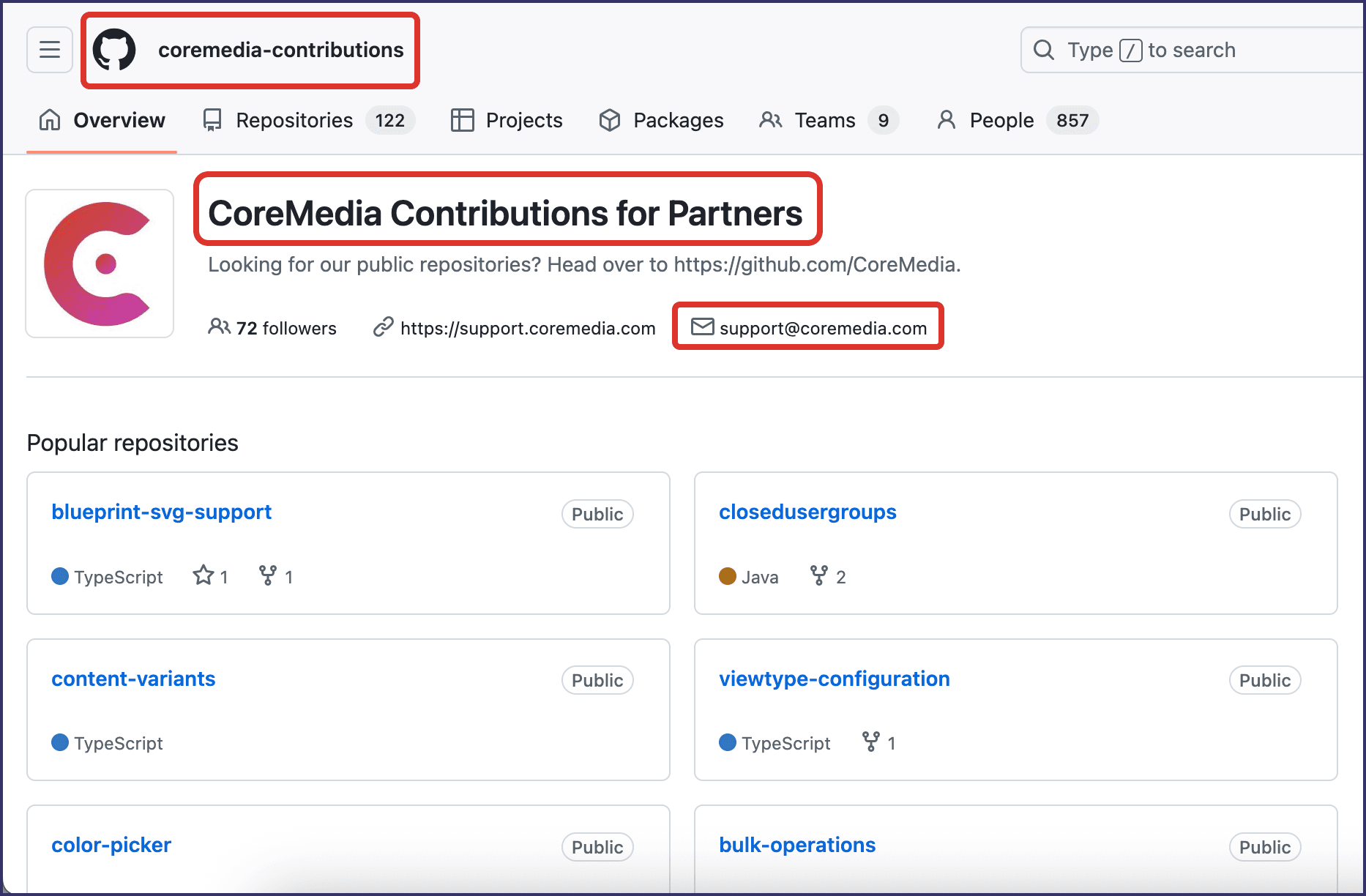
- You must have general permissions granted for coremedia-contributions - see screenshot below - which is organized by CoreMedia Support.
If you need access or assistance, please contact CoreMedia Support. We're happy to help!
Is this page useful?