


Headless Server Developer Manual / Version 2101
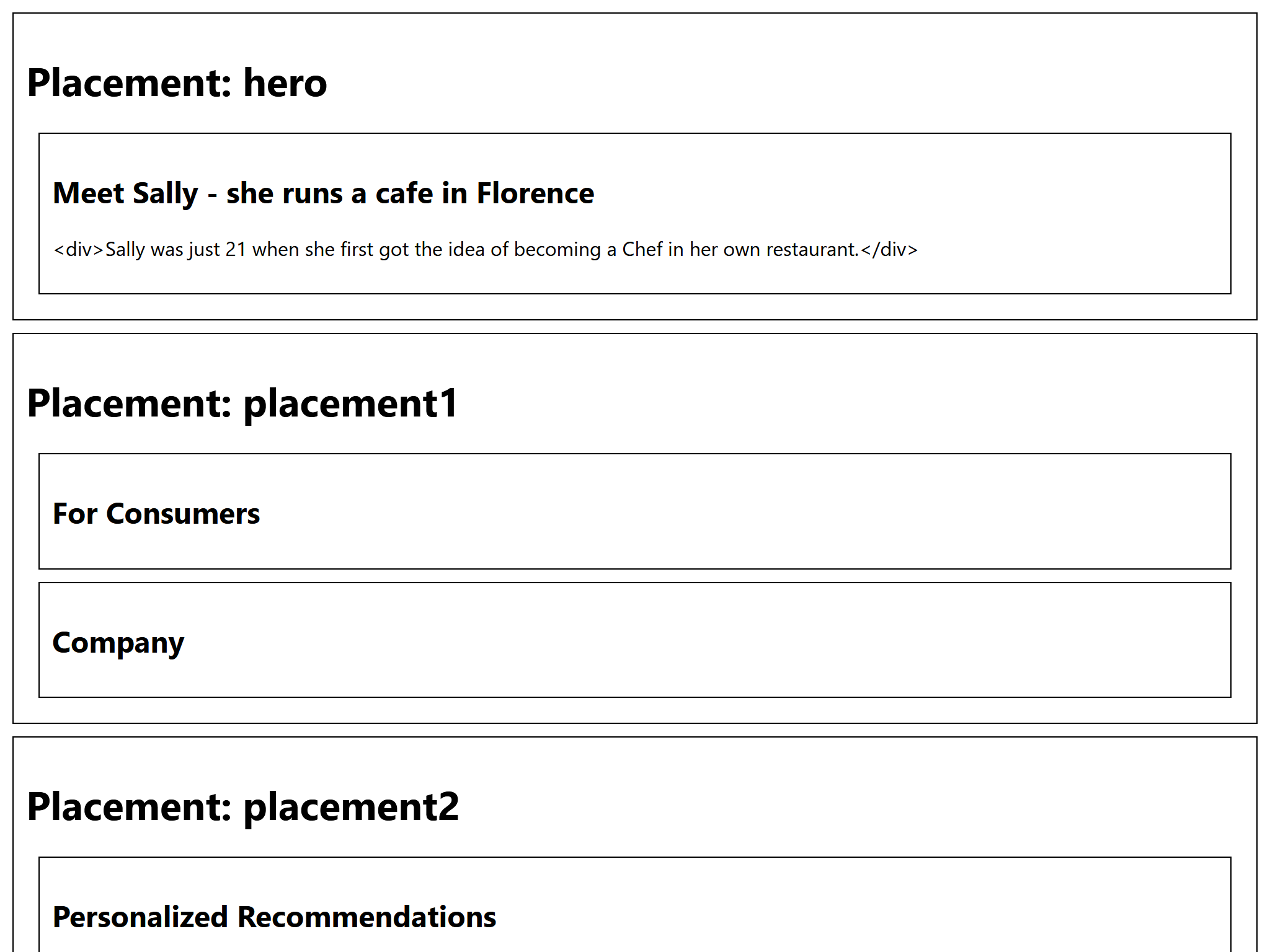
Table Of ContentsFor this example app the resulting web page will look very basic. So for any banner, it renders only the teaserTitle
and teaserText. How to render an image is described in the following section.
const divStyle = {
  border: '1px solid black',
  margin: '10px',
  padding: '10px'
};

function PageGridPlacement(props) {
  const name = props.name;
  const items = props.items || [];
  return (
    (items.length > 0 &&
    <div className={name} style={divStyle}>
      <h1>Placement: {name}</h1>
      {items.map((item) => (
        ((item.teaserTitle || item.teaserText) && <div style={divStyle}>
          <h2>{item.teaserTitle}</h2>
          <p>{item.teaserText}</p>
        </div>)
      ))}
    </div>)
  );
}
Example 12.7. The PageGridPlacement Component

Note
Writing everything in one component can quickly lead to large and messy files. To prevent this, the query can be imported from a separate file in the components folder.
