Blueprint Developer Manual / Version 2512.0
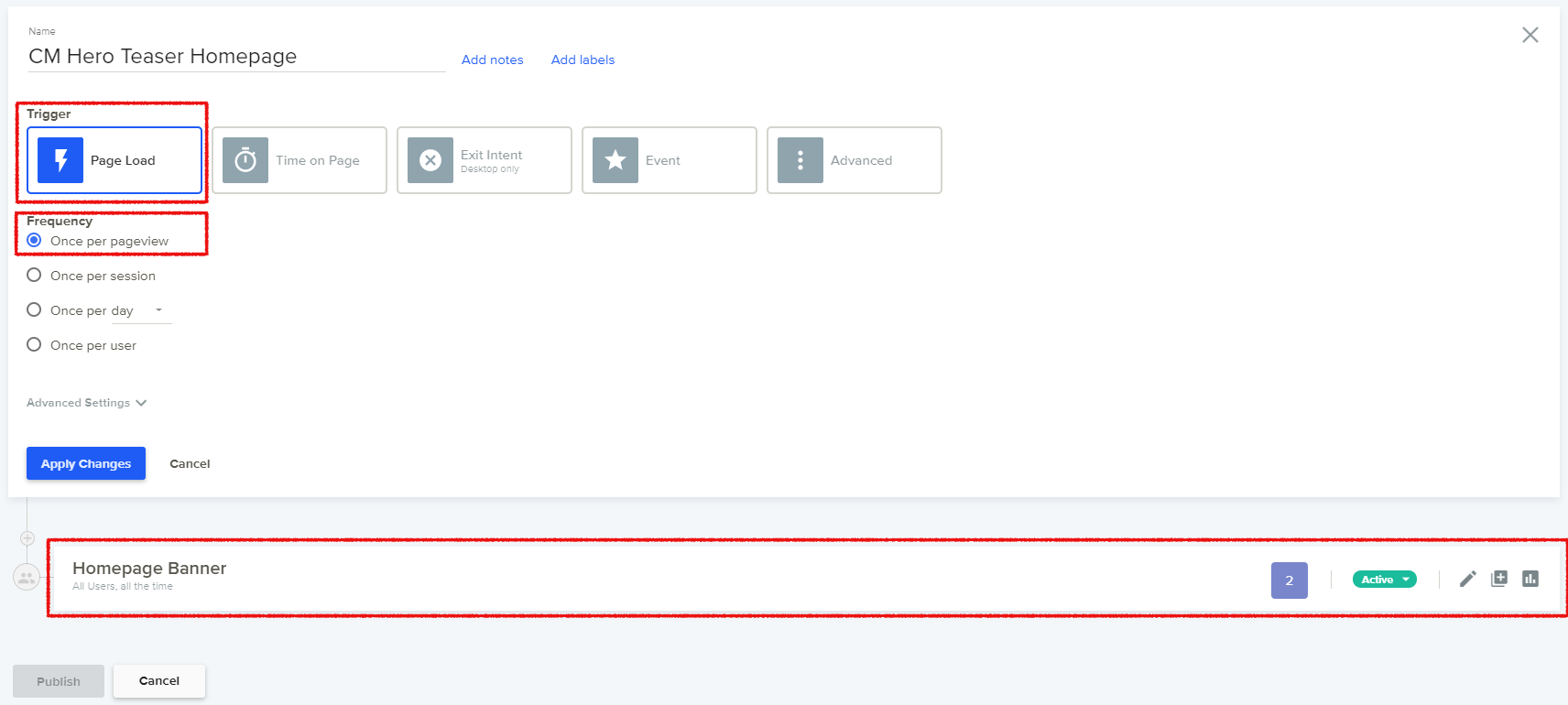
Table Of ContentsIn the Dynamic Yield portal create a new Custom Code campaign using the following settings:
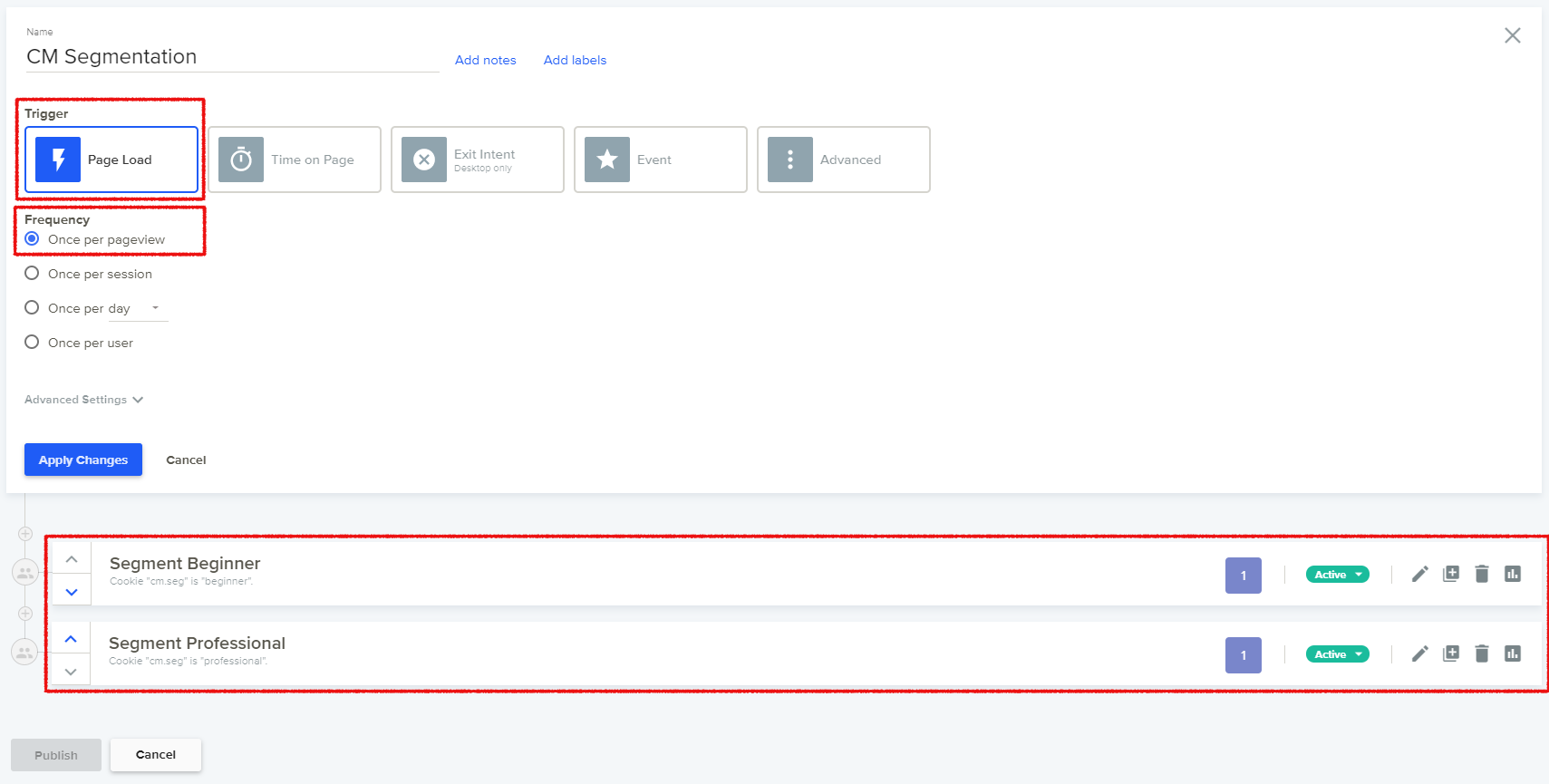
Trigger: Page Load
Frequency: Once per pageview
Add a single experience.
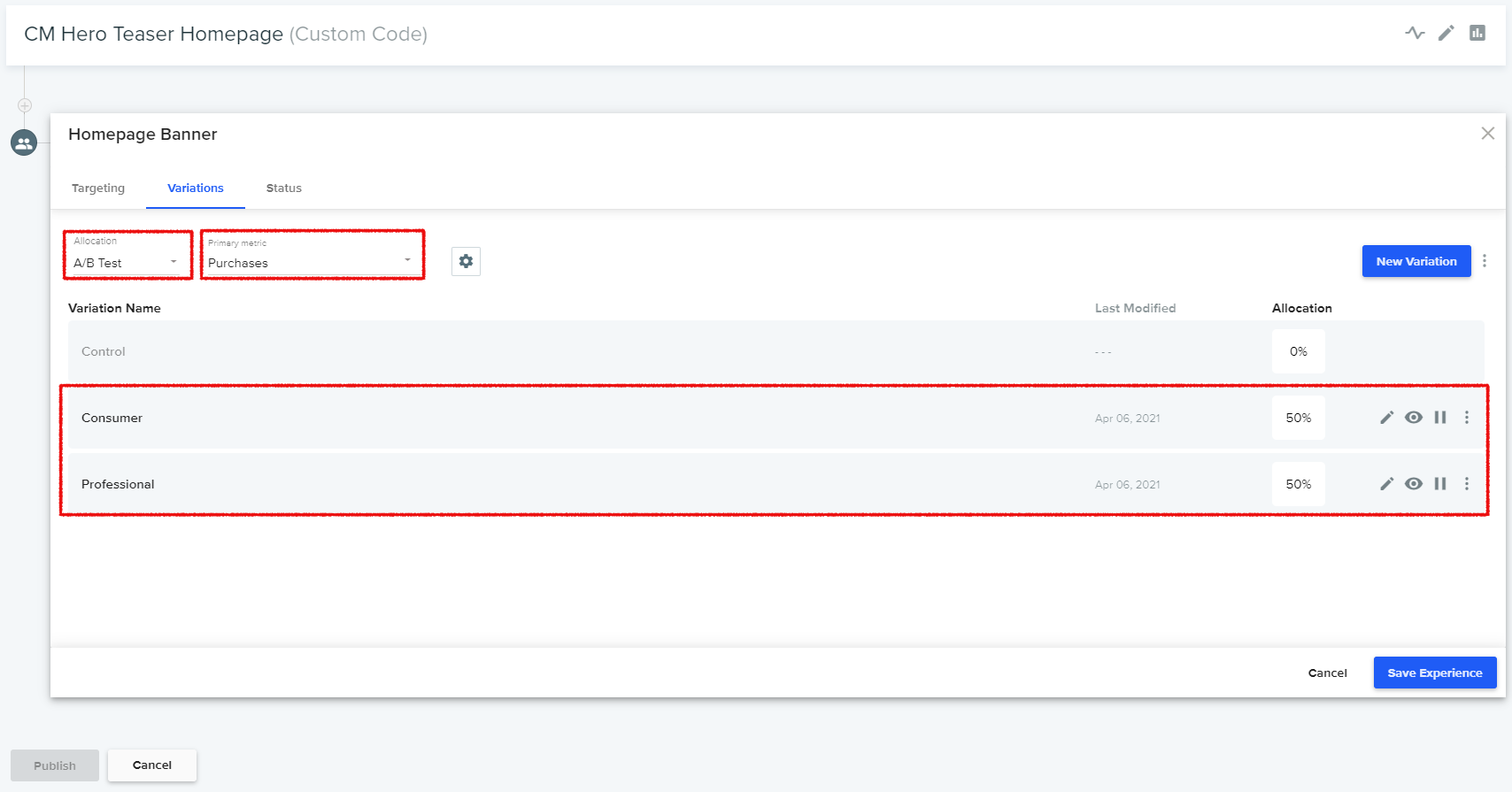
Open the experience for editing and add the desired targeting. Switch to the Variations tab. Choose static or dynamic traffic allocation and select a primary metric. Then add the variations and choose their individual traffic allocation.
Add the JavaScript code to connect the variations to CoreMedia Content Cloud. Open the mirrored experience definitions in CoreMedia Studio (see Section, “Creating Experience Definitions in Studio”). For each variation copy the Javascript snippet to the clipboard, change back to the variation's JavaScript tab and paste the code. Save the variation.
The segmentation use case allocates the customer base to a set of segments.
In the Dynamic Yield portal create a new Custom Code campaign using the following settings:
Trigger: Page Load
Frequency: Once per pageview
For each segment add a new experience. If a user can be a member of multiple segments, be sure to prioritize the segments by ordering them accordingly.
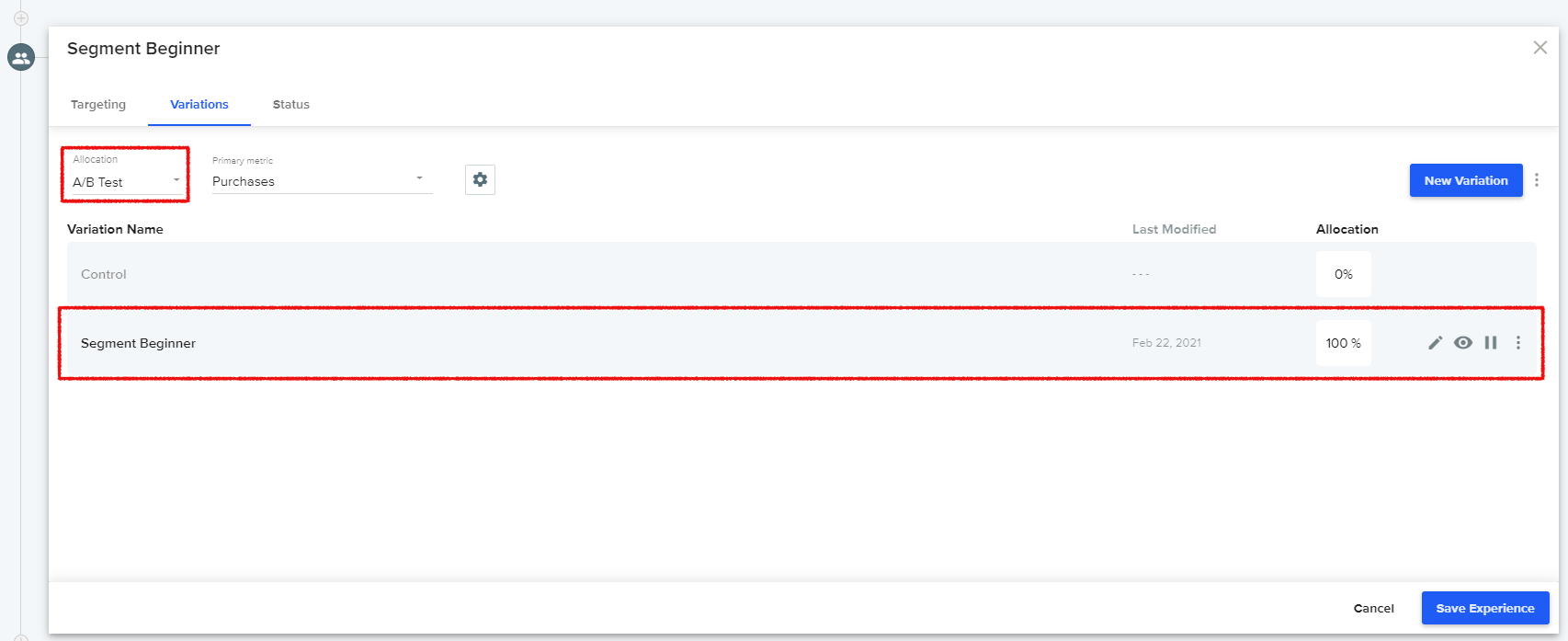
Set up the targeting for each experience and set the traffic Allocation to
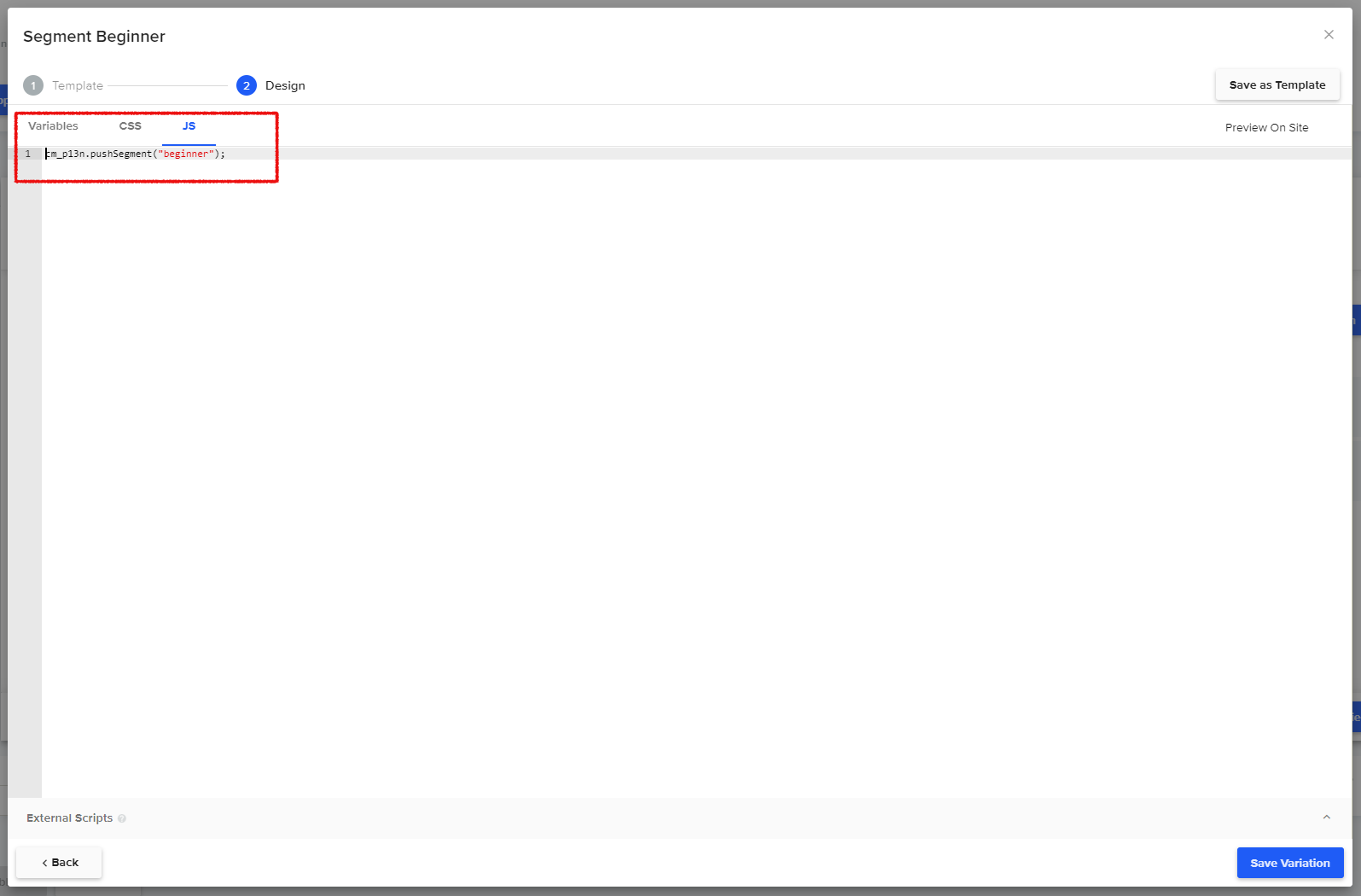
A/B Test. Add a single variation with 100% traffic Allocation.Add the JavaScript code for connecting the segment to CoreMedia. Add the following code, substituting the parameter
segment_namewith the name defined in CoreMedia (see Section, “Creating Experiences for Segmentation”).