Creating a Dashboard
Learn how to create a dashboard in the Contact Center and Analytics Studio (CCAS).
Prerequisites
Have a user with permissions:
-
To use CCAS.
-
To create dashboards.
Steps
1. Open the menu dashboard
In the left side menu, click the dashboard icon  .
.
Menu dashboard opens.
2. Add a new dashboard
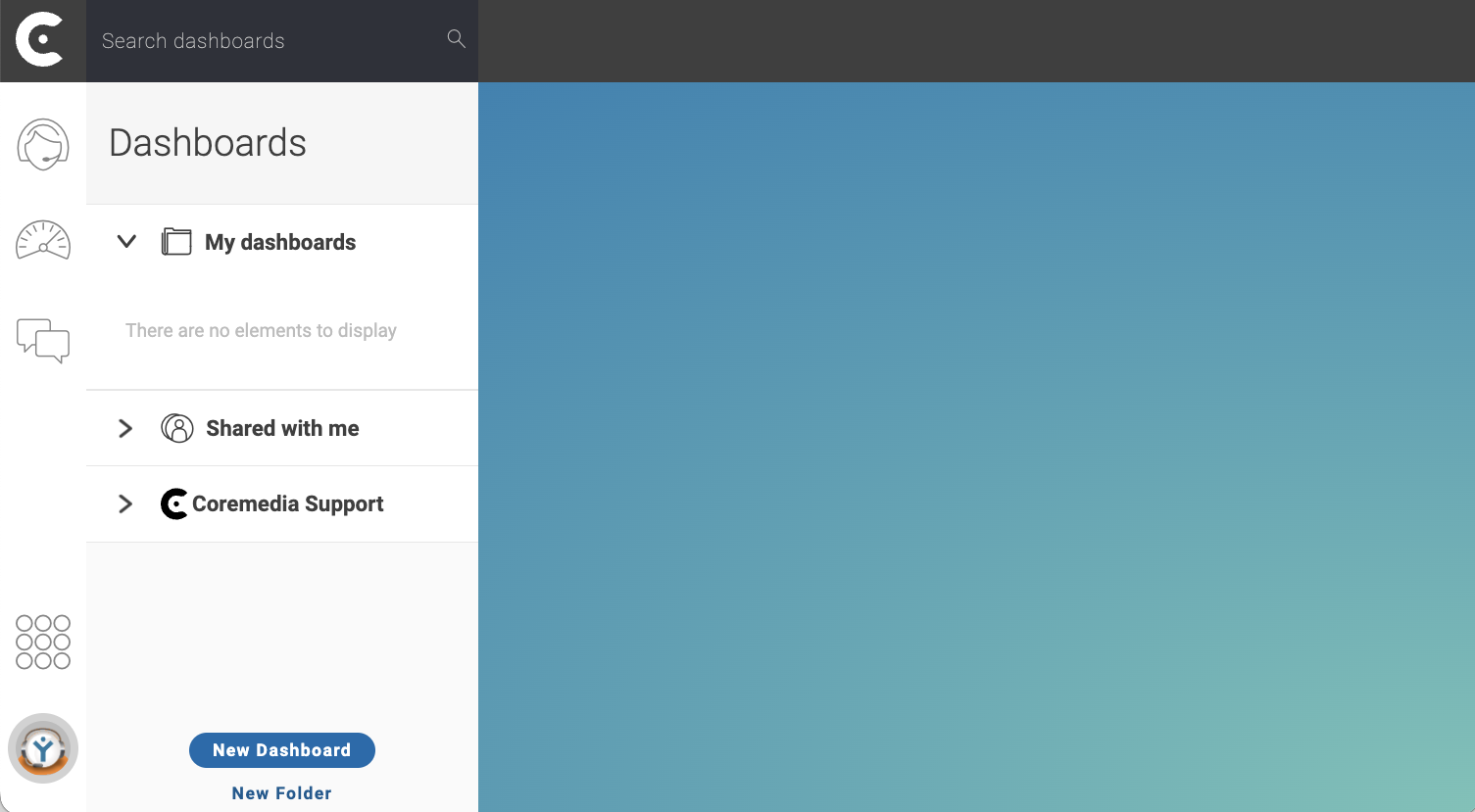
In the bottom of menu dashboard, click button New Dashboard.
Dashboard settings window appear.
3. Configure the new dashboard
-
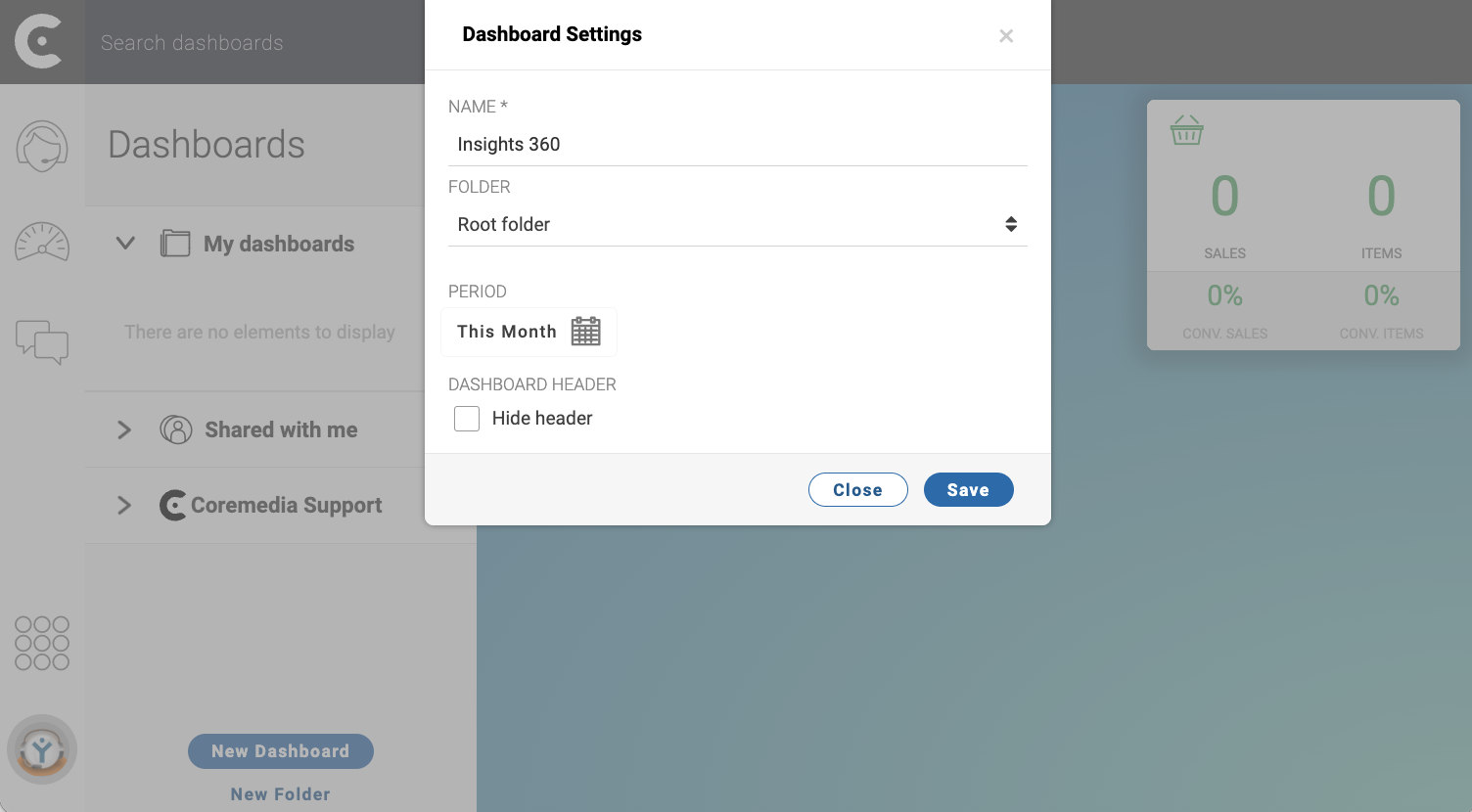
In window Dashboard Settings, configure the new dashboard.
-
NAME: Name of the dashboard. For example,
Insights 360. -
FOLDER: Select the name of the folder where you want to store the new dashboard.
-
PERIOD: Select the period to display the data for all panels in the dashboard. For example, if the selected period is This Month, all panels in the dashboard will show data from the current month.
-
-
Click button Save.
TIP:
Create folders to organize your dashboards.
Share dashboards
Result
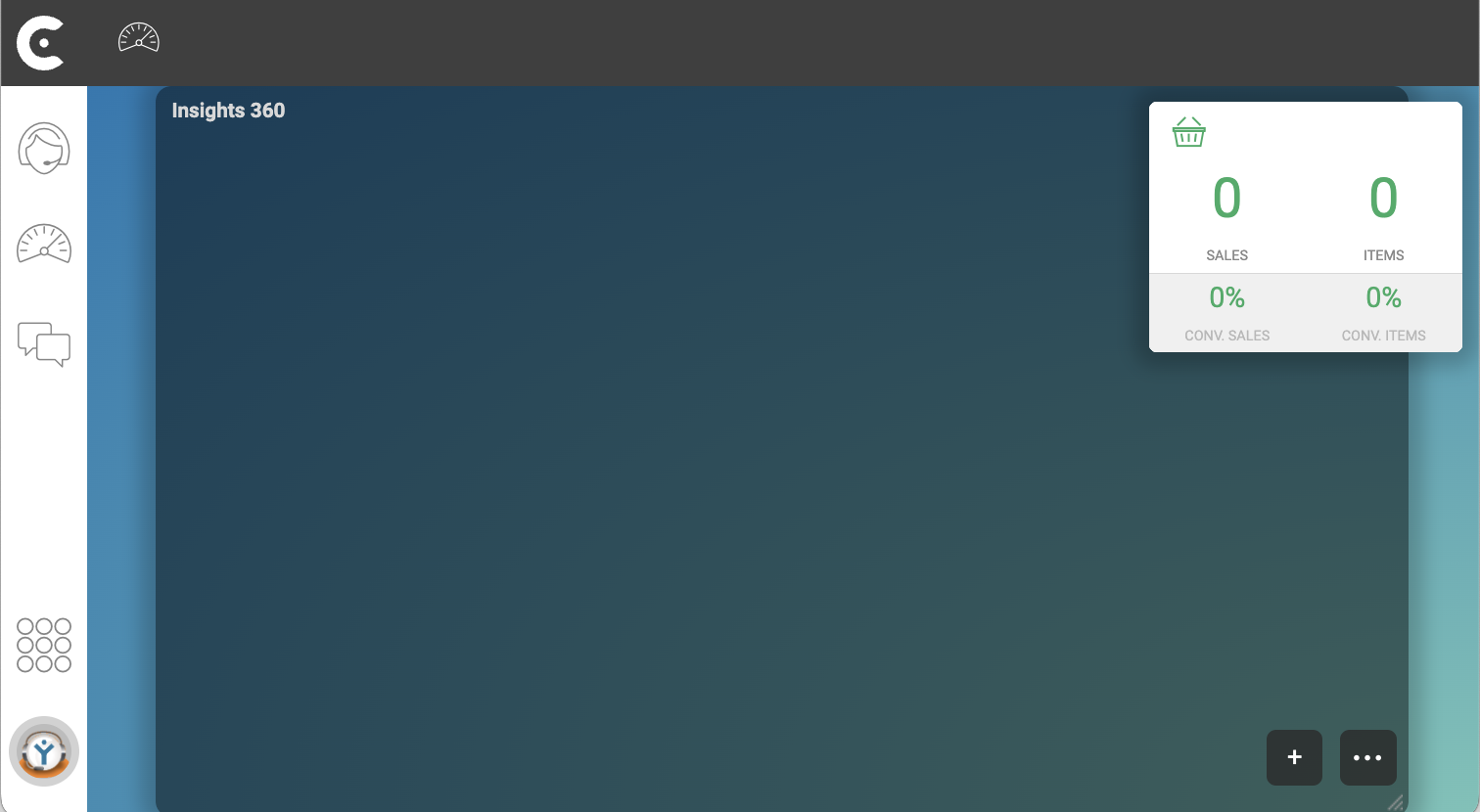
After clicking button Save, an empty dashboard appears in the desktop of your CCAS.