Forgot Password
Last updated 10 minutes ago
Reset your password.
Table of Contents
Prerequisites
Before you start:
-
Have a user with permissions to use the Engagement Cloud.
To reset the password, the user must have an email address. Without an email address, Engagement Cloud can’t reset the password.
Steps
1. Open a login window
Open the login window of the Engagement Studio or Contact Center and Analytics Studio.
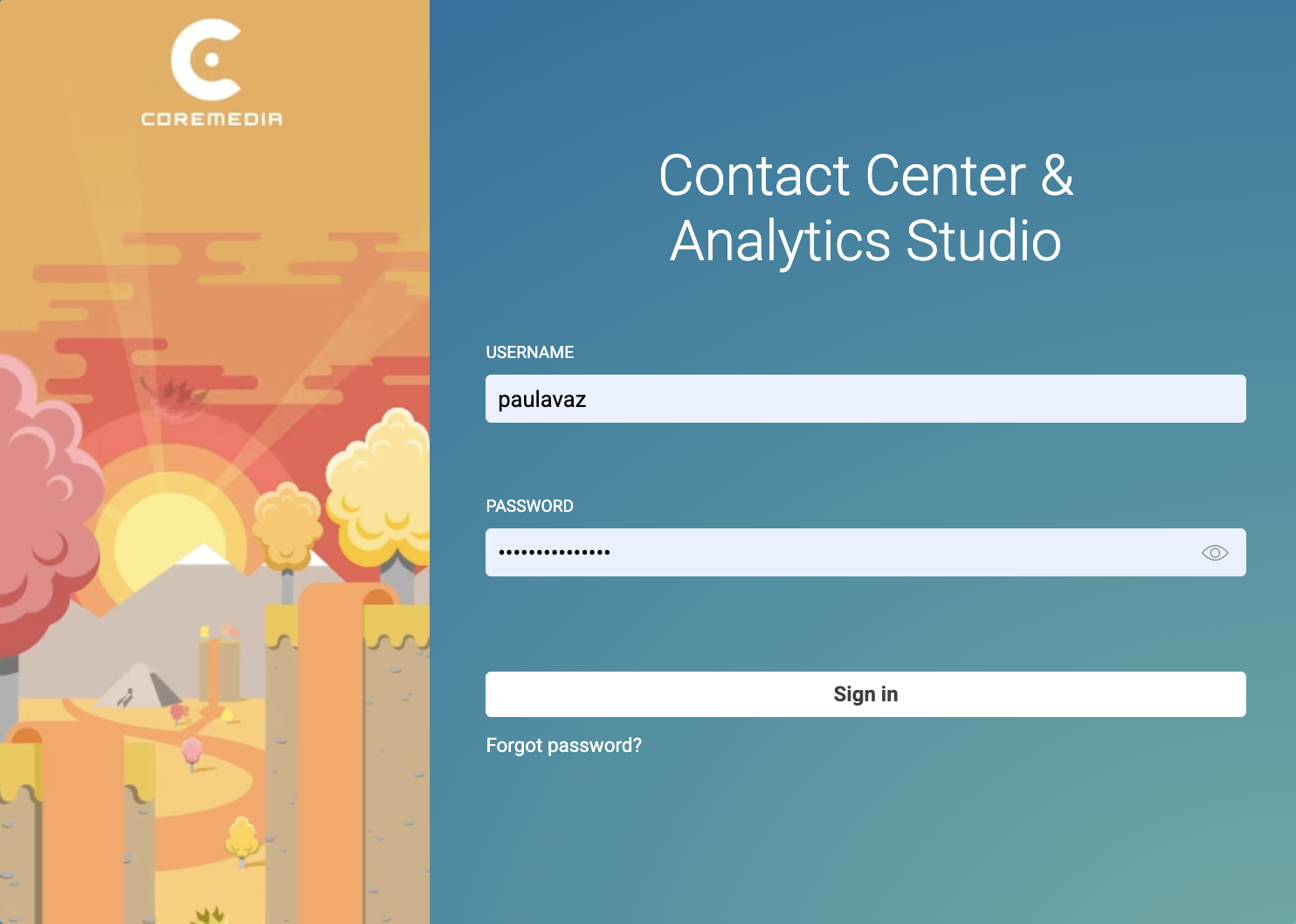
Click Forgot password.
2. Enter your username
-
Write your username in the USERNAME field.
-
Click Reset Password.
Result
After you click Reset Password, Engagement Cloud sends you an email with a link to reset your password.
Click the link and reset the password.
Is this page useful?