Targeting a Segment
Configure a campaign to target a specific segment of visitors.
Prerequisites
Before you start:
-
Log in to Engagement Studio with a user that has role
Manager. -
Create an Onsite Campaign.
-
In the Engagement page, open the Onsite Campaign.
Steps
-
In the Engagement page, open the Onsite Campaign.
1. Activate segmentation
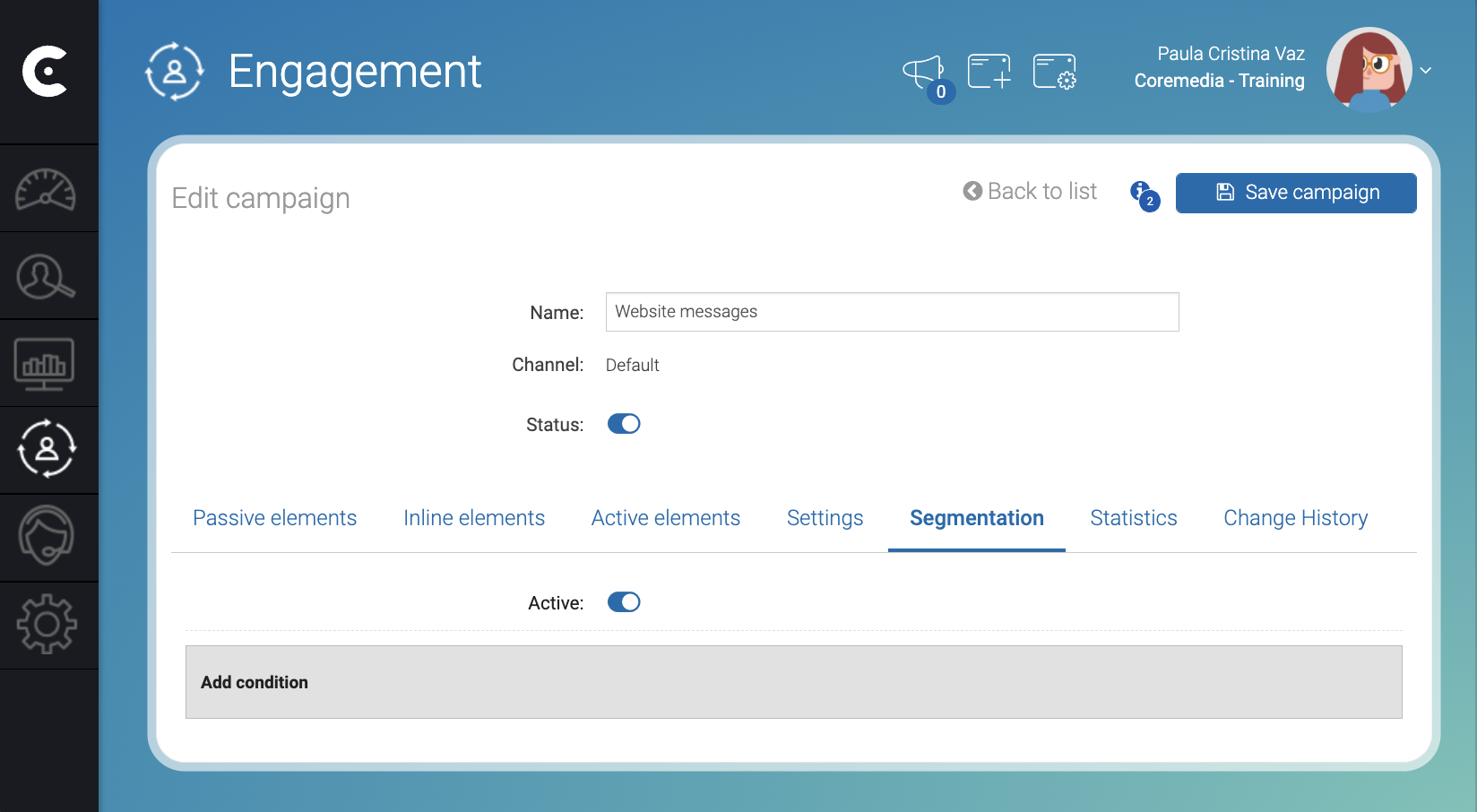
In the Segmentation tab, slide the Active switch to activate segmentation.
Add condition appears.
2. Add segmentation conditions
-
Click Add condition.
-
In the Select new field dropdown, select the
Vistor segmentfield. -
Select
one of the following. -
Click in the third field of the condition. A dropdown with the list of all existing segments appears.
-
Select a segment. For example,
Portuguese Visitors. -
In the right side of the third field, click + to add another segment.
-
In the top right corner of the Edit campaign window, click 💾 Save campaign
Result
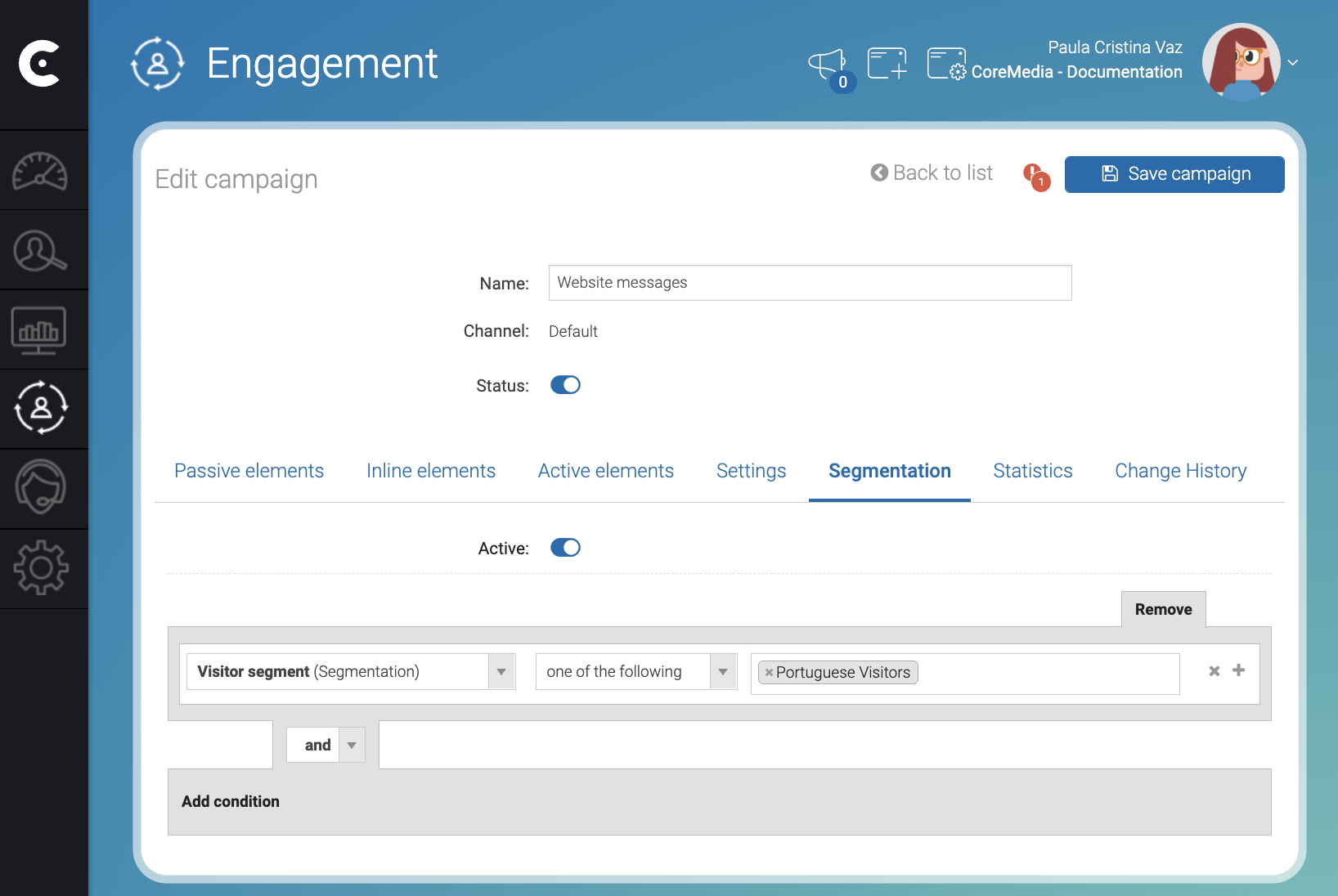
After you click 💾 Save campaign, you can see the segmentation rule in
the Segmentation tab with the condition stating that the visitor must
be in the Portuguese Visitors segment. The Website messages
campaign will appear to Portuguese visitors only.