Adding CoreMedia Tag
Locate CoreMedia Tag and other scripst in the Engagement Studio and add them to your website.
Prerequisites
Before you start:
-
Request a webcare from CoreMedia.
-
Log in to Engagement Studio with a user that has role
Manager.
Steps
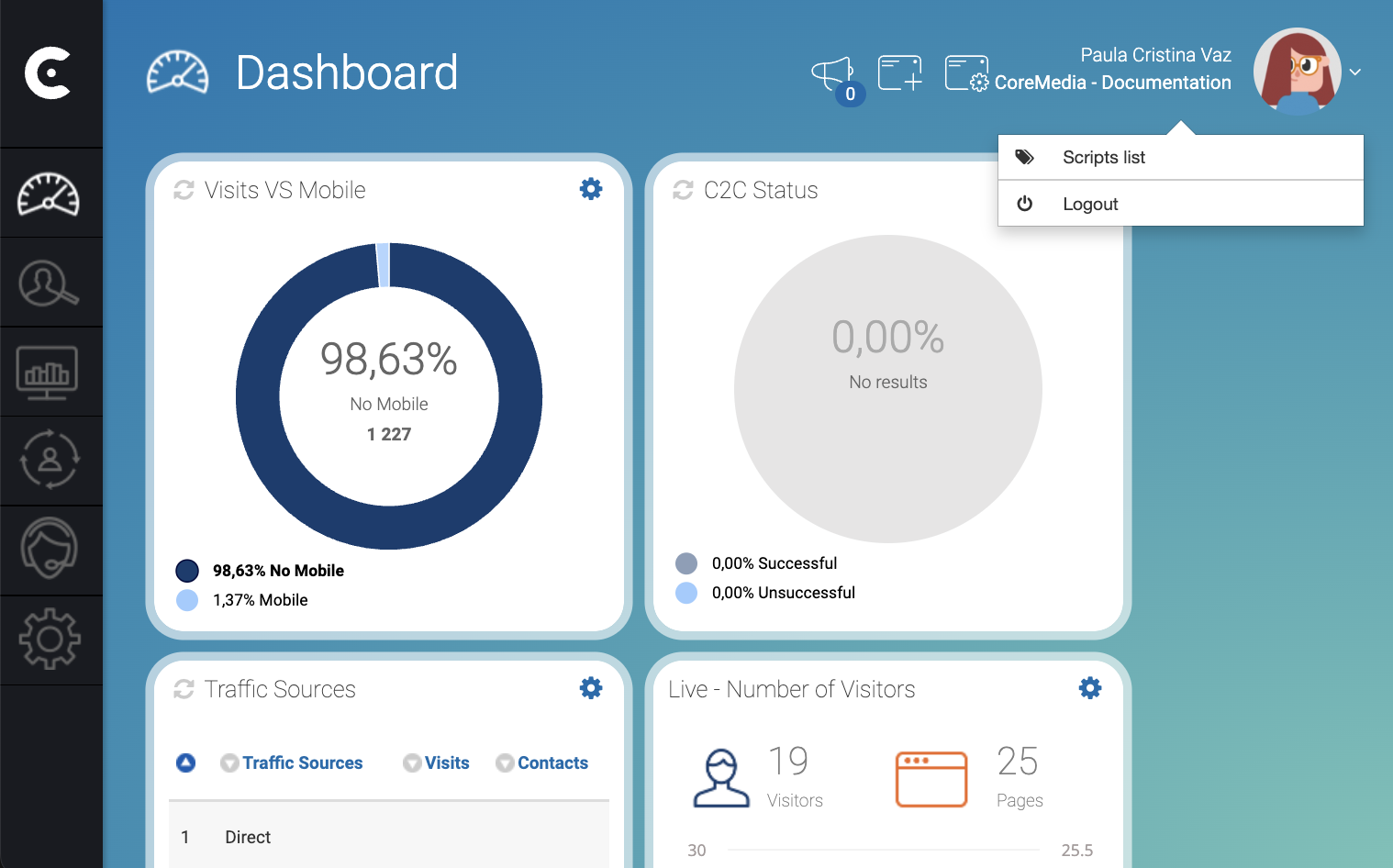
1. Open the script list page
-
In the top right corner of Engagement Studio Dashboard, click your avatar.
-
From the dropdown menu, select Script list.
The SETTINGS, Tags and names opens.
2. Copy the scripts
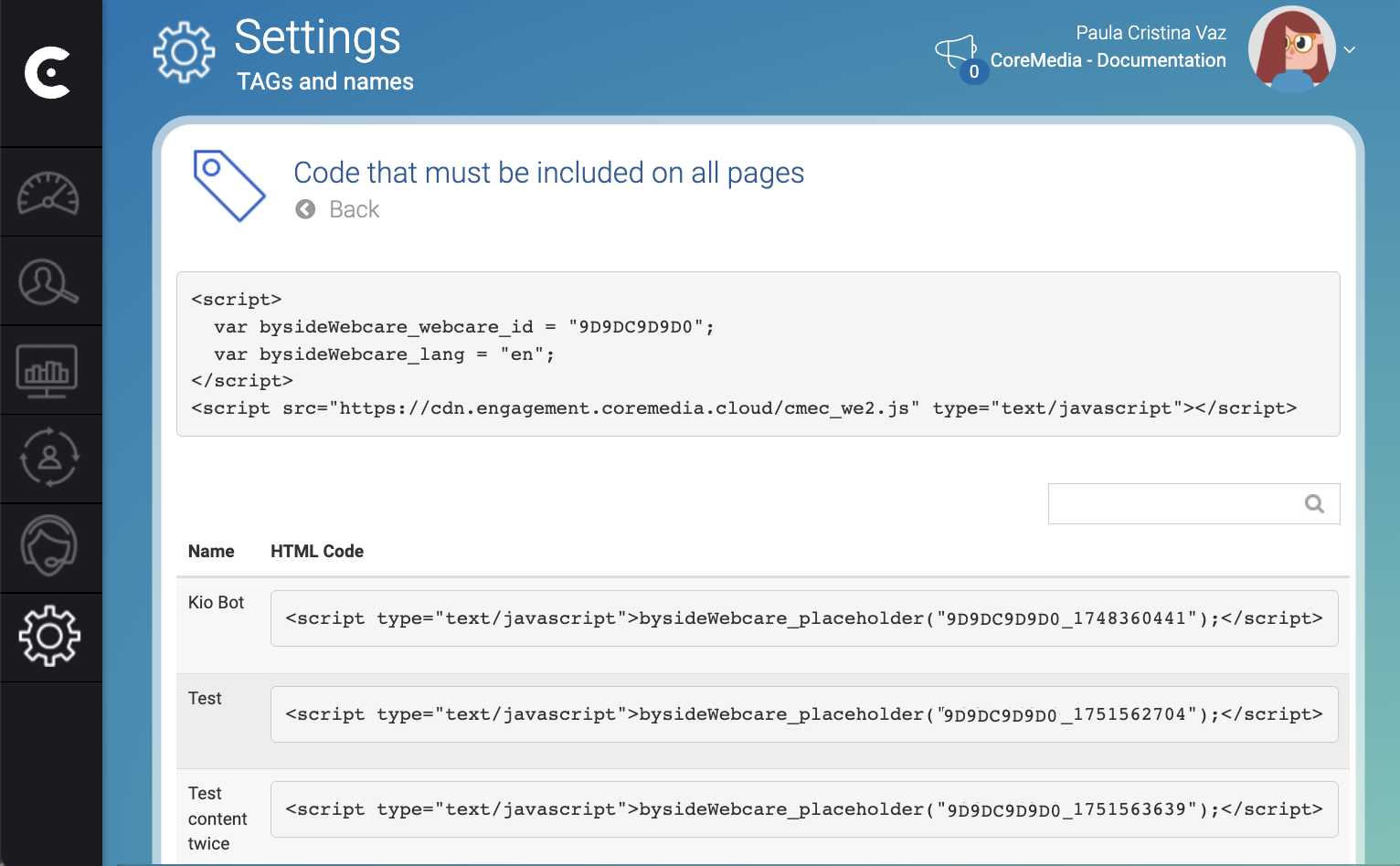
Copy the HTML code in the box in the top of the page and past it in the head of the pages of your website.
HTML code in the table below are placeholder of elements created in your campaigns. You can also use the placeholders code and insert it in the place of the pages where you want the placeholders to appear.
Result
After pasting CoreMedia Tag in your site, you can start visualizing elements defined in your campaigns and collection analytics such as number of visits, success contacts among others.