Activating Skill Types
Learn how to activate and configure a voice skill type.
Prerequisites
-
Have a user with:
-
Permissions to use the Contact Center and Analytics Studio (CCAS).
-
Group Supervisor or Manager.
-
-
Have the user logged to the CCAS.
-
Have created, at least, a team.
TIP: Open the CCAS while following this how to guide.
Steps
1. Open the Teams app
-
In the bottom left corner of the CCAS desktop, click the icon App (
 )
) -
Scroll down until you section section Management.
-
Select Teams to open the Teams app.
2. Edit the team
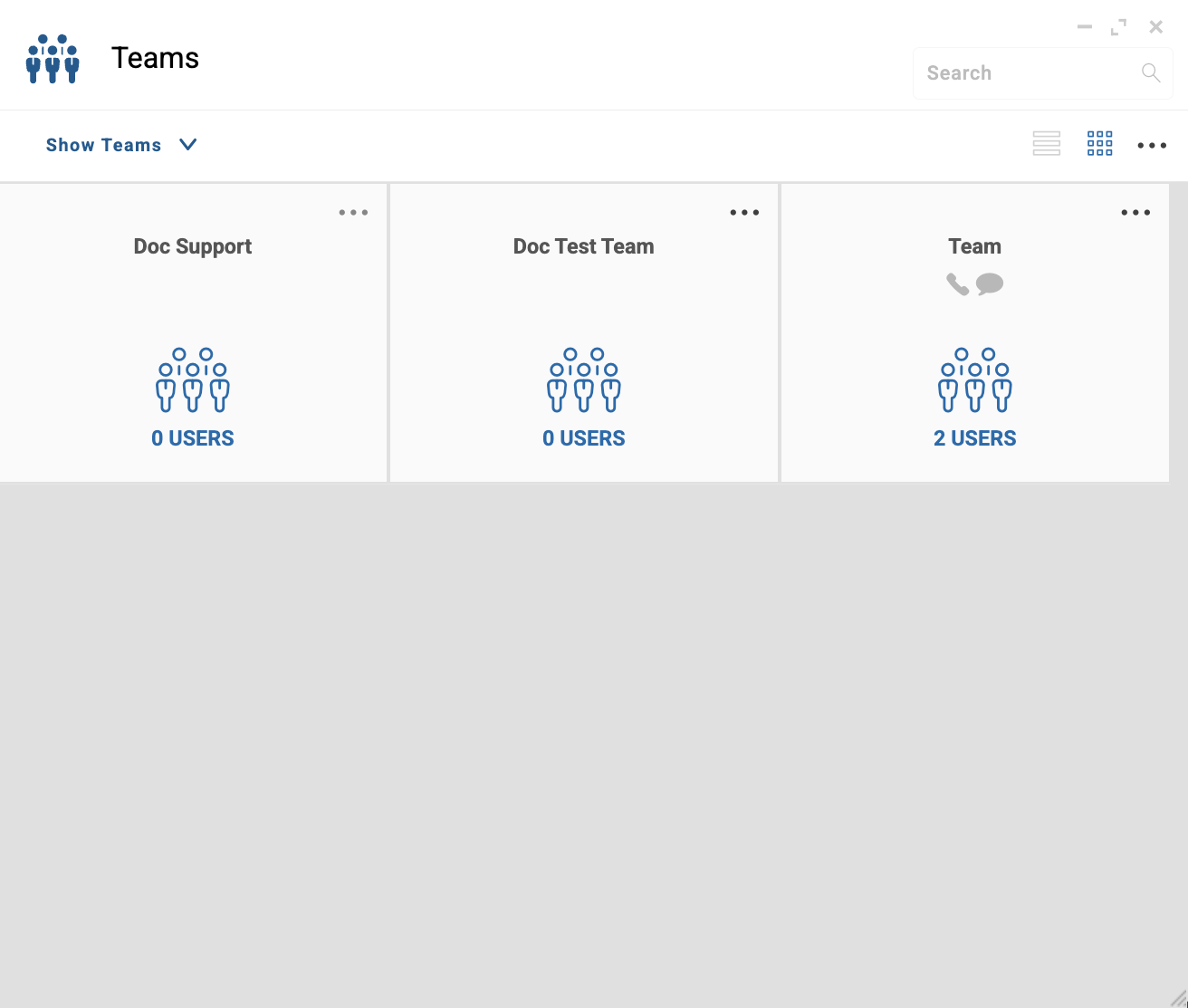
In the Teams app window, proceed as follows:
-
Locate the team you want to edit. For example,
Doc Support. -
In the top right corner of the team tile, click ….
-
From the dropdown menu, select EDIT.
3. Activate the skill type
-
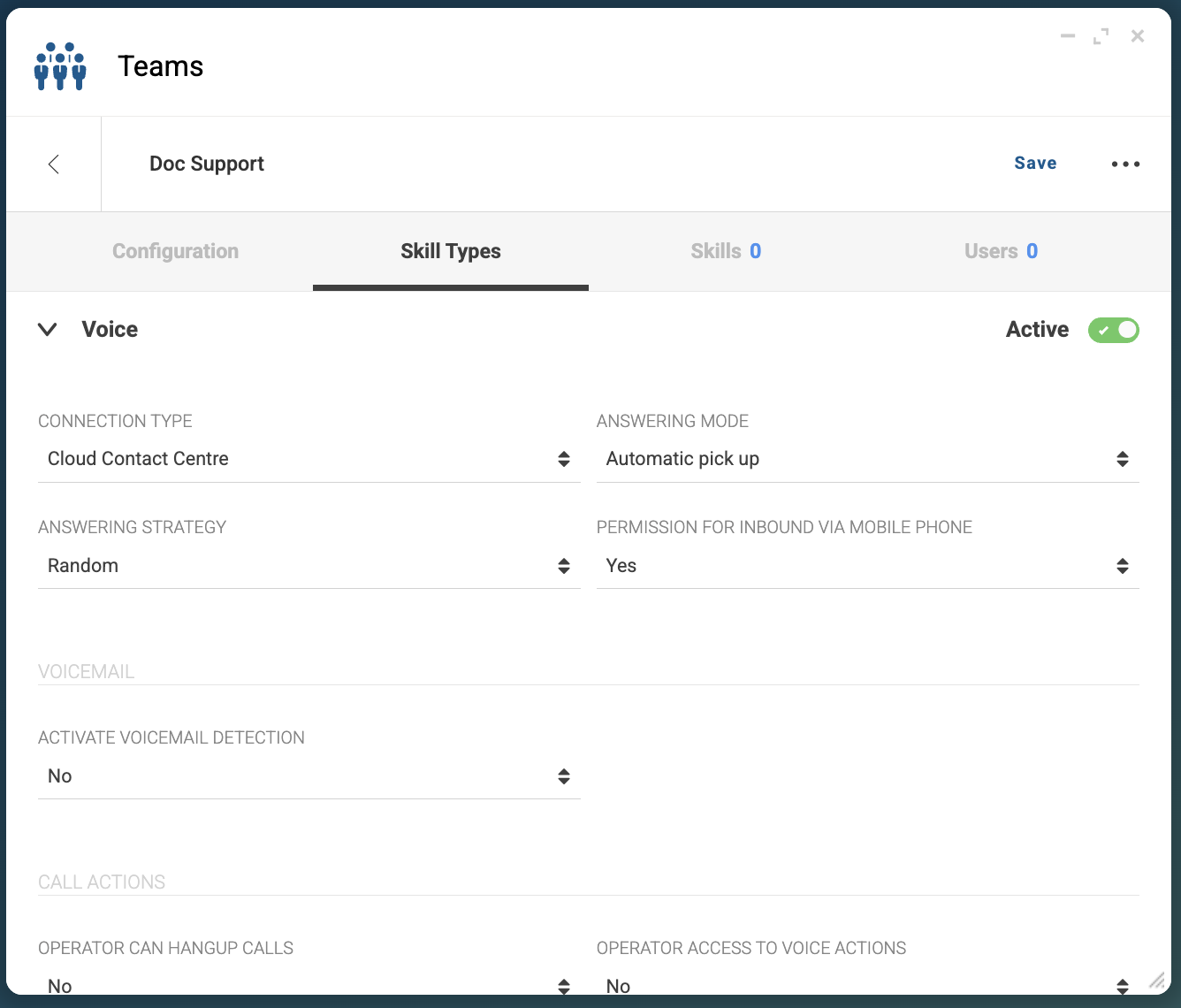
In the top of the selected team window, select Skill Types.
-
Select a skill type. For example,
Voice. -
On the right side of the selected skill type accordion, slide the switch to activate the skill type.
-
Configure the skill type as needed. The following fields are mandatory:
-
WORKING HOURS
-
STARTING TIME OF AUTOMATIC CALLS
-
-
On the top right corner, click Save.
Result
After clicking Save, the skill type appears Active and you can
create skills for the activated skill type.