Teams App
The Teams App allows you to efficiently manage teams within CoreMedia Engagement Cloud. This app offers a range of essential features to streamline team operations in the Cloud Contact Center.
What you will learn
After reading the Teams App documentation, you will:
- Learn the purpose and benefits of using the Teams App.
- Create and manage teams effectively.
- Activate skill types.
- Create skills.
- Assign operators to skills.
- Configure features of the Teams App to enhance team operations.
Target audience
Contact center managers and team supervisors who manage teams within Engagement Cloud should use the Teams App documentation.
Purpose
The Teams App gives contact center managers and team supervisors a powerful tool to create and manage teams effectively within the Contact Center and Analytics Studio. Configure the features of the Teams App to enhance team operations, improve communication, and optimize operator performance.
How it works
Find the Teams App in Contact Center and Analytics Studio >  > Management > Teams
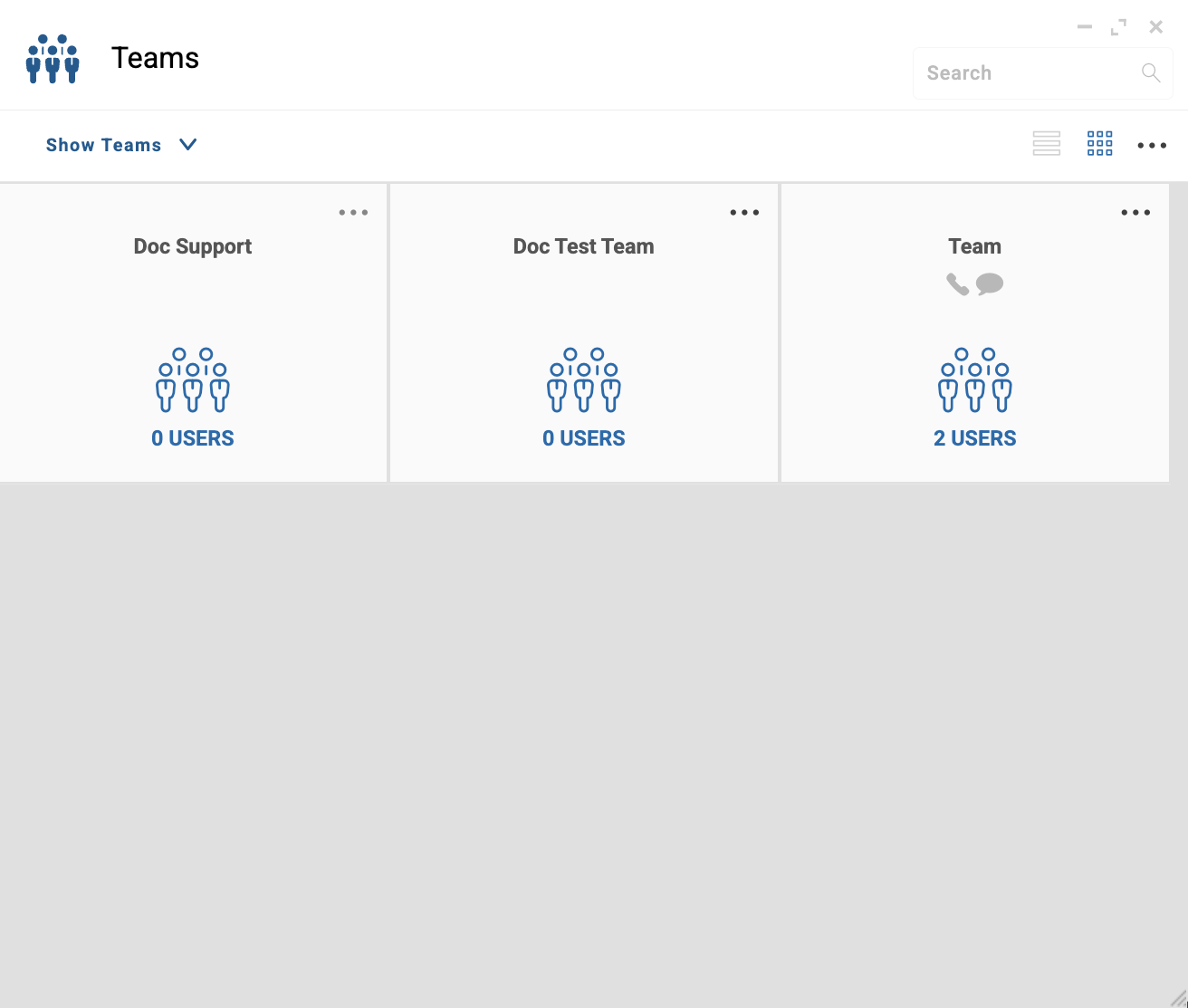
| Step | Description |
|---|---|
| 1 | Create teams to organize operators. |
| 2 | Activate skill types to allow operators to use voice, chat, and email. |
| 3 | Create skills. |
| 4 | Assign operators to skills. |
| 5 | Configure features of the Teams App to enhance team operations. |
Related links
Teams App Reference4 articles
Screens, and forms reference with detailed information about all the fields of Teams App.