Creating Segments with Rules
Divide your visitors in segments and create more personalized and effective marketing campaigns.
Prerequisites
Before you start:
-
Have a user with:
-
Permissions to use the Engagement Studio.
-
Group Supervisor or Manager.
-
-
Have a user logged in to Engagement Studio.
-
Open Engagement Studio while following this how to guide.
Steps
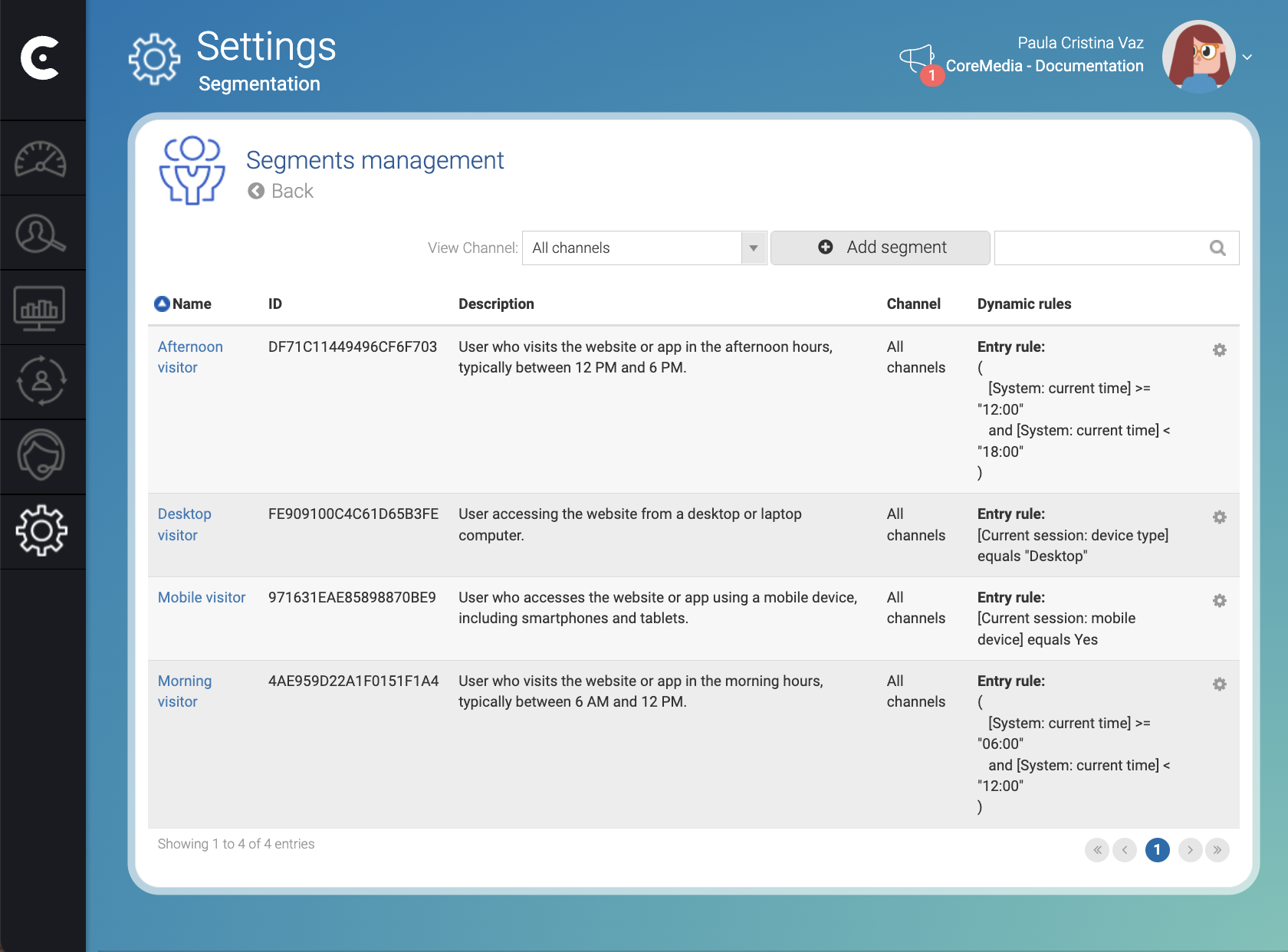
1. Open the segment management window
-
Click on the Settings icon (
 )
in th left side menu of Engagement Studio menu.
)
in th left side menu of Engagement Studio menu. -
Select Segmentation.
-
Select Segments.
The Settings - Segmentation page opens with a Segments management panel.
2. Add a new segment
-
Click Add Segment in the top right corner of the Segments management panel.
-
Enter the segment information:
-
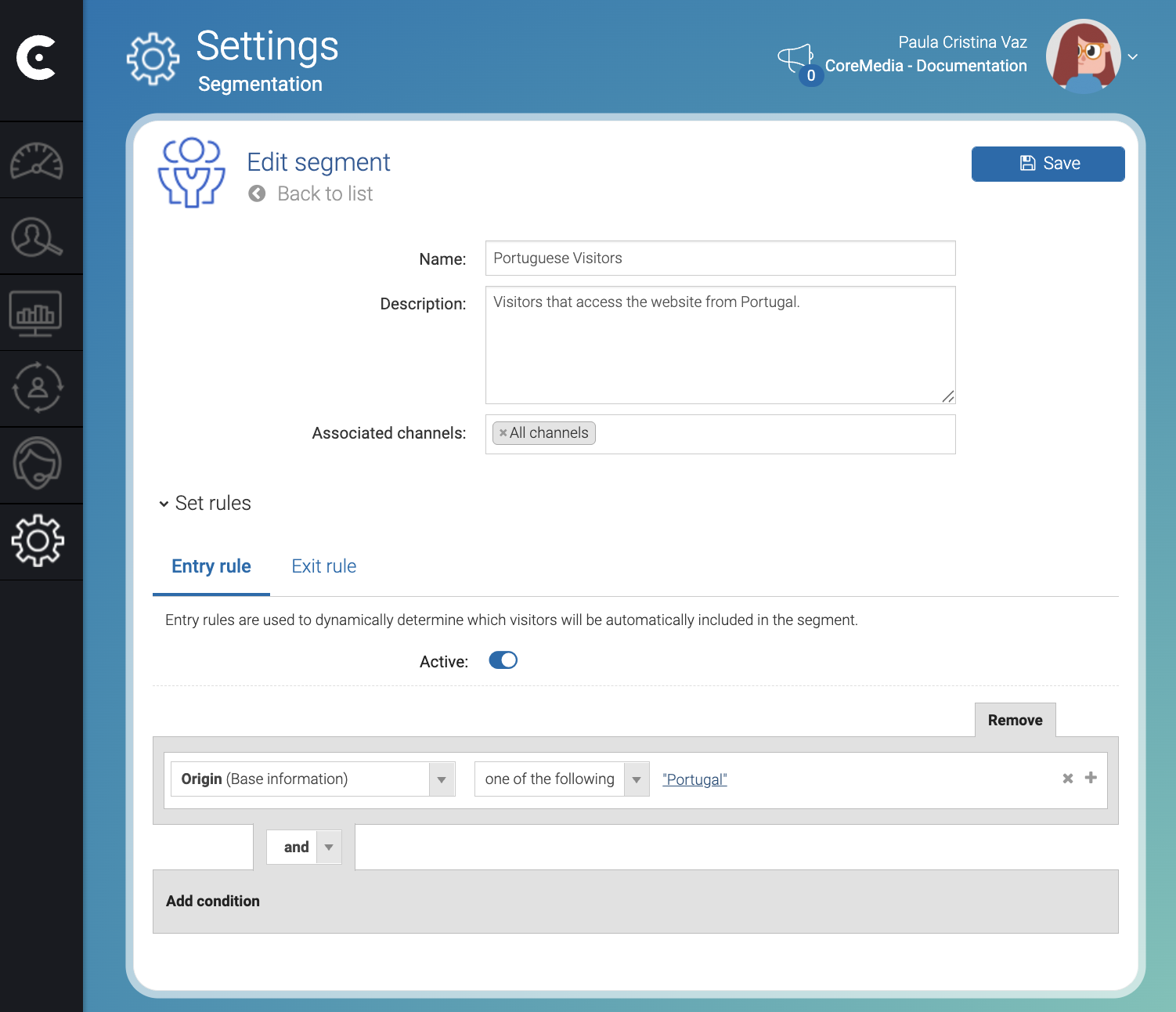
Name: Give a meaningful name to the segment. For example,
Portuguese visitors. -
Description: Briefly describe the segment with meaningful information. For example,
Visitors that access the website from Portugal.
-
-
Click Accept in the bottom right corner of the Add segment window.
3. Add rules to the segment
-
Click Set rules.
-
Click the Active switch to activate the entry rules of the segment in the Entry rule tab.
4. Add conditions to the rule
-
Click Add condition.
-
Select a field. For example,
Originin the Select new field dropdown, . -
Select
One of the following. -
Click Click to set.
-
Select Country:
Portugalin the Region window. -
Click Add.
-
Click Accept.
-
Click Save in the top right corner of the Edit Segment window.
Result
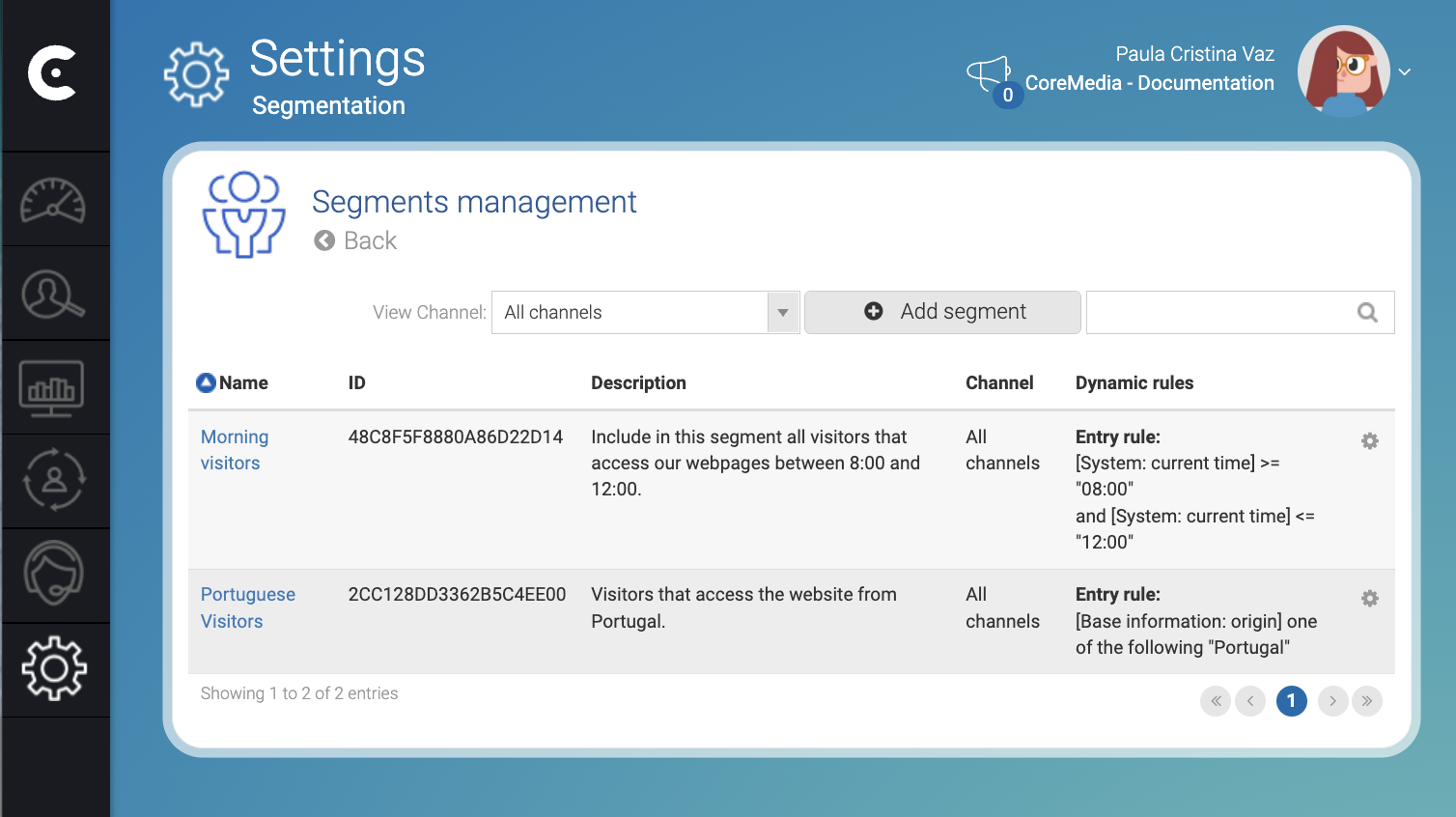
After you click Save the Engagement Cloud creates the segment and starts collecting visitors that match the entry rule conditions.
In the Edit segment, click Back to list (top left corner) to view the list of existing segments. You can now target the segment in campaigns.
Wait a few minutes, then create a Visitors listing panel in the
Contact Center and Analytics Studio. Add the segment columns to the
panel to view which visitors were associated with each segment.
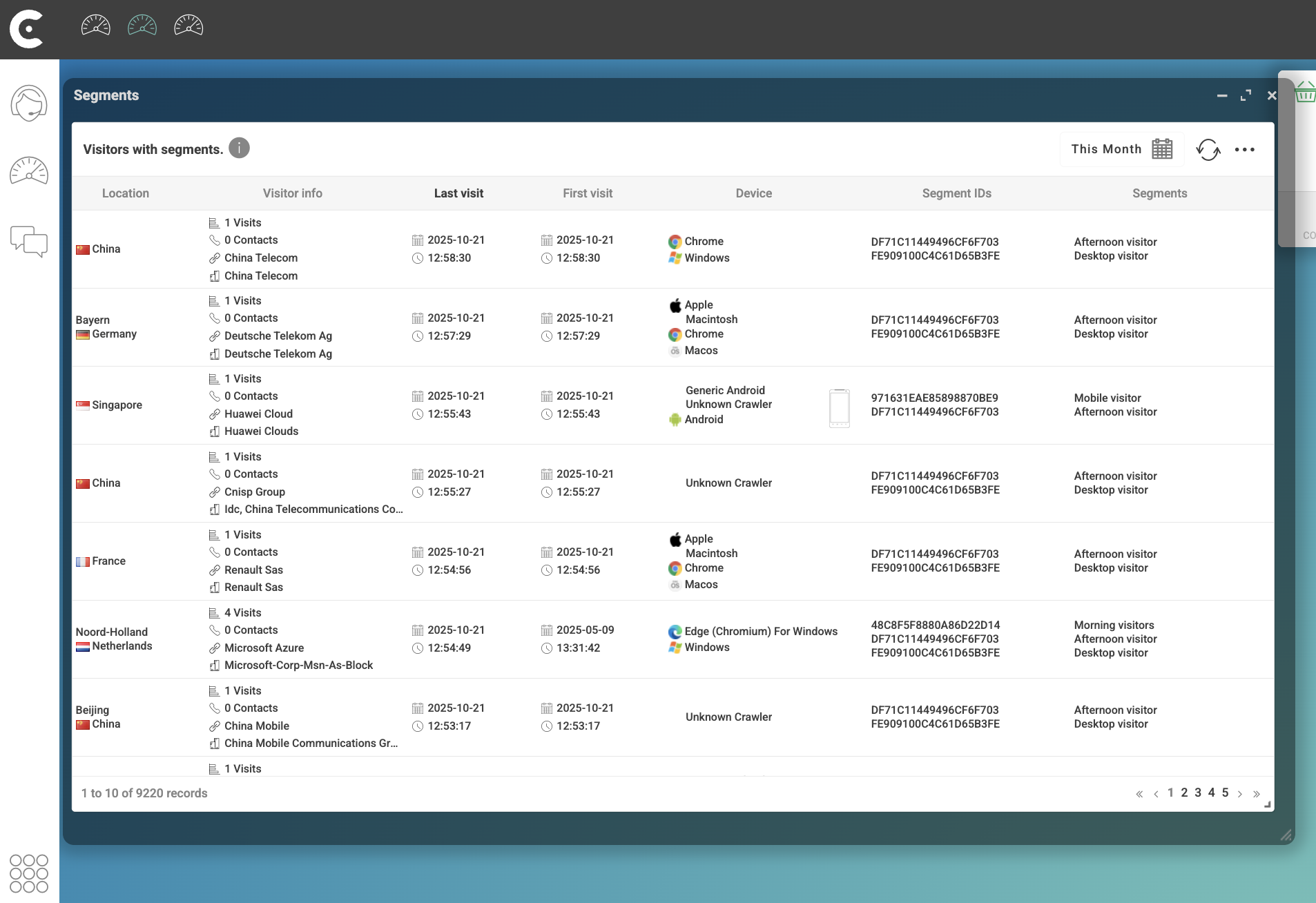
Visitors might not appear in segment panels right away. Engagement Cloud may take a few minutes to update the display.