Using a Segment in an Onsite Campaign
Associate segments and campigns to target your vistors and have greater engagement.
Prerequisites
Before you start:
-
Have a user with:
-
Permissions to use the Engagement Studio.
-
Group Supervisor or Manager.
-
-
Have a user logged in to Engagement Studio.
-
Open Engagement Studio while following this how to guide.
Steps
1. Open the campaign
-
Click on icon
 in the left side menu of Engagement Studio.
 -
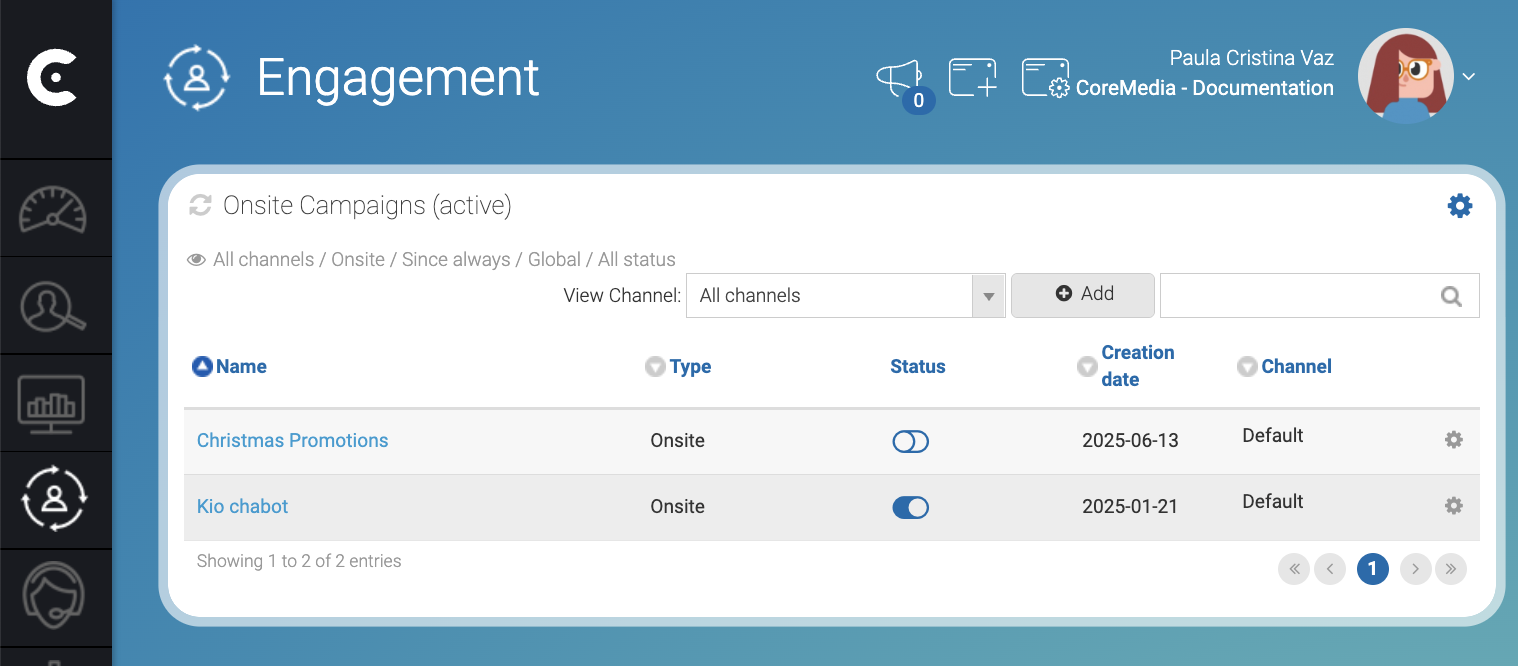
Select Campaigns to open the Engagement page.
-
Click on a campaign name. For example, click
Kio chatbot. -
Select Segmentation to open the campaign segmentation tab.
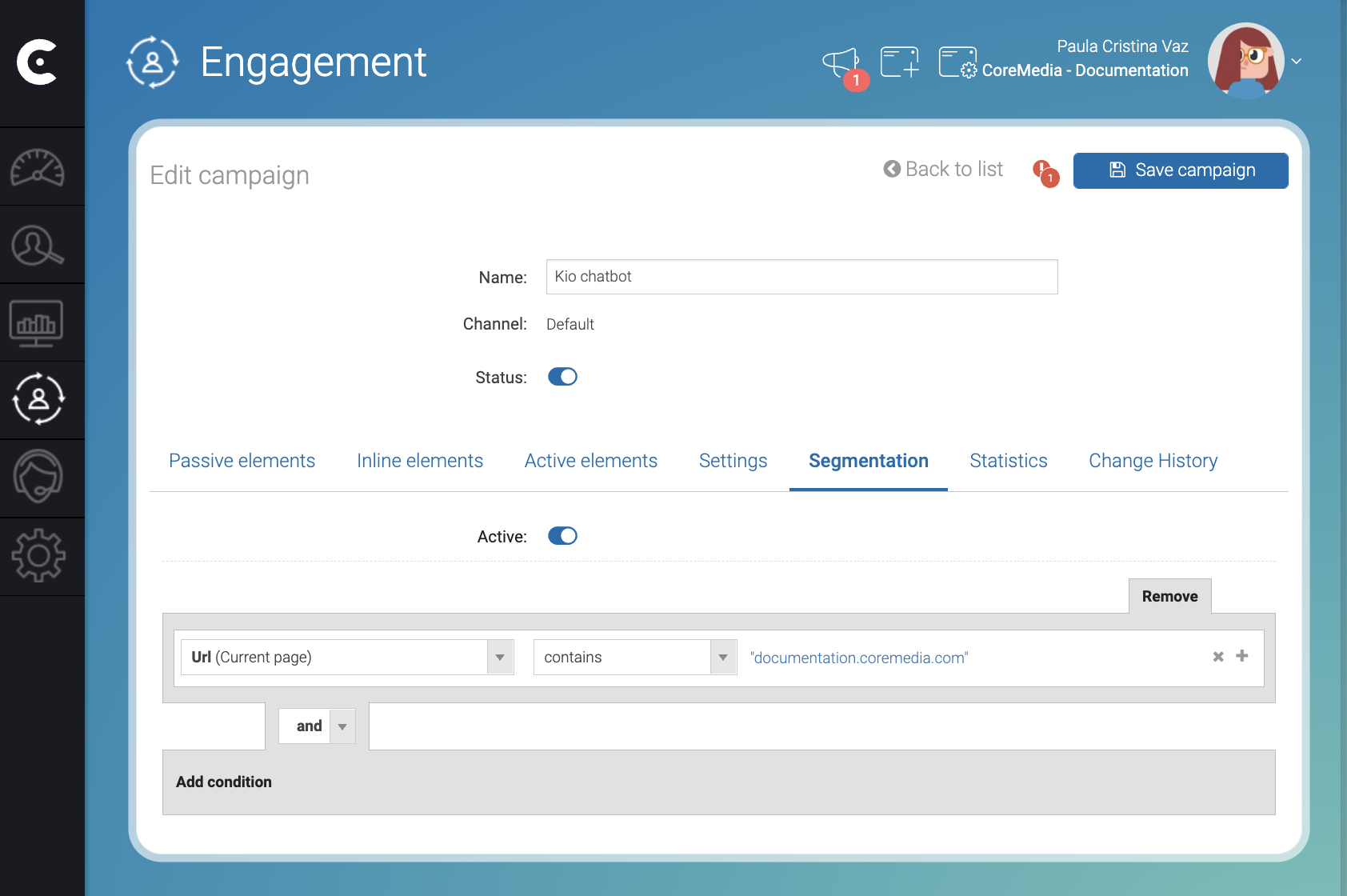
If the campaign doesn’t have the segmentation active, slide the Active switch to activate it.
2. Associate the campaign to a segment
-
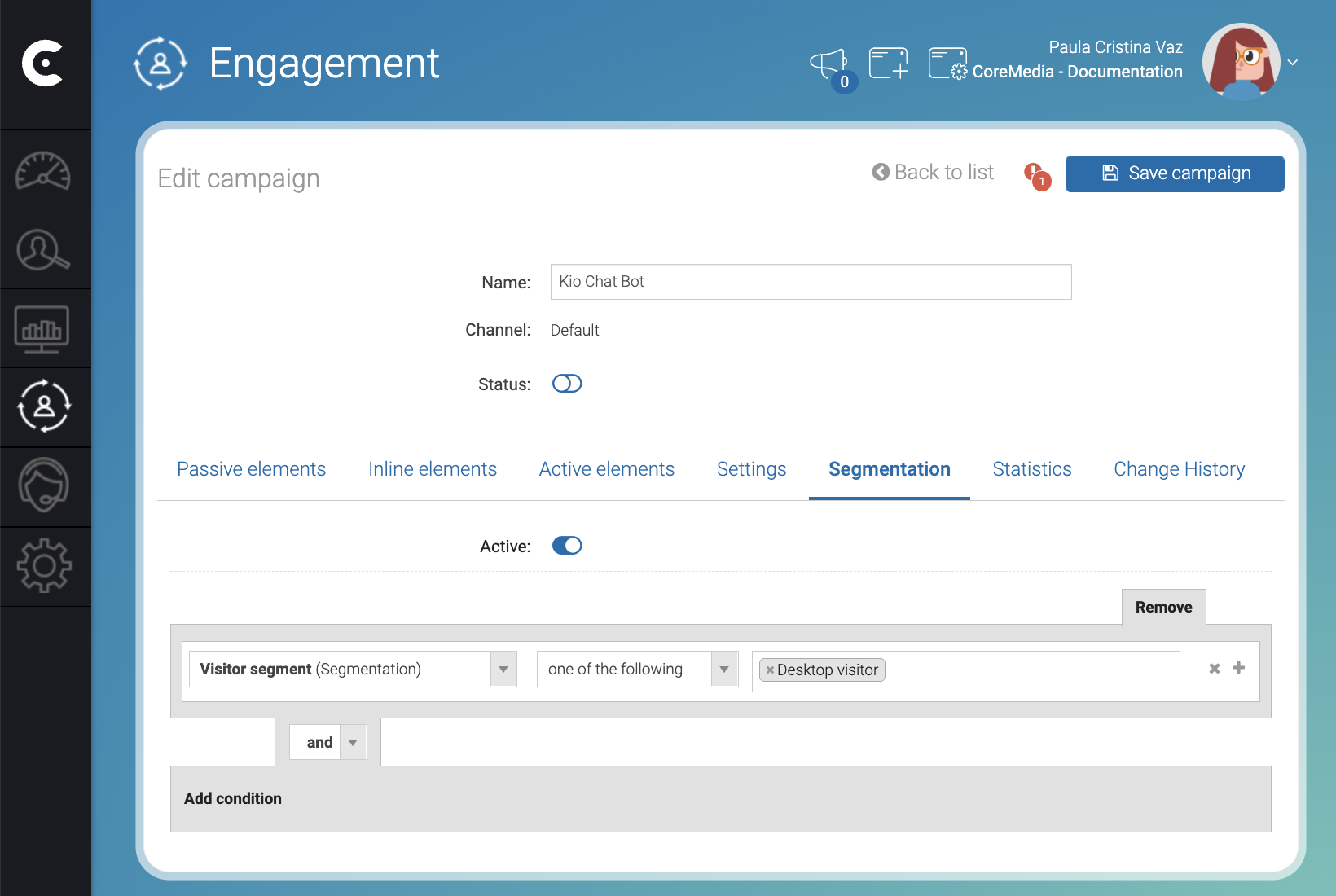
Click Add condition.
-
Click Select new field.
-
Start writing
segmentin the search box. -
Select Visitor segment.
-
Click the segment dropdown on the right of one of the following to select a segment.
-
Select a segment. For example,
Desktop visitor. -
Click Save campaign.
Result
After you click Save campaign, Engagement Cloud will start showing the
chatbot only to visitors included in the Desktop visitor segment.