Push Notifications
A push notification sends a message to a user's device to inform them of an event or update.
What you will learn
After reading the Push Notifications documentation, you will be able to:
- Understand how push notifications work in Engagement Cloud.
- Configure notification settings.
Target audience
The Push Notifications documentation is intended for administrators and customer support teams who need to understand how push notifications work in Engagement Cloud and how to configure them.
How it works
You can find Push Notifications campaigns in Contact Center and Analytics Studio > 
| Step | Description |
|---|---|
| 1 | Prepare the website to be able to push notifications to subscribers. |
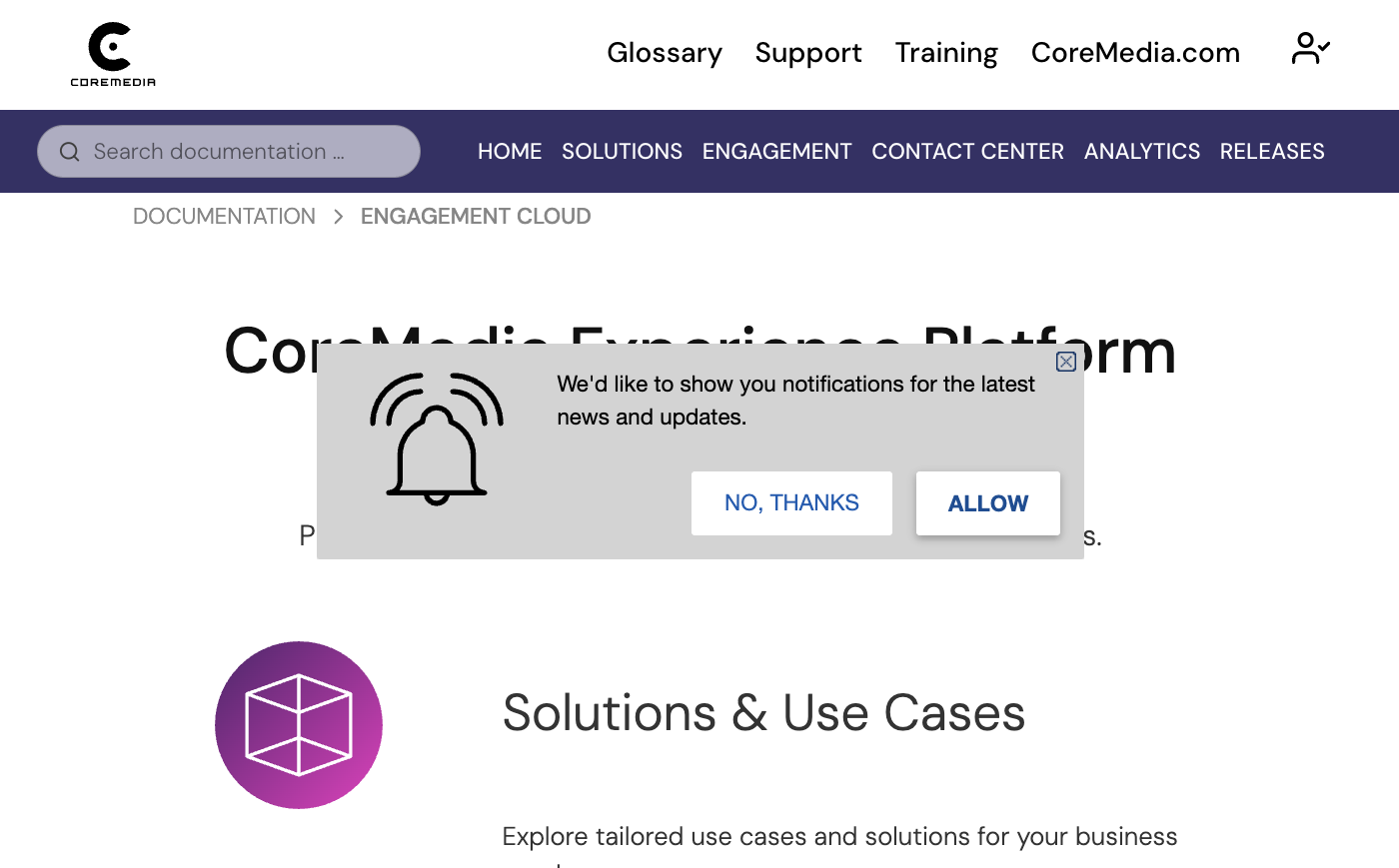
| 2 | Create an onsite campaign to show the allow notifications widget. |
| 3 | Create push notifications campaigns to send notifications to customers. |
If you have a campaign that shows the allow notifications widget, Engagement Cloud will ask the visitor for permission to send notifications. If the visitor accepts, Engagement Cloud adds the id of the visitor to a list of subscribers.
You can then create push notifications campaigns with the message and logo related to the subject of the notification.
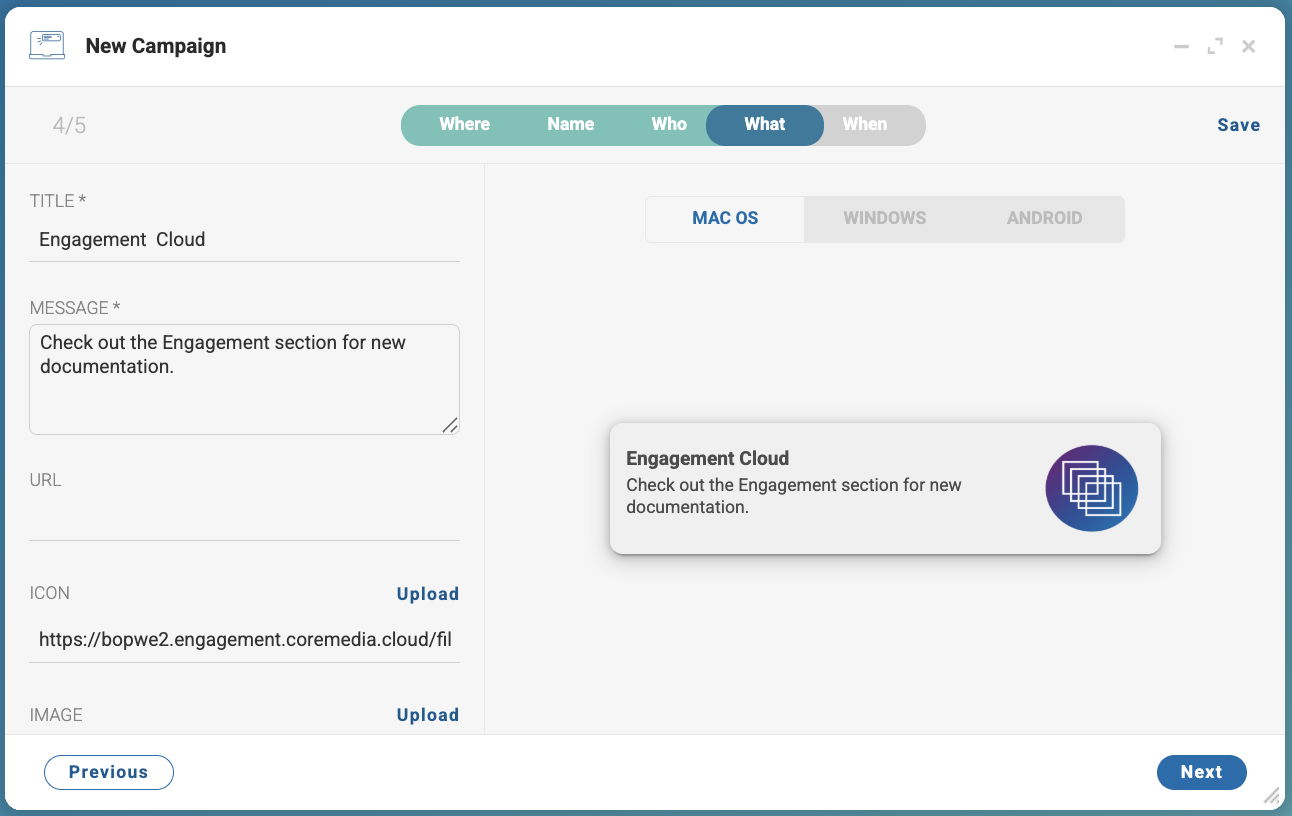
After creating the campaign, you can run the campaign immediately or schedule it for a later time. When the campaign is running, Engagement Cloud sends the notification to all subscribers of the website.
Finally, you can visualize the performance of the campaign in the Analytics section of the Contact Center and Analytics Studio.
The visitor can always disable notifications in the browser settings.