


Studio User Manual / Version 2512.0
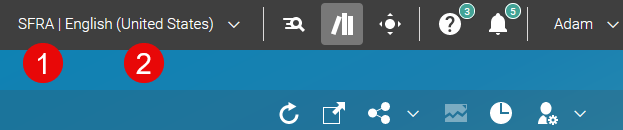
Table Of ContentsBy default, the site chooser button in the top right corner displays information about the preferred site (1) and the locale of the preferred site (2). You can use it to select your preferred site and to switch between sites.
In order to remove the chooser, proceed as follows:
Open the User Menu and select . Disable the checkbox.
The site chooser button is now removed from the Header.
