


Studio User Manual / Version 2512.0
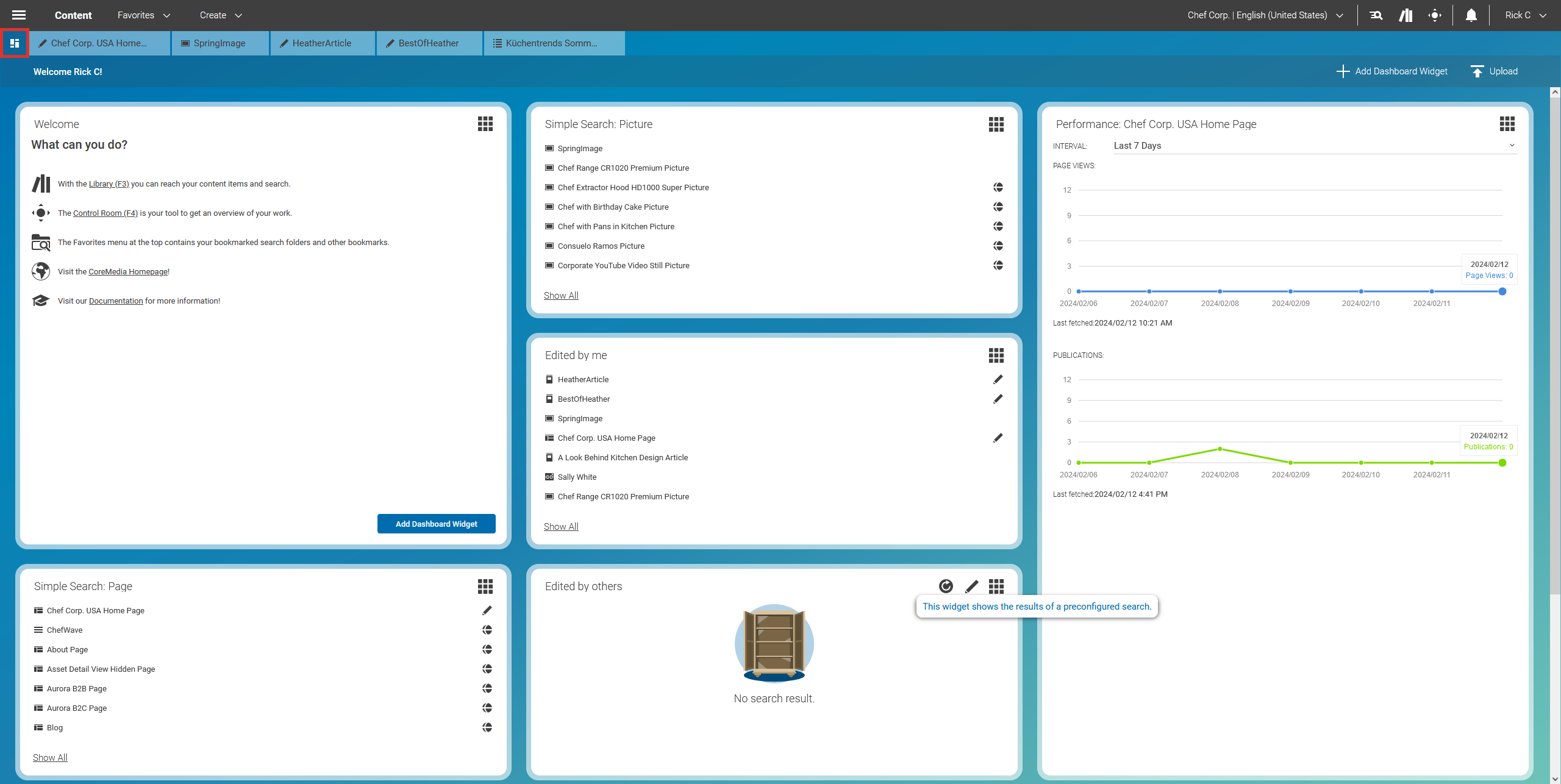
Table Of ContentsThe Dashboard in CoreMedia Studio gives you a quick overview of your current work. You can position different widgets on a grid to create your personal workspace.
CoreMedia Studio contains the following widgets, for example:
Edited by me: Shows the content items that you have edited most recently.
Edited by others: Shows content items that are currently edited by others.
Simple Search: Shows the results of a search that you have configured in the widget.
Saved Search: Shows the results of a saved search that you have configured in the library.
Site Performance Widget: A Blueprint feature that shows the performance of a site, that is its page views and publications.
Translation Overview: Shows the translation state of the selected site.
Open To-Dos: Shows all your open To-Dos.
When CoreMedia CMS was introduced in your company, additional widgets may have been developed for your specific needs.
To access the Dashboard, click the  tab,
select in the Main menu, or
press F2 on your keyboard (if not configured otherwise).
tab,
select in the Main menu, or
press F2 on your keyboard (if not configured otherwise).
