Studio User Manual / Version 2512.0
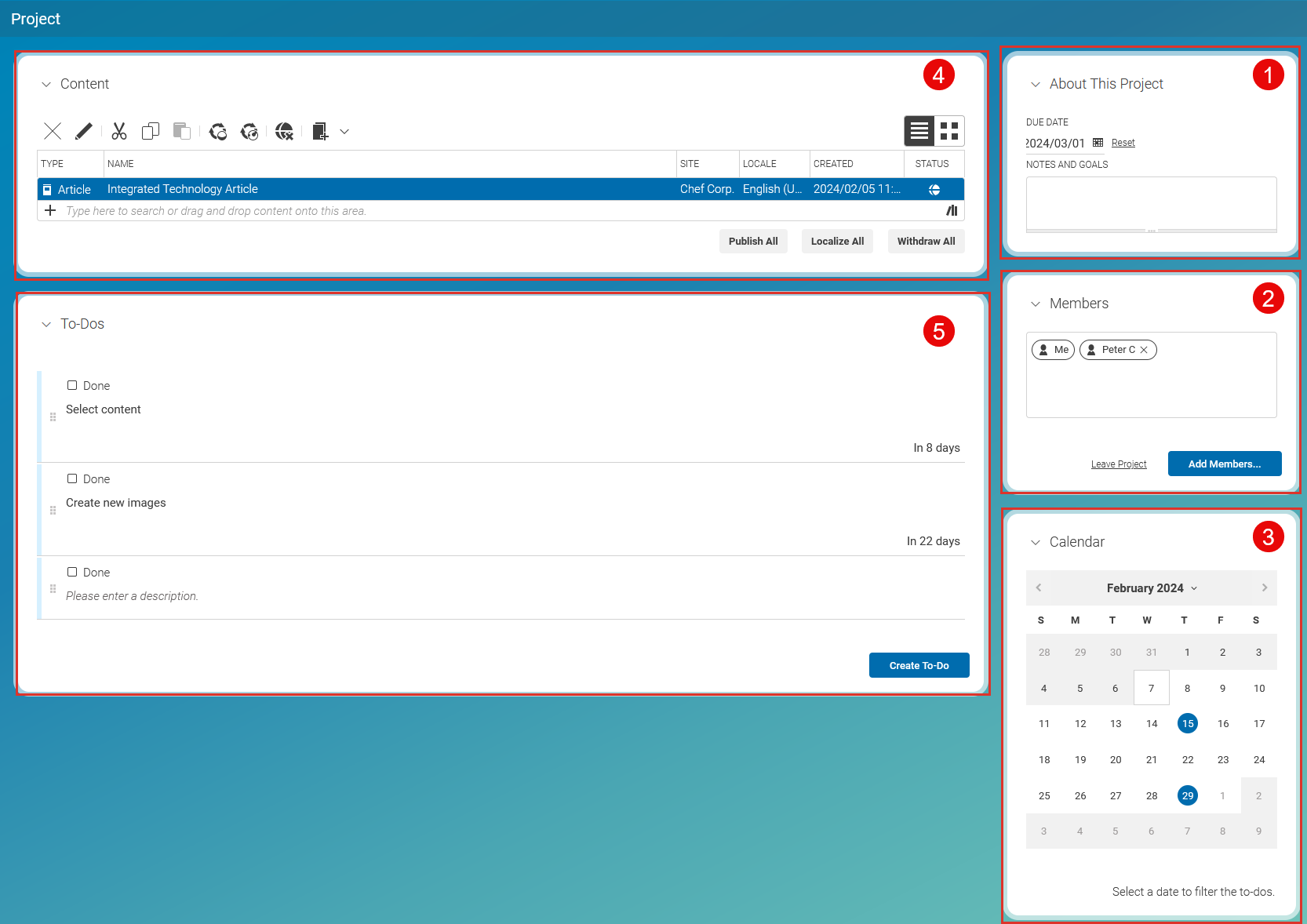
Table Of ContentsProjects are a lightweight way to collaborate with your colleagues and manage your content. With a mouse click, you create a new project and add a description and due date (1), invite colleagues to the project (2), add content via drag and drop (4), and create to-dos with due dates for the project. The calendar (3) gives you an overview of the due dates of your project. All members of a project have the same rights, so everyone can, for example, add new members, remove members, or create to-dos.
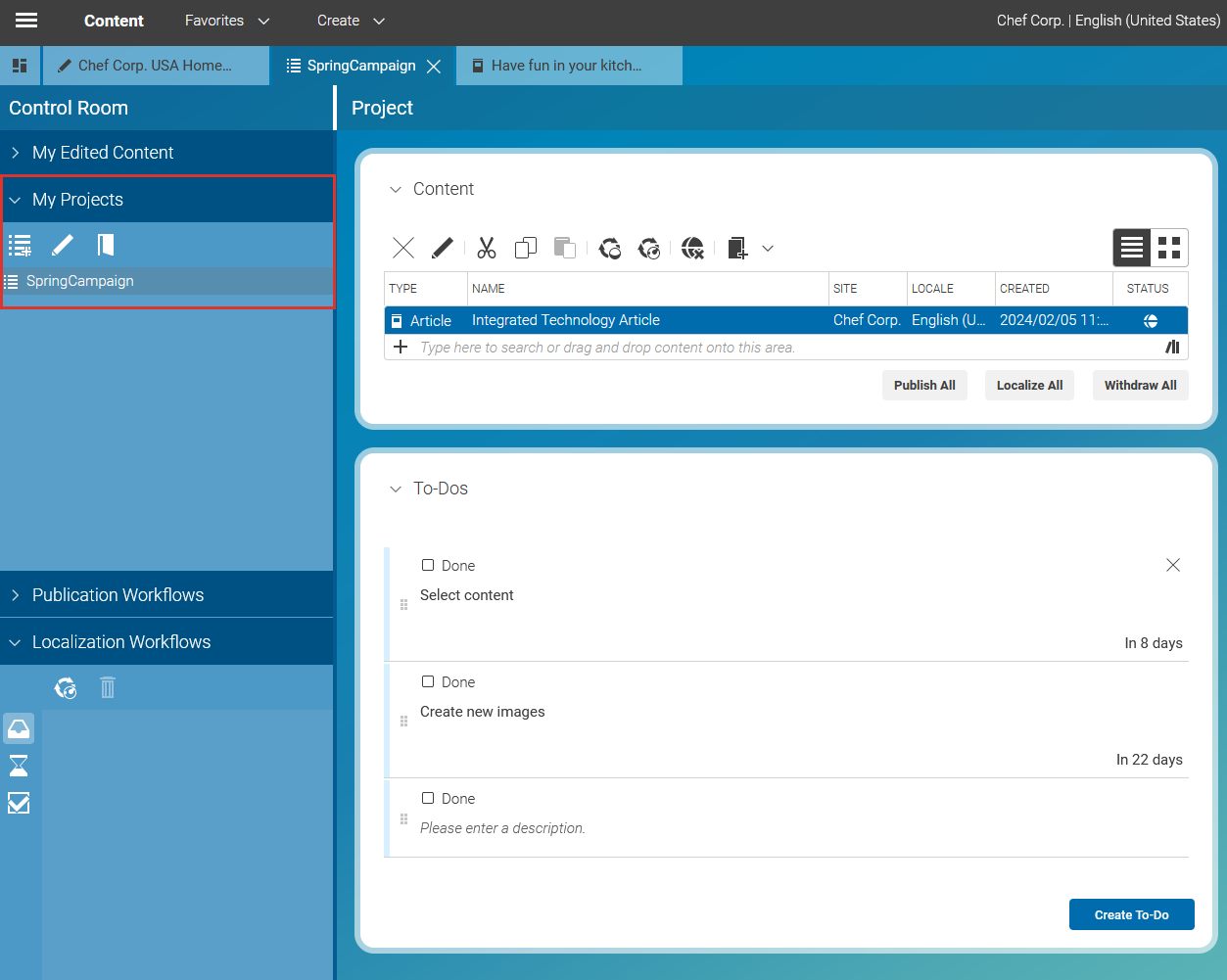
In the Control Room, there is a tab My Projects in which you find all projects of which you are a member. From here, you can start workflows for the content of a project.