Solution Overview for Business Users / Version 2512.0
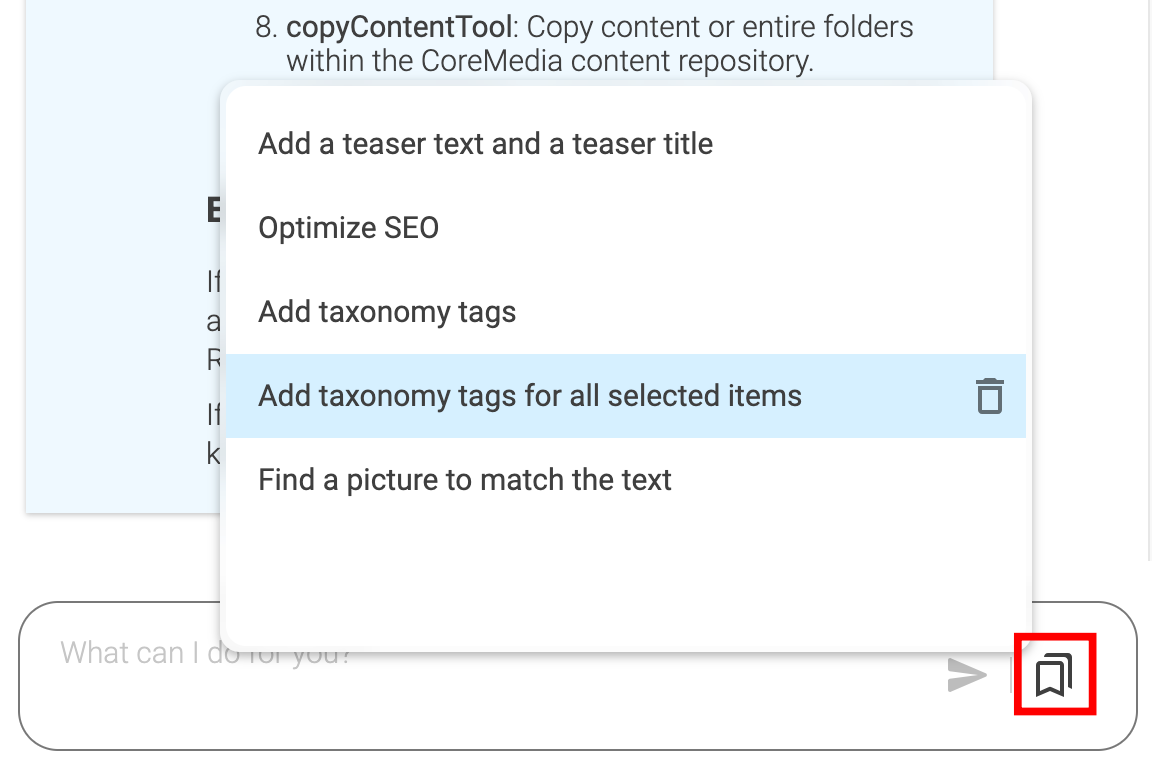
Table Of ContentsEach prompt submitted to KIO can be saved, so that it can be executed again at a later time. This can be useful to support recurring tasks. Since the prompt can refer to the current context (for example, the document opened in the tab, the selected items in the Library), it can be useful to apply a prompt to a different context.
An example of this would be rounding off an article, automatically adding keywords, creating a teaser text based on the article text, or generally filling in all SEO properties.
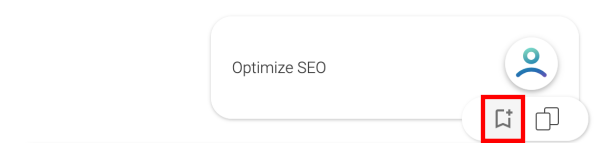
You can save any submitted prompt, by clicking on the following icon below the prompt.
This saves the prompt and adds an entry to the popup menu next to the prompt input field to execute this prompt again at a later time. These saved prompts can also be removed from there by clicking the garbage can icon.