Solution Overview for Business Users / Version 2512.0
Table Of ContentsPrerequisites
Before you start:
Ensure that you have version 12.2506.0.0 or later of the Content Studio.
Ensure that Native Personalization Plugin is installed.
Log in to Content Studio and open the Dashboard.
Open a page or an article.

Note
Note that Content Studio only presents page performance data for content items of type
page and article. You can view the metrics tab for other types
of content items, but the metrics and the detailed performance table will present 0s.
Steps
Click More Options (…) in the tabs menu.
Select the Metrics tab.
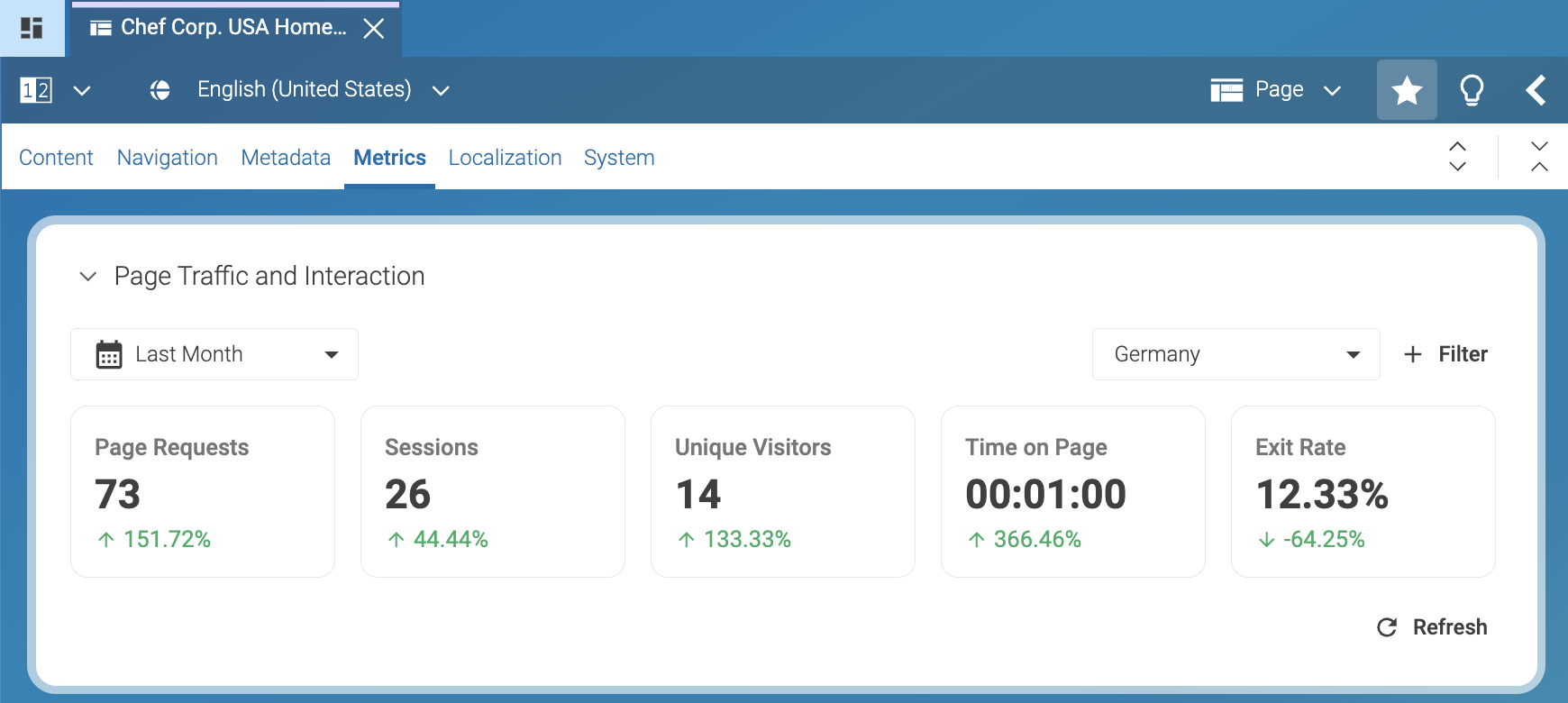
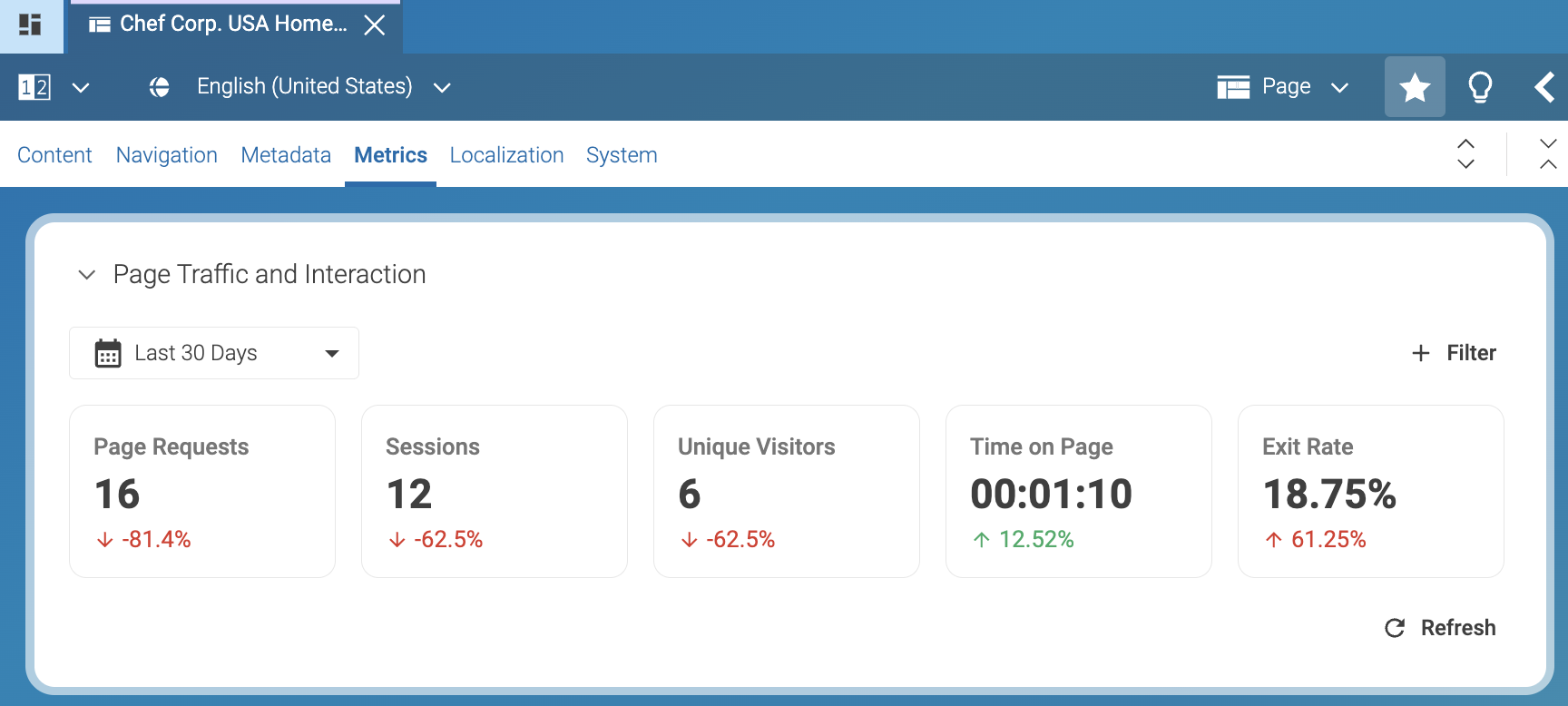
Click Last 30 Days in the top-left corner of the Page Traffic Interaction area. For example, select Last Month to view metrics for August 2025.
Note
Related link: Data Period
Click + Filter in the top-right corner of the Page Traffic and Interaction area.
Select at least one filter from the dropdown menu:
Segments: View data by visitor segments.
Country: View data by visitor location. For example:
Portugal,Spain, orGermany.Device: View data by device type. For example:
Desktop,Tablet, orMobile.
After you select a filter, a second dropdown menu appears next to + Filter. For example, select Country, then select Germany from the list of countries.
Note
Related link: Metrics
Result
After you select the country, Content Studio displays metrics related to visitors that
access the Page Last Month from Germany.