Solution Overview for Business Users / Version 2512.0
Table Of ContentsAs soon as you start working with KIO Co-Pilot, it knows the context you have opened in CoreMedia Studio. This is transferred to the KIO backend and used for corresponding operations.
This context includes the following information:
The logged-in Studio user
All read and write operations performed by KIO are also carried out in their name. KIO can therefore only access content for which the logged-in user also has access rights.
Also, selected settings from the user's Preferences are evaluated, such as the Preferred Site to determine the base folder for creating new documents.
The active content opened in the foreground (Opened Tab)
When an operation is to be performed on a content item and KIO has no other information about the content to which this operation should apply to, KIO always uses the currently opened content.
However, it is also possible to explicitly refer to this content in the prompt by using phrases like "current content" or "active content".
Currently selected items in the Studio Library
It is also possible to perform bulk operations on a series of content items. To refer to the currently selected items in the Studio Library, you can use phrases like "for the currently selected items".
An example would be the following prompt "Optimize SEO for the currently selected items".

Note
KIO will not publish any changes or delete content. So, you are still in control, regarding your live site.
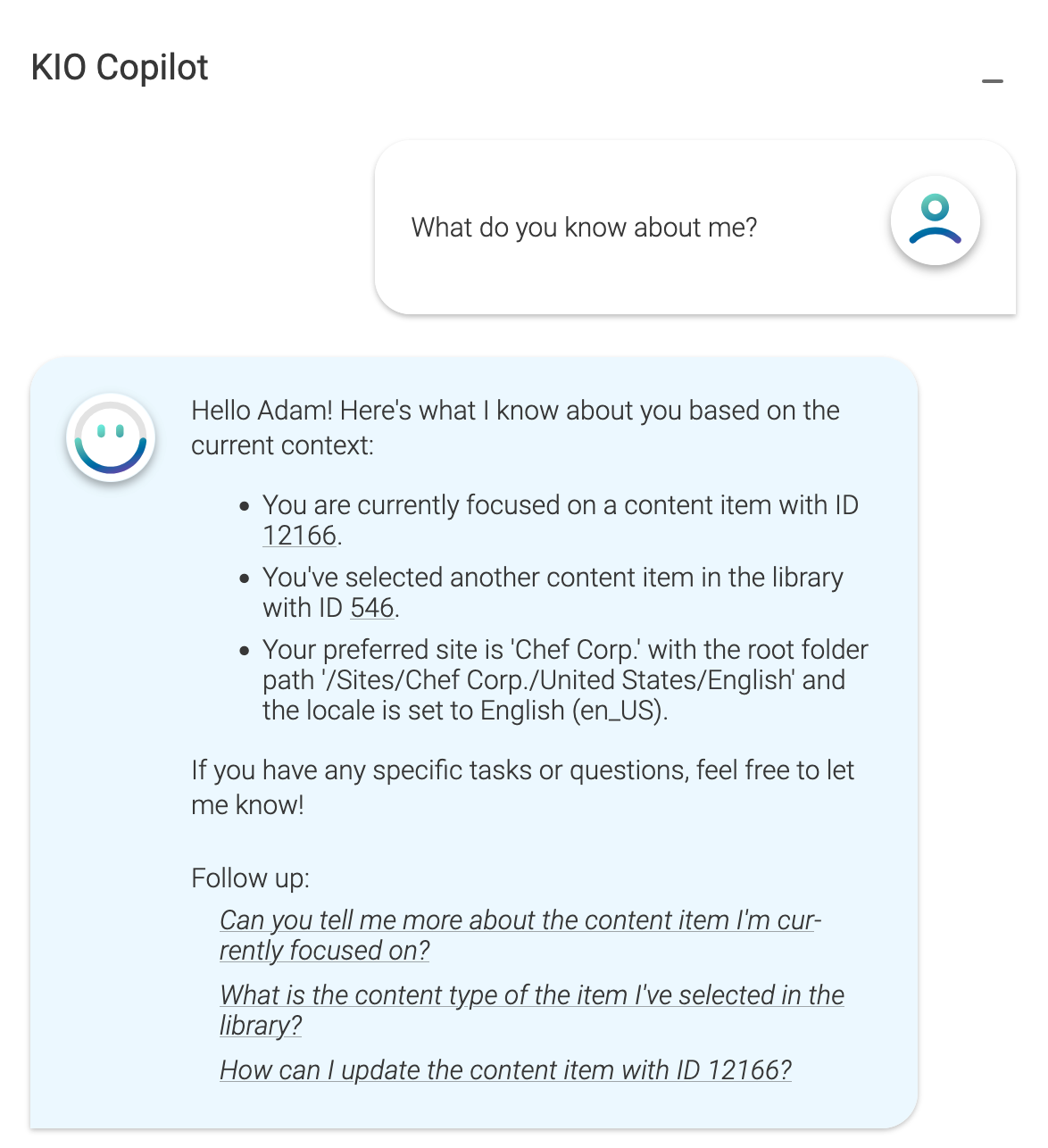
You can also ask KIO the following question "What do you know about me?" to find out what information KIO has about you. You can then use these phrases specifically in requests.