Solution Overview for Business Users / Version 2506.0
Table Of ContentsRequirements
Websites frequently display content items that share certain characteristics as lists, for example, the top stories of the day, the latest press releases, the best rated articles or the recommended products. Some of these lists are managed editorially while others should be compiled dynamically by business rules defined by editors. It is a common requirement to reuse these content lists across different web pages and use common functionality to place lists on pages and assign different layouts to lists.
Solution
CoreMedia Blueprint defines different content types for lists of content which differ in how they determine the content items. Leveraging CoreMedia's object oriented content modeling these lists can reuse view templates and can be placed interchangeably on web pages.
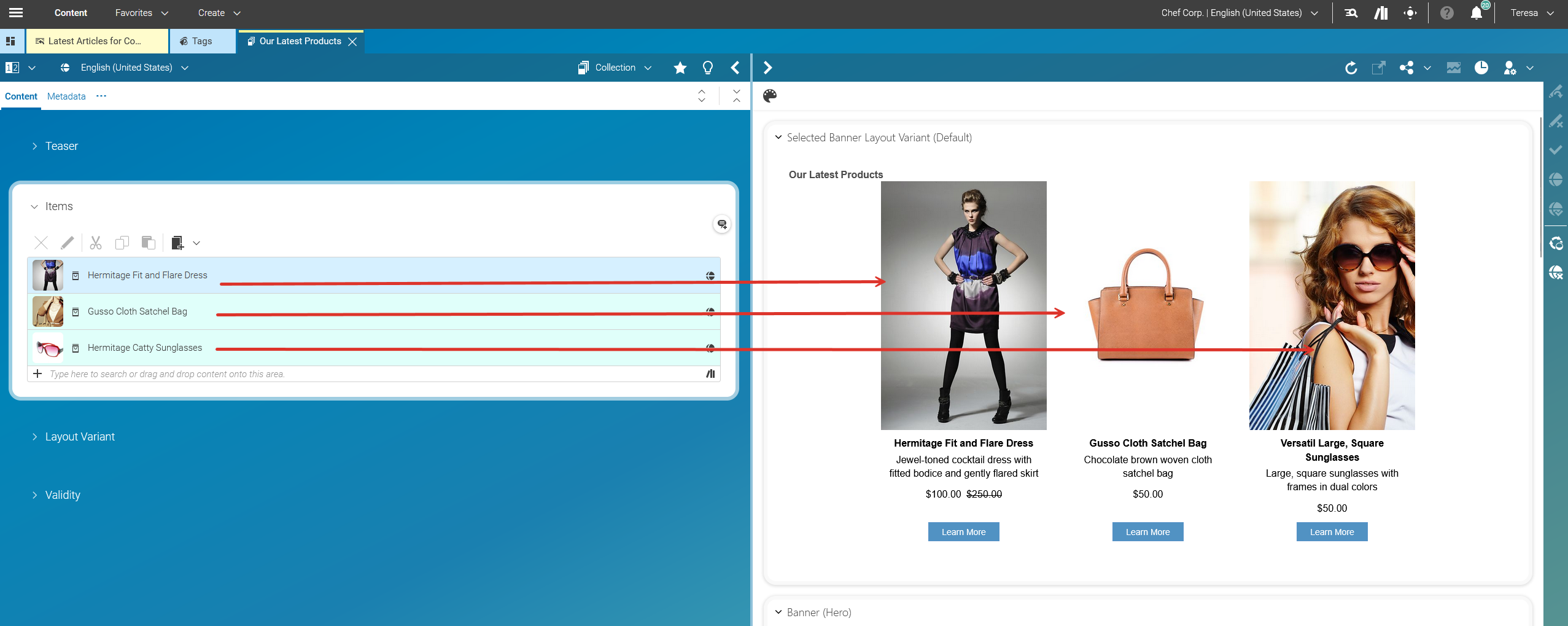
CMCollection
A common base type for lists, which all other list types extend. It provides functionality for editorially managed lists.
CMGallery
A distinct content type for lists of
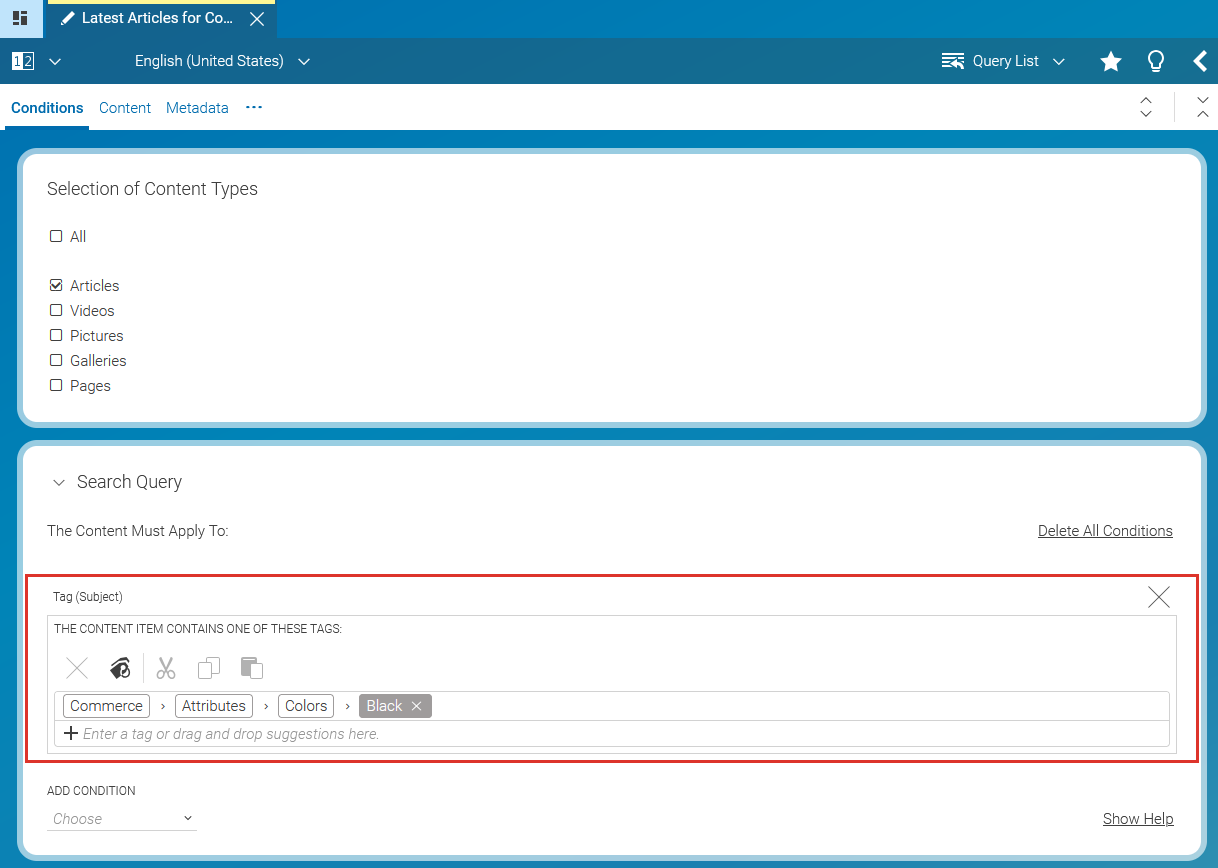
CMMediacontent items which should be displayed as a gallery.CMQueryList
Dynamic lists that are based on content metadata, such as "latest 5 articles in sport".
CMSelectionRule (part of Adaptive Personalization)
Dynamic lists that are based on context information with rules defined by editorial users, such as "if a visitor is interested in notebooks, display this product, otherwise display something else."
For an example, please refer to chapter 9.
CMP13NSearch (part of Adaptive Personalization)
Dynamic lists based on content metadata and context information, such as "display list of articles matching the current visitor's bookmarked taxonomies."
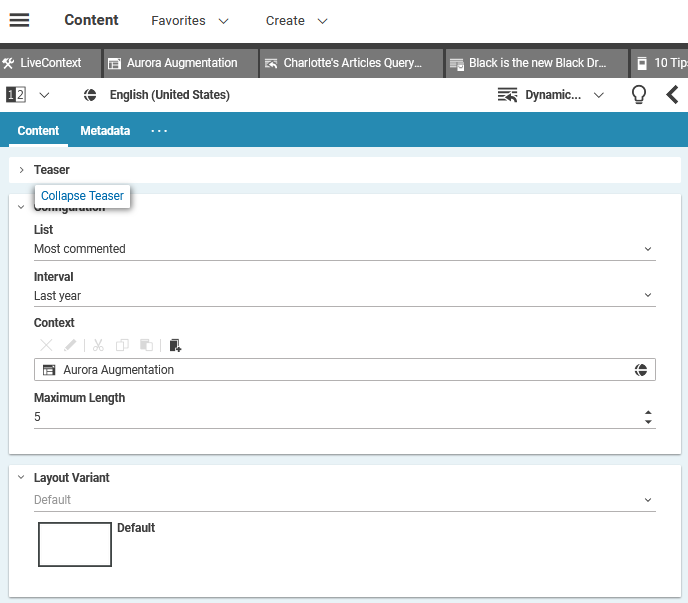
ESDynamicList (part of Elastic Social)
Dynamic lists that are based on Elastic Social metadata, such as "5 best rated articles in news."
Top rated: The N best rated articles
Most rated: The N most rated articles
Most commented: The N most commented articles
Most liked: The N most liked articles
Most shared: The N most shared articles
You can also determine for which interval the Top-N articles should be taken and how many articles you want to get in maximum.
CMALXPageList (part of Analytics)
Dynamic lists that are bases on analytics data, such as "10 most viewed articles in business."