


Solution Overview for Business Users / Version 2506.0
Table Of Contents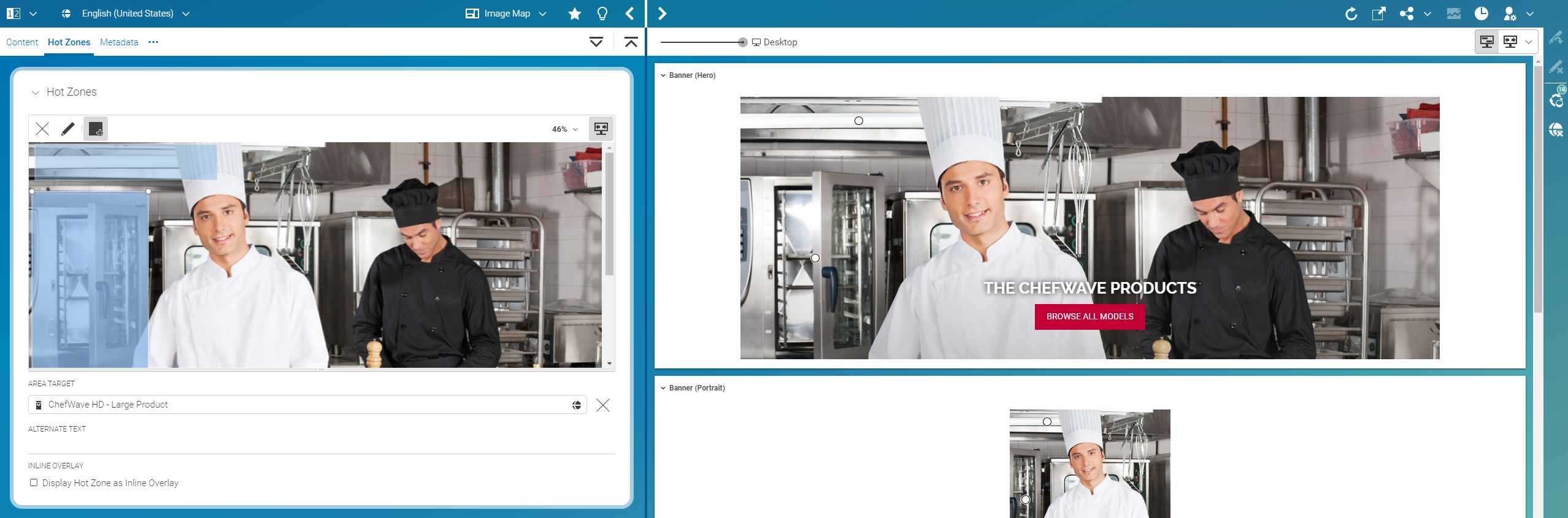
CoreMedia Studio enables you to create and edit interactive image maps. Interactive image maps are made up of hot zones (image map areas) that are drawn on a picture and link to some target content. Depending on the hot zone configuration, the linked content is displayed in a pop-up close to the hot zone whenever a website visitor clicks on the hot zone or it is displayed as inline overlay which is always visible but only shows title and price information. You can configure several content properties, for example title or price that are shown in the overlay.
The following image shows the configuration options for image maps.
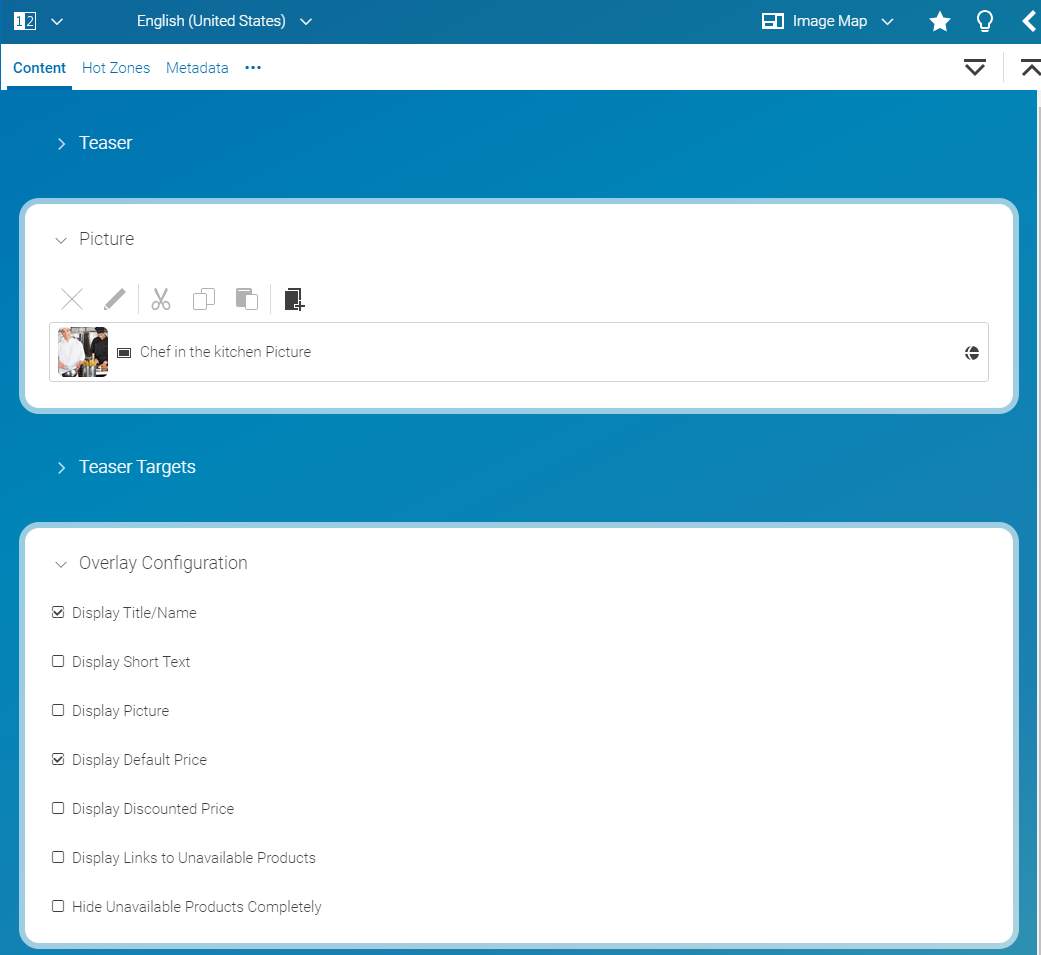
The hot zone overlay configuration is defined per image map and applies to all hot zones. For Inline Overlays the overlay configuration options Display Short Text and Display Picture are ignored.
