


Solution Overview for Business Users / Version 2506.0
Table Of ContentsRequirements
Editorial users must be able to adjust site behavior by editing content without the need to change the code base and redeploy the application. For example:
Enable/disable comments for a certain section or the whole site.
Set the number of dynamically determined related content items that are shown in an article detail view.
Configure the refresh interval for content included from an external live source.
Administrative users must be able to adjust more technical settings through content, for example:
Manage API keys for external services
Image rendering settings
Localization of message bundles
Solution
CoreMedia Blueprint uses Markup properties following the CoreMedia Struct XML grammar to store settings. Struct XML offers flexible ways to conveniently store typed key-value pairs where the keys are Strings and the values can be any of the following: String, Integer, Boolean, Link, Date, Secret, Struct (allows for nested sub Structs).
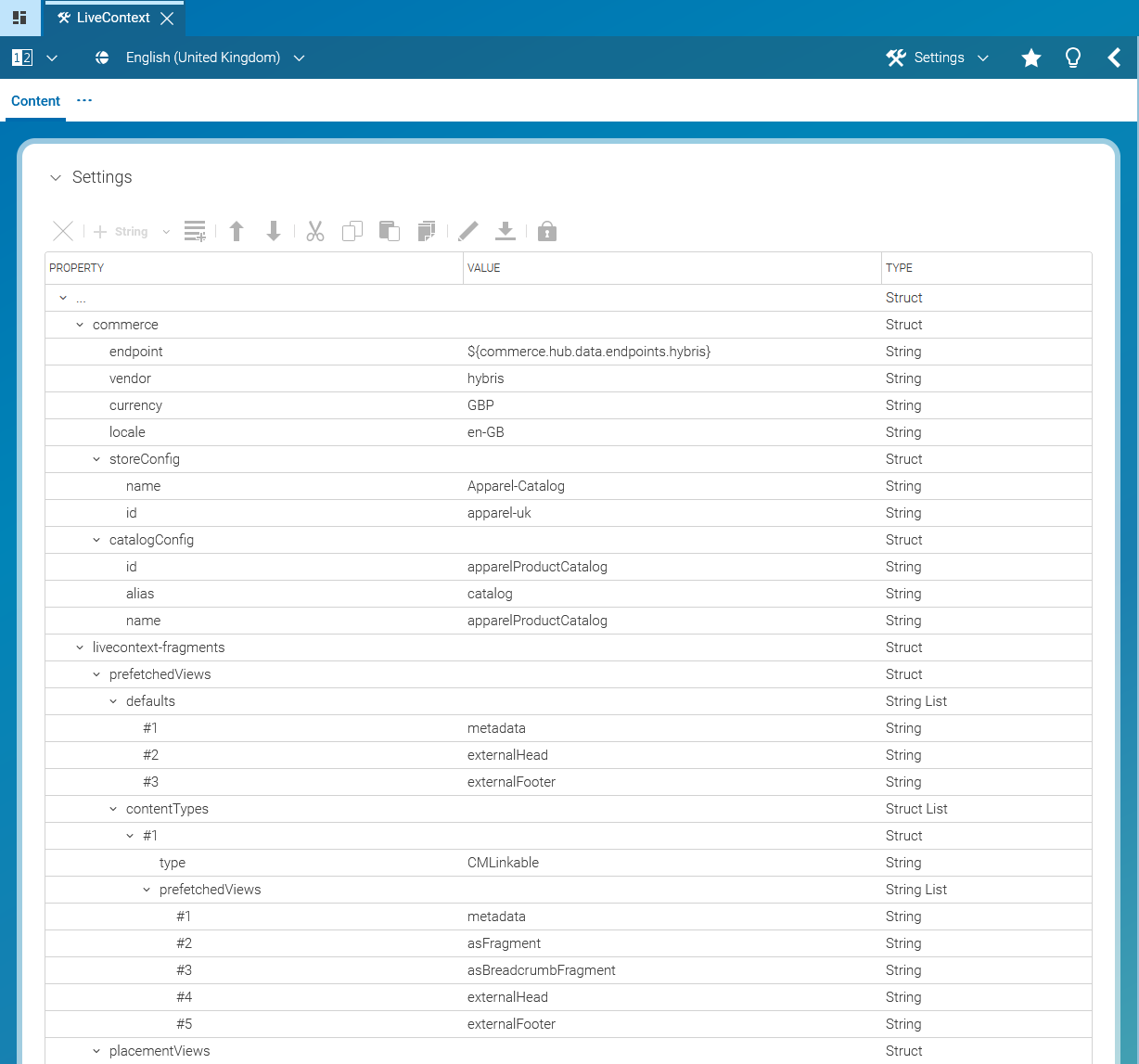
Settings can be defined on all content types inheriting from CMLinkable.
The local settings are easiest to edit. However, if you want to share common settings across
multiple contents, you should spend the few extra steps to put them into a separate
Settings content item and add it to the linked settings in order to facilitate
maintenance and ensure consistency. Some projects make use of settings quite extensively.
Multiple Settings content items are a good instrument to structure settings of
different aspects. You can still override single settings in the local settings, which have
higher precedence.
The application also considers settings of the content's page context. If you declare a setting in a page, it is effective for all contents rendered in the context of this page.
Settings are inherited down the page hierarchy, so especially settings of the root page are effective for the whole site, unless they are overridden in a subpage or a content.
