


Solution Overview for Business Users / Version 2506.0
Table Of ContentsCoreMedia Experience Platform organizes your sites for a given web presence in a strictly hierarchical, top-to-bottom structure starting with the root-master site. Connections between sibling nodes are unavailable and can only be expressed implicitly by a common ancestor.
The site hierarchy might be nested, thus a site derived from the master site again might have derivatives. You can trigger the localization process from your master site, directly derived sites will adapt and forward changes to their derived sites.
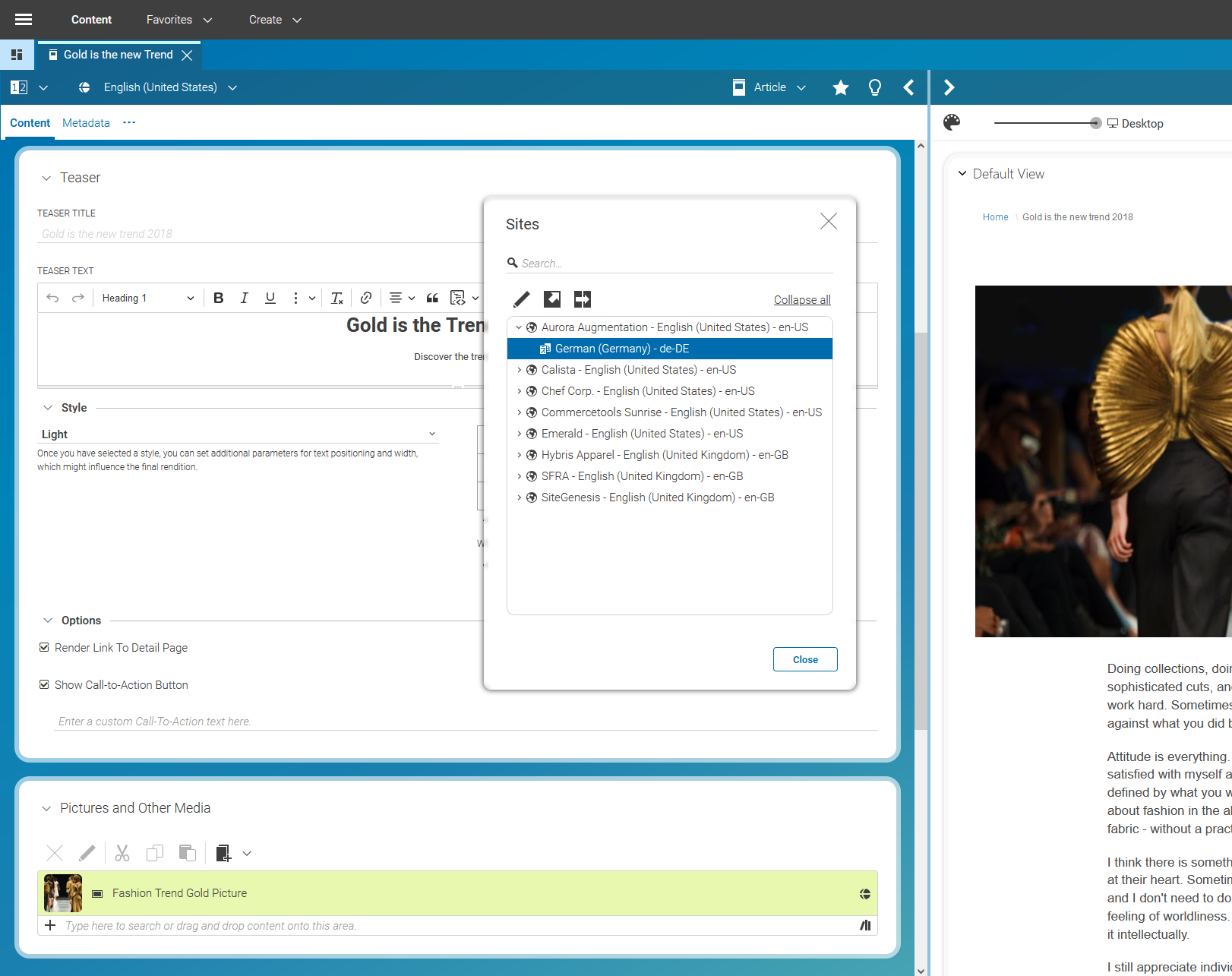
The examples below refer to the default configuration which comes with CoreMedia Blueprint.
Multi-Site Folder Structure
All sites within a web presence share a dedicated root folder, that contains
the root-master site as well as all its (nested) derived sites. Other web
presences might be placed in parallel to this folder structure below the
/Sites/ folder.
/Sites/MySite/United States/English/masterSpanish/derived from U.S. English
Canada/English/derived from U.S. EnglishFrench/derived from Canadian English
MyOtherSite/another master site structure
Example 5.1. Multi-Site Folder Structure Example
The folder structure of the root-master site and its derived sites is best kept equal to avoid the automatic recreation of removed or renamed folders during the localization workflows.
In addition to this, common aspects for all sites might be placed outside this folder structure.
Site Folder Structure
It is the location of the site indicator that defines the site folder. Thus, a folder containing a valid site indicator with all required properties set (like the site ID) is regarded as a site folder. The site indicator also references (as root document) the site's home page.
The site's home page is placed in Navigation, so that
the key content item structure is like this:
MySite/United States/English/MySite [Site]site indicatorNavigation/MySitesite's home page...
Example 5.2. Site Folder Structure Example
While the above describes the mandatory folder structure for a site, there are additional structures which adhere to the proposed separation of concerns, thus within a site you can have several user roles taking care of different aspects of the site as there are:
Editorial content: For example, articles, images, collections etc. This is the real content of a site that is rendered to the web page. They are located in folders
Editorial,PicturesandVideos.Navigation content: Channels that span the navigation tree and provide context information, as well as their page grids (see also Section 7.3, “Navigation and Contexts”). These contents are located in a folder named
Navigation.Technical content: Site specific, technical content items, like actions, settings, view types, etc. They can be found in folder named
Options.
Site Interdependence
Having a site derived from its master you will have two layers of interdependence:
The site indicator points to its master site indicator.
Each derived content item points to its master annotated by the version of the master when the derived content item retrieved its last update from the master. This information is used in the update process when a new master version requires its derived contents to be localized again.
A site indicator inherits the site name from its master. If a site indicator has no master it has to define the site name, which will be used for all derived sites.

The master property is configured as weak link by default. Thus, you might
publish derived sites before (or without) publishing the master site.
Locales Administration
Each site is bound to a specific locale.
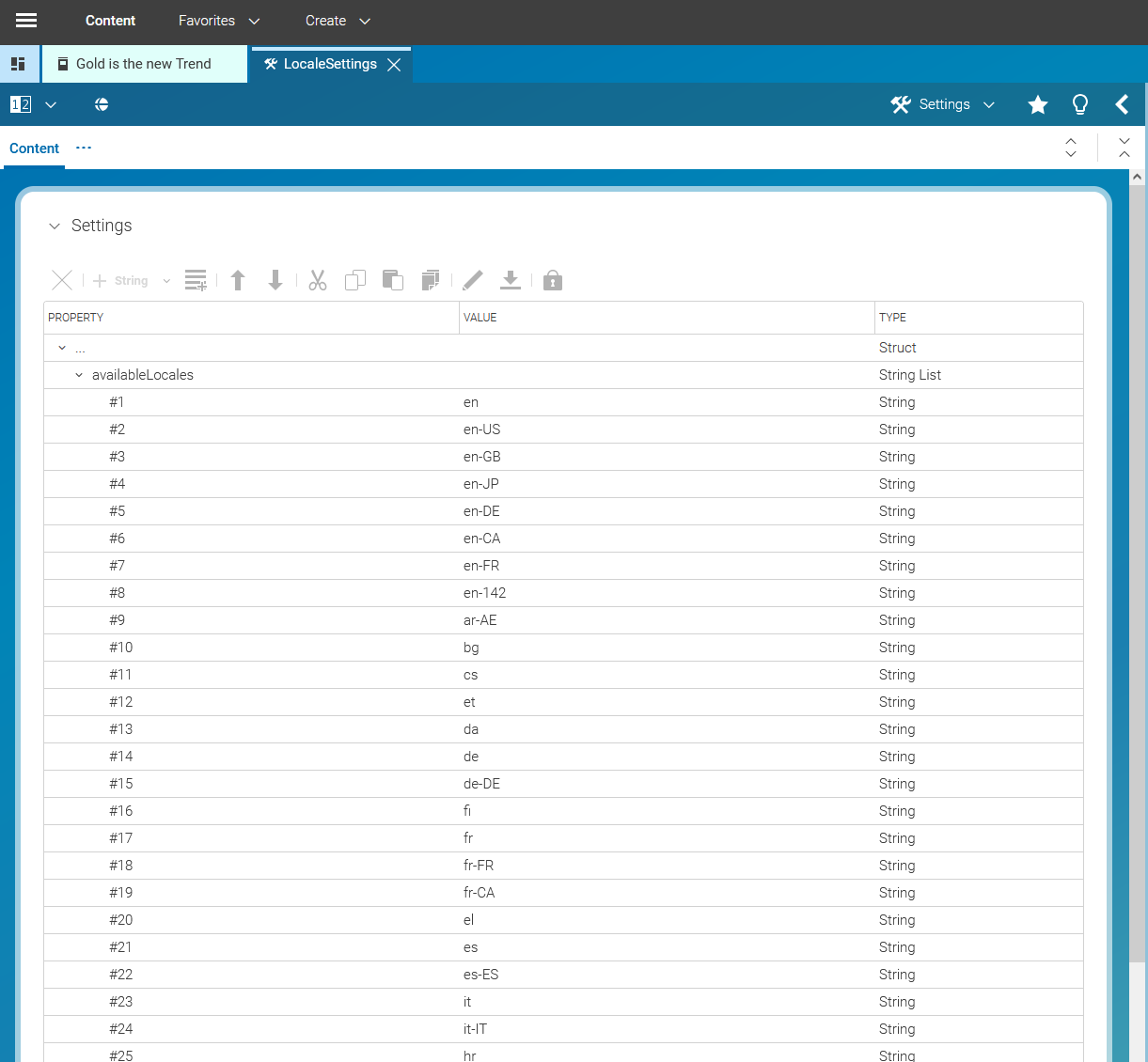
In order to ensure a consistent usage of locale strings
across multiple sites that might be managed in a single content repository, the entire list of
available locales is maintained in a central content item of type CMSettings.
Sometimes you might want to define locales for a supranational region such as Africa or Latin America. In this case you can add the language code followed by the UN M.49 area code as described in http://en.wikipedia.org/wiki/UN_M.49. For Spanish in Latin America and the Caribbean add, for example, "es-419".
Groups and Rights Administration
This chapter describes all groups and users, that have to be defined for localization. There are
several explicit groups and one user, that can be configured in the SiteModel.
The translation manager role is defined once in the property translationManagerRole
of the SiteModel. It is a required group for every user that needs to start a
localization workflow and to derive a site.
In case, you do not want to allow every translation manager to also derive sites, it is advisable to create an additional global site manager group, that has the right, to make modifications in the global sites folder.
Members of a site manager group take care of the contents of one or more sites. They may for example accept translation workflows if they manage the corresponding target site of a workflow. Or they may start a localization workflow (be it synchronization or translation) from the master site. For the latter, they must also be member of the translation manager role group, which is described above.
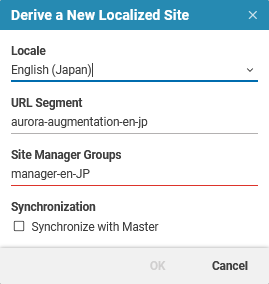
If the site already exists, the names of site manager groups can be set or modified directly in the site indicator.
