Solution Overview for Business Users / Version 2506.0
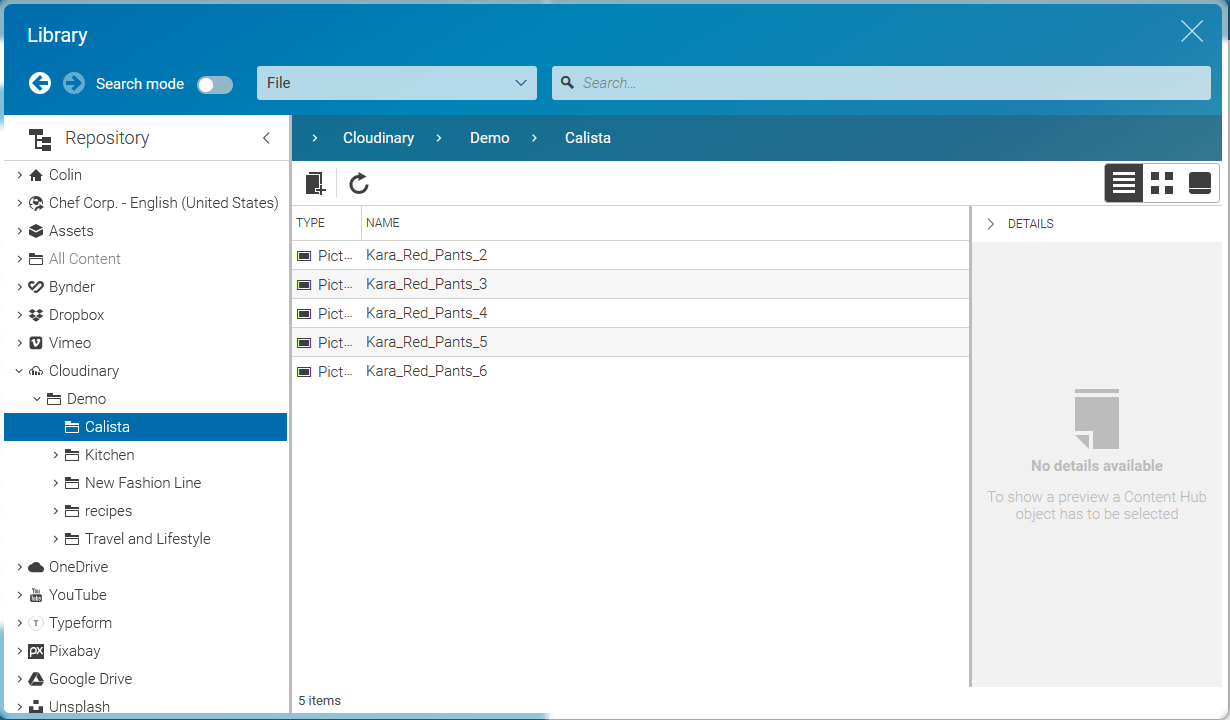
Table Of ContentsOnce the connector is configured, the Cloudinary named tree appears in the library, and by clicking on Cloudinary the tree expands and is showing content from the file system in the well known folder-content structure from CoreMedia. The image below shows the appearance.
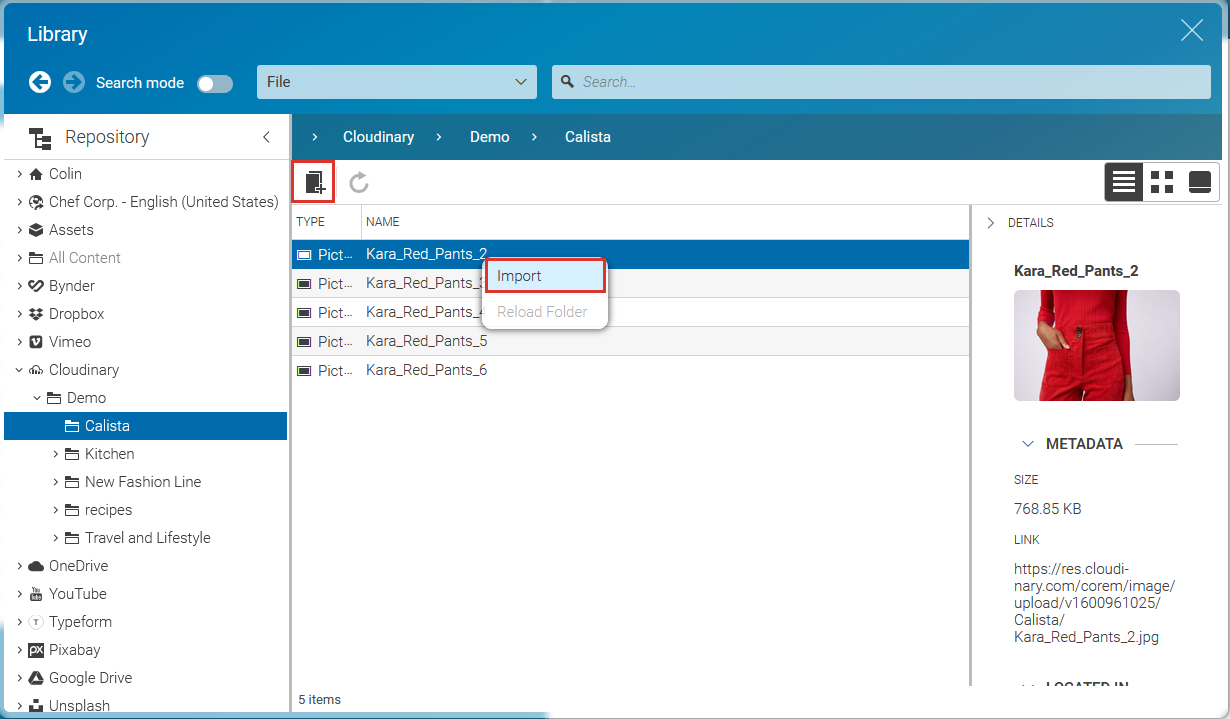
By browsing the tree, the content-hub-adapter-cloudinary provides an import mechanism for content objects. The screenshot below shows the button for creation.