


Solution Overview for Business Users / Version 2506.0
Table Of Contents
This section covers which Conditions are configured in
CoreMedia Blueprint and how to use the Test Profile Selector.
Configured Conditions
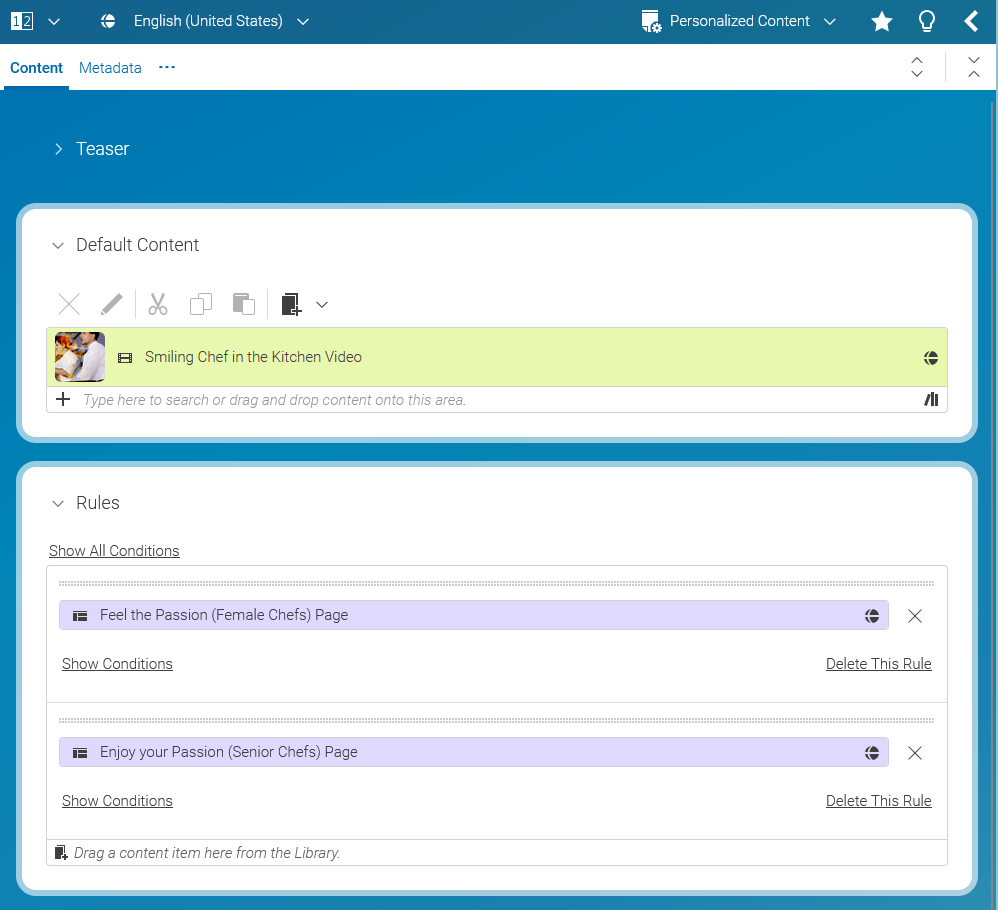
To make use of contexts in content items of type Personalized Content or Customer Segment
corresponding Conditions have to be implemented in Studio.
CoreMedia Blueprint provides Conditions for all
contexts listed
above.
Using Customer Personas
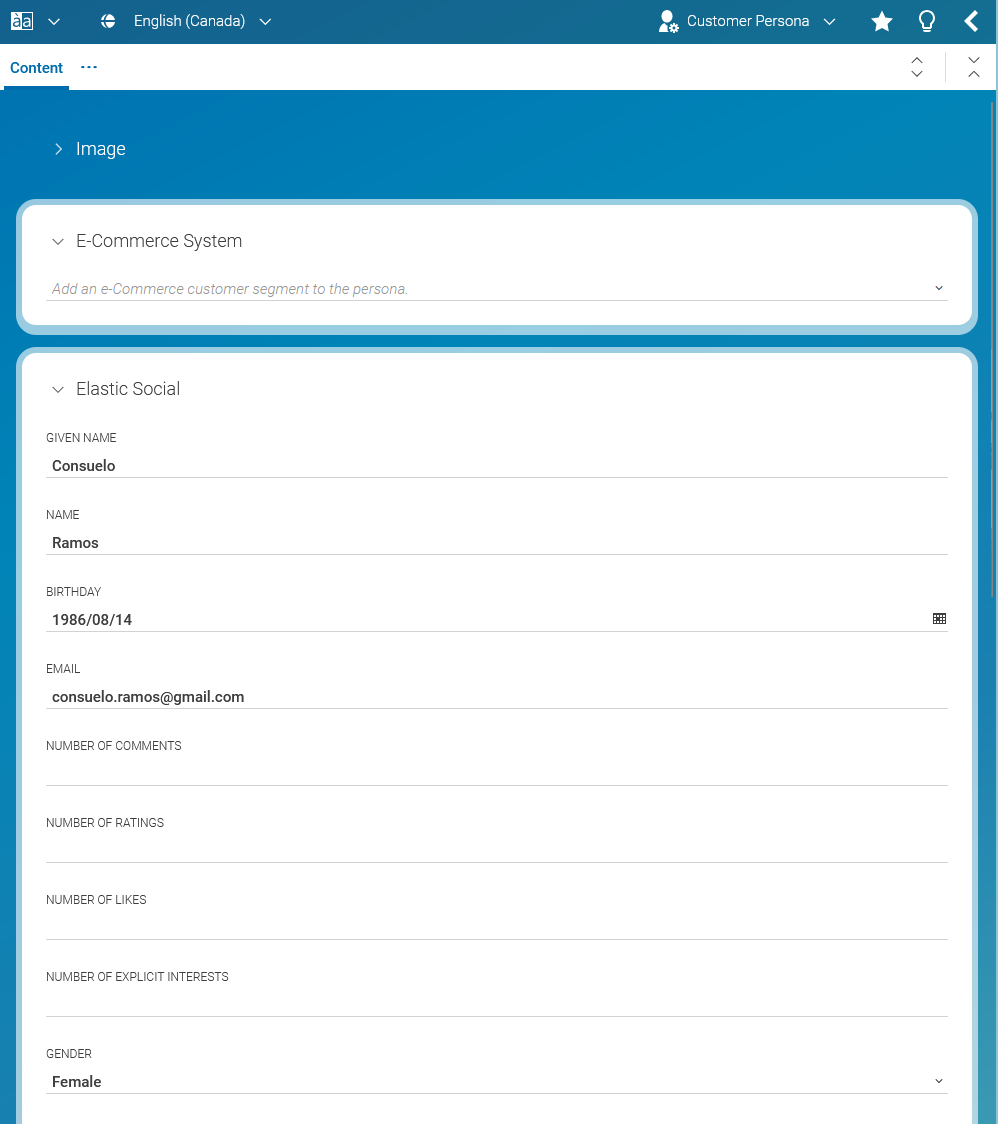
A Customer Persona is a collection of artificial context properties under the control of the editors. The type of properties to use depends on the configured contexts. For example the name of a visitor is a String while the number of likes performed is a numeric value.
Using the Customer Persona Selector an editor is able to test a Personalized Content content item. By choosing a specific Customer Persona all its contexts are activated within the Preview CAE. As a result, the Preview CAE renders content as if corresponding contexts were available at request processing time.
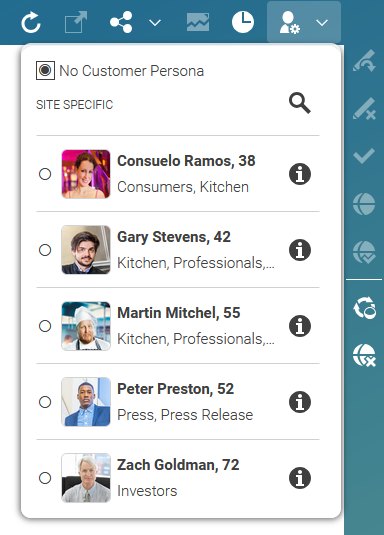
Figure 10.20. Selecting Customer Personas to test Personalized Content and User Segment content items
Creating Customer Segments
In segment based personalization, users are mapped to segments, which are mapped to content. Users are shown the content matching their segments.
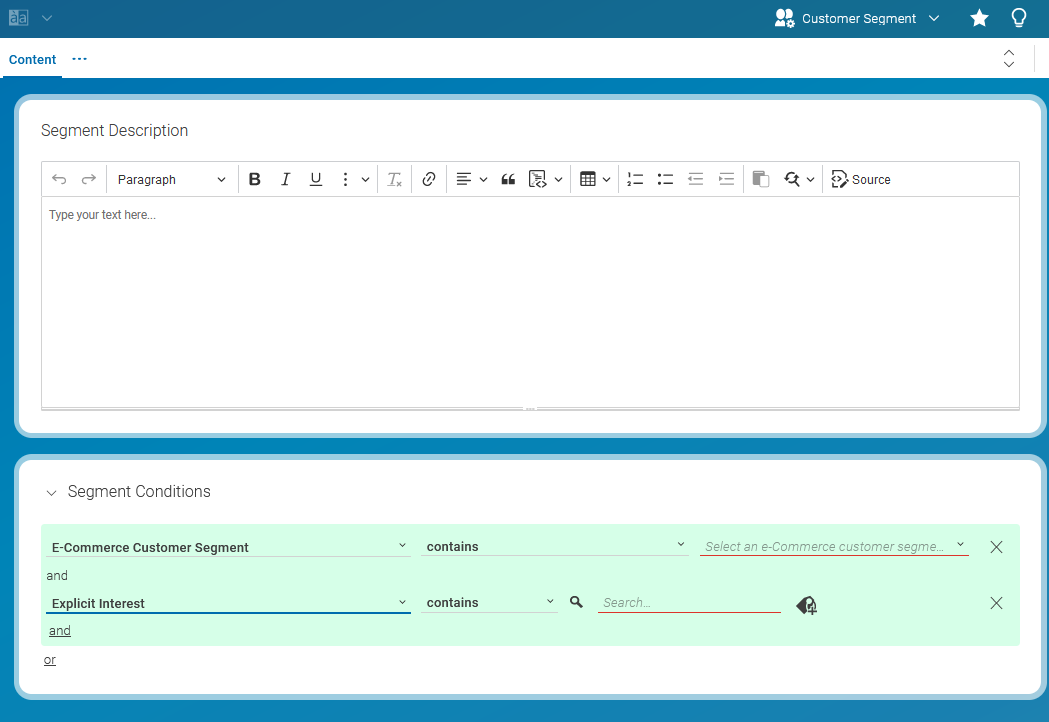
You can use this new Customer Segment in a Segment condition in a Personalized Content
content item.
