Solution Overview for Business Users / Version 2506.0
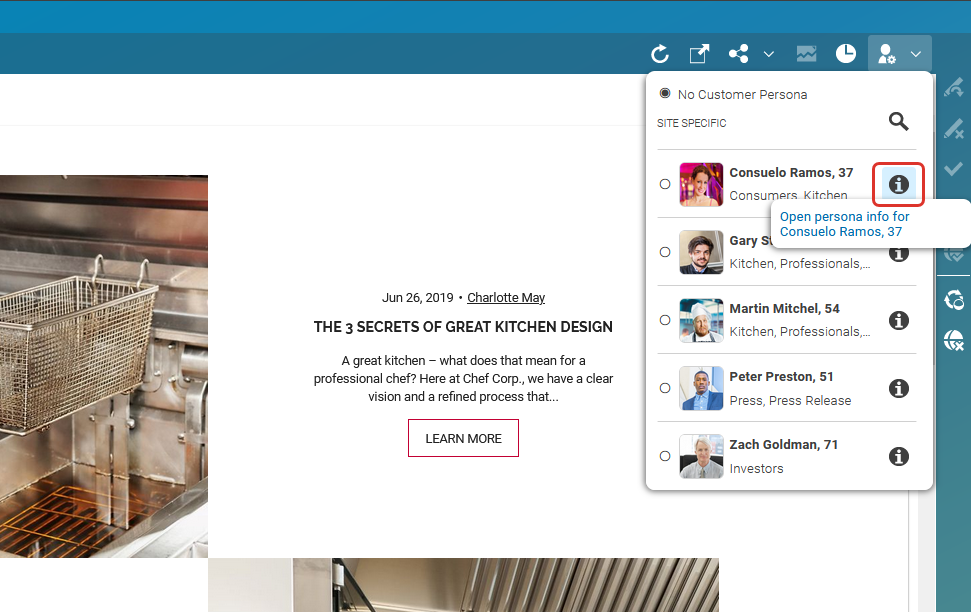
Table Of ContentsYou can use the Context Inspector to view the context of the current selected Customer Persona. To open the Context Inspector open the Customer Persona dialog and click the "i" button beside the Customer Persona as viewed below.
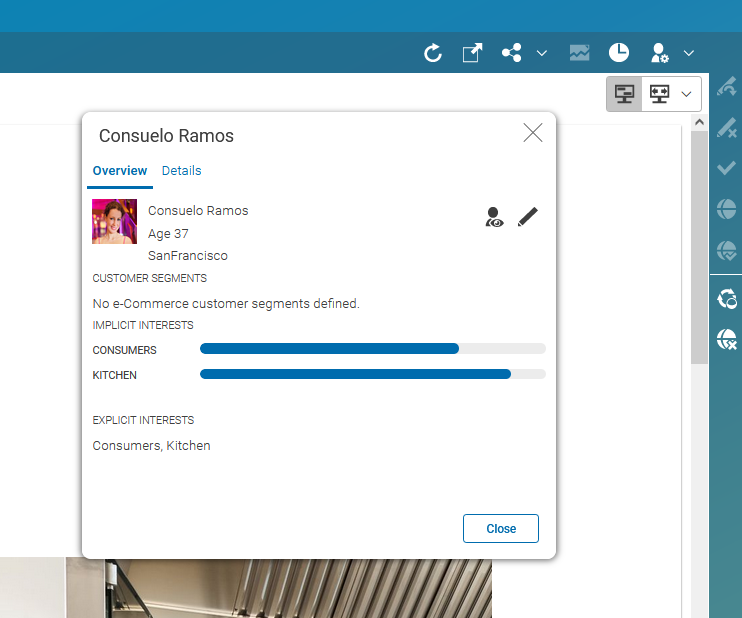
This opens the Context Inspector window as shown below. The
context collection of this persona contains different context elements such as
Commerce Segments, Implicit Interest, Explicit Interest or Personal
Information, but in your project specific setup you might have different contexts.
The contexts segment and
system are added to the ContextCollection
automatically if the corresponding configuration in the web application is correct. The content
of the contexts Implicit Interests for example is computed
from the data configured in the Customer Persona content item of the selected user.