close

Filter

loading table of contents...

Solution Overview for Business Users / Version 2506.0

Table Of Contents

3.2.1 Screenshots of the Integration – the Business User View

In the following, you will see a couple of screenshots showing the deep out-of-the-box integration with SAP Hybris.
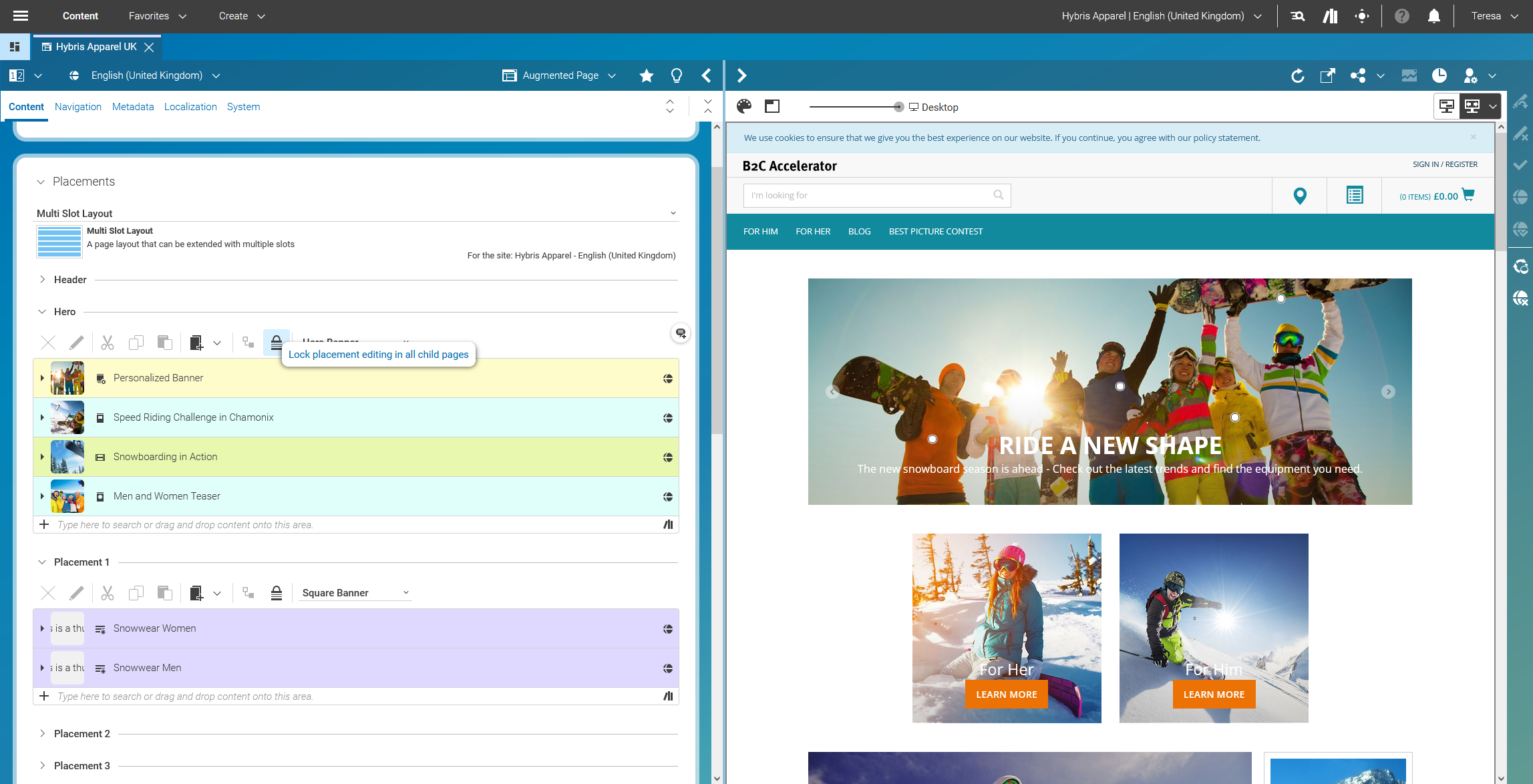
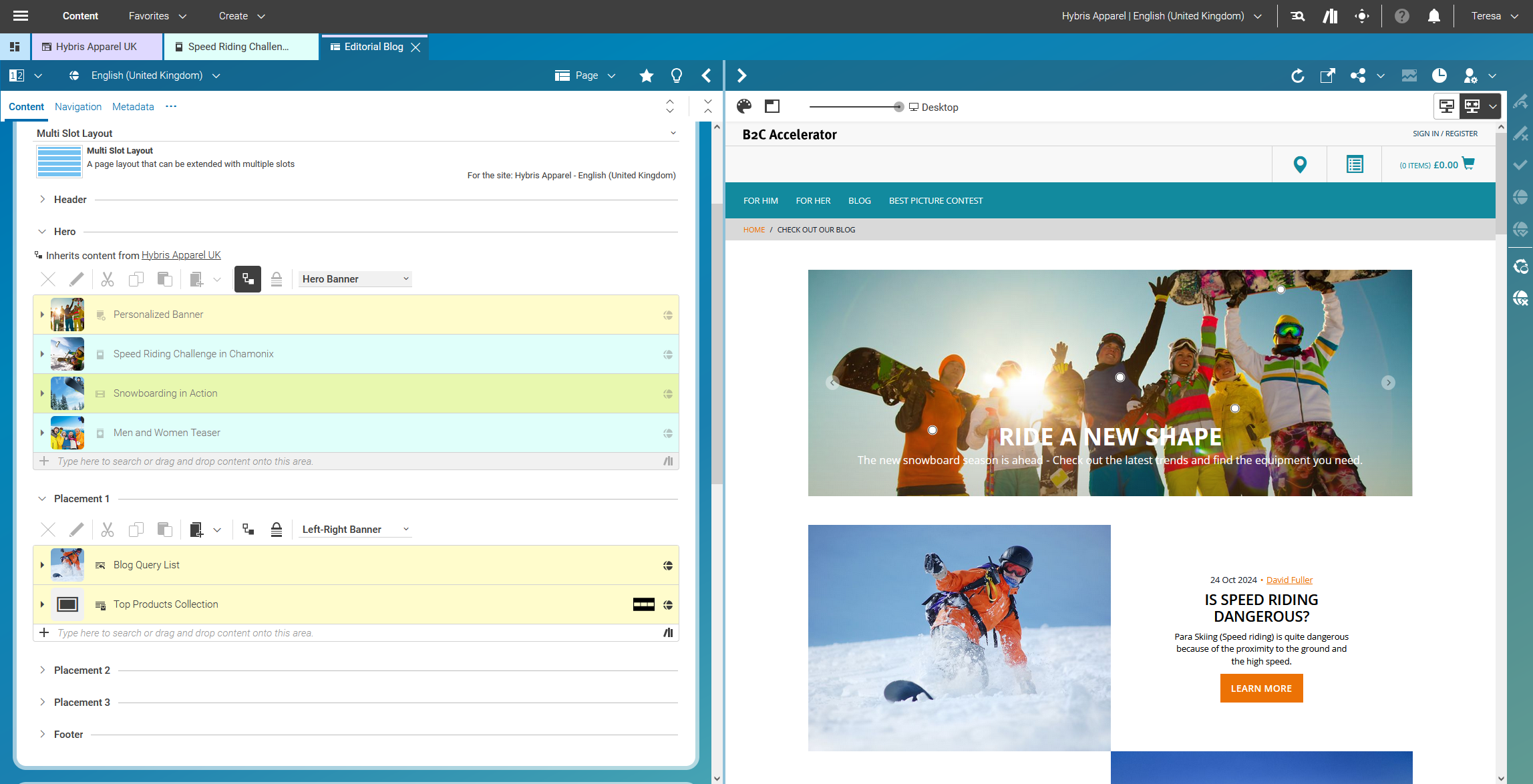
Using CoreMedia Studio to position inspirational content within SAP Hybris

Figure 3.39.  Using CoreMedia Studio to position inspirational content within SAP Hybris


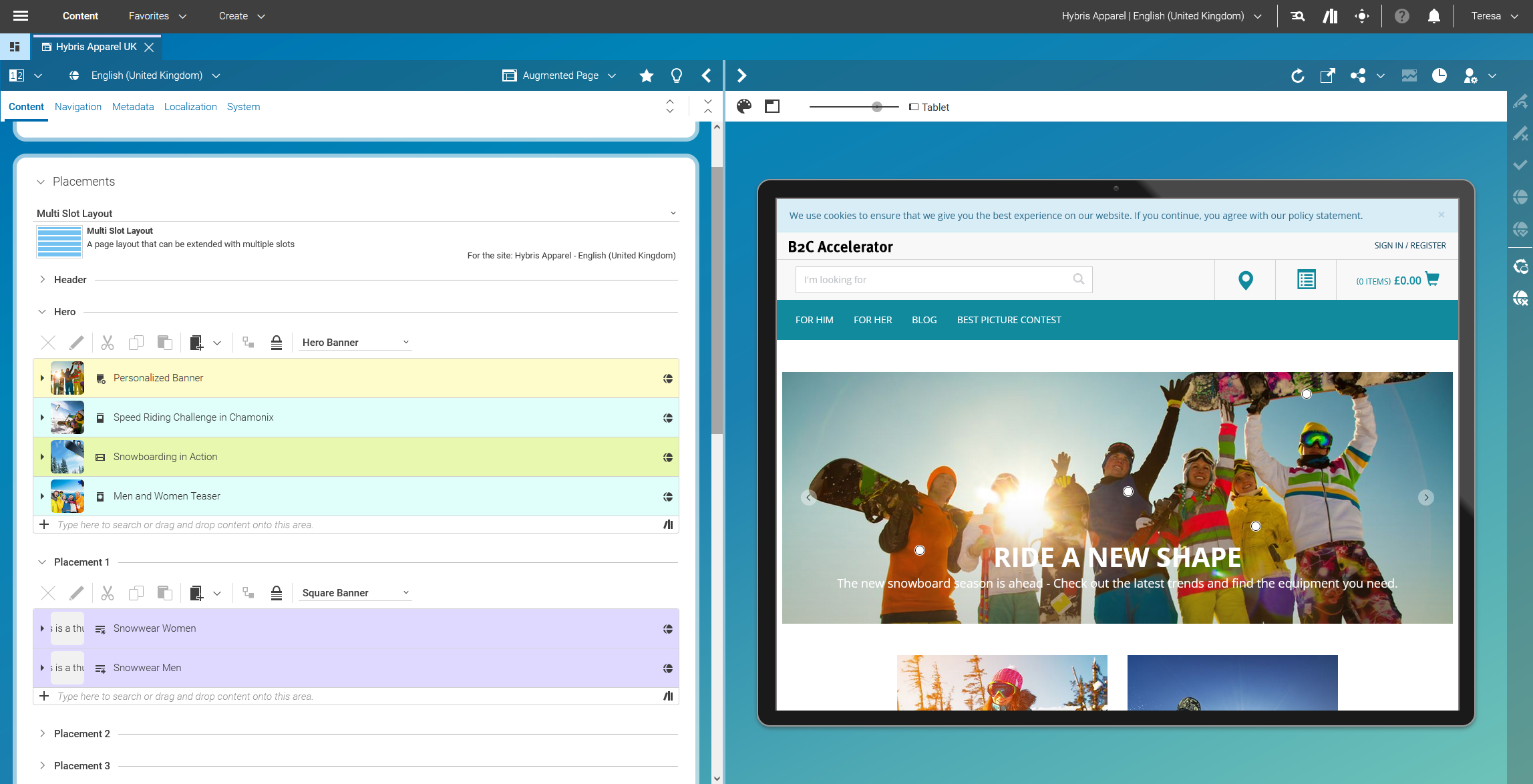
Responsive Preview of the storefront experience within CoreMedia Studio (here: tablet view)

Figure 3.40.  Responsive Preview of the storefront experience within CoreMedia Studio (here: tablet view)
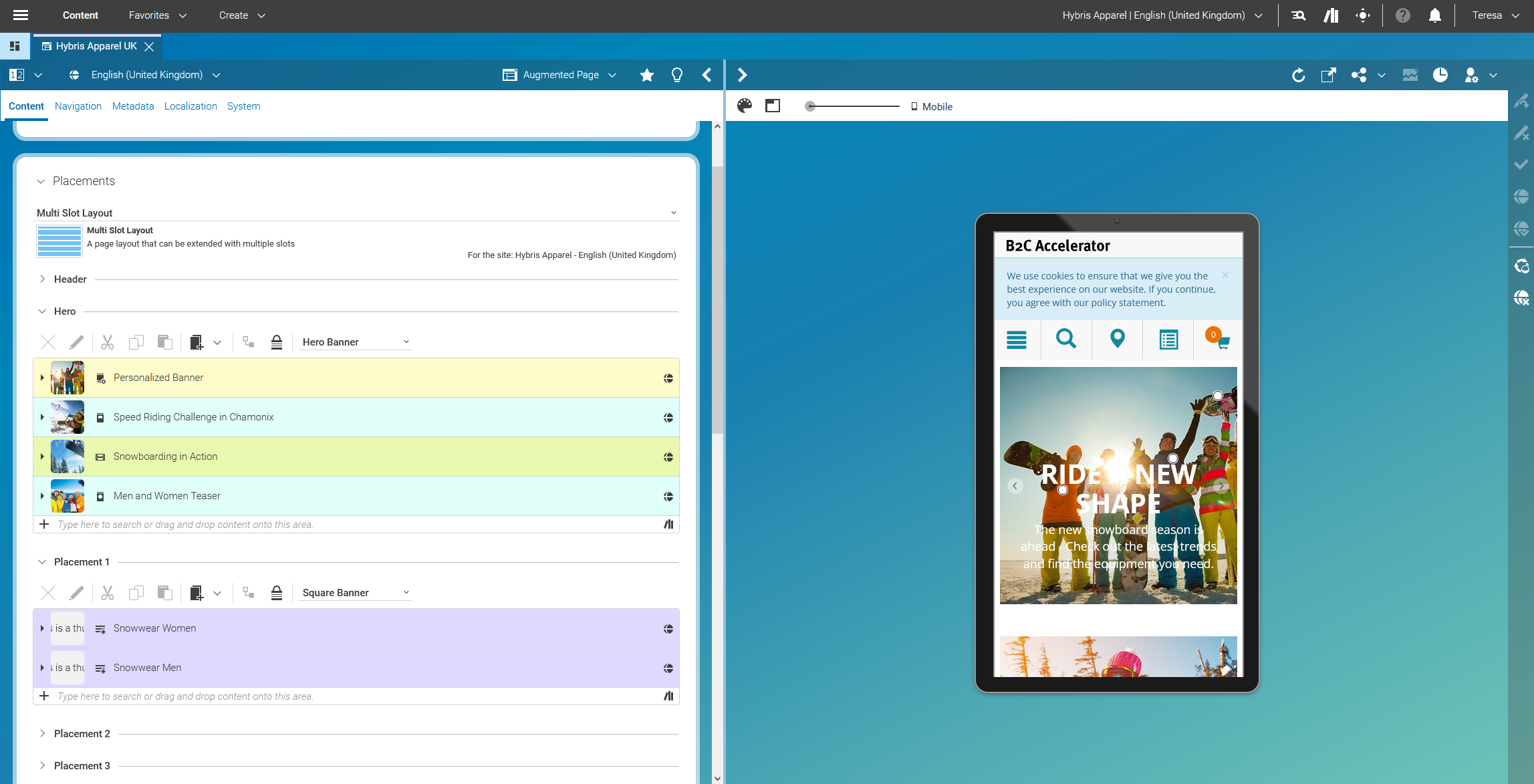

Responsive Preview of the storefront experience within CoreMedia Studio (here: mobile view)

Figure 3.41.  Responsive Preview of the storefront experience within CoreMedia Studio (here: mobile view)


Image Cropping within CoreMedia Studio

Figure 3.42.  Image Cropping within CoreMedia Studio


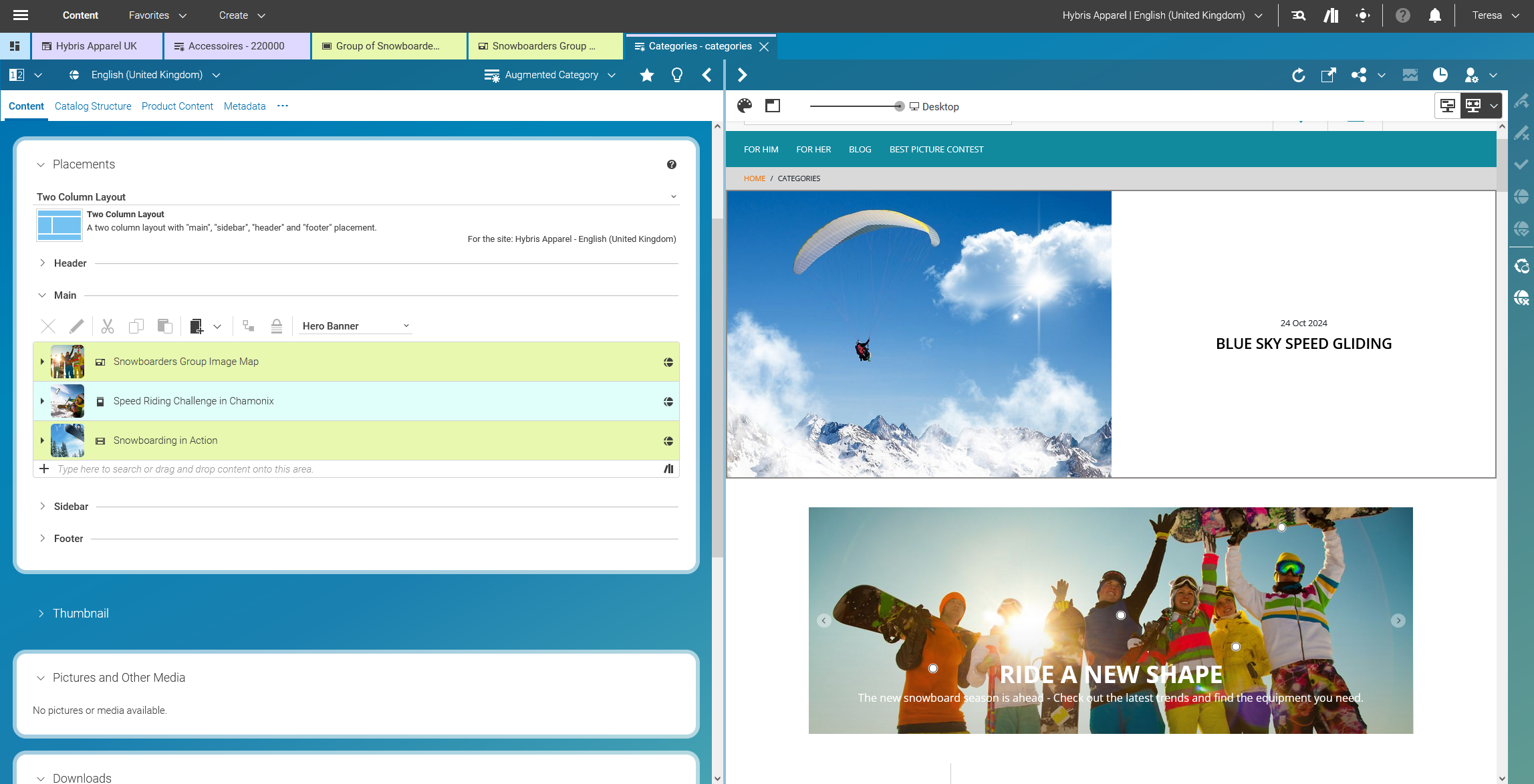
Adding inspirational content to Category/Listing Pages

Figure 3.43.  Adding inspirational content to Category/Listing Pages


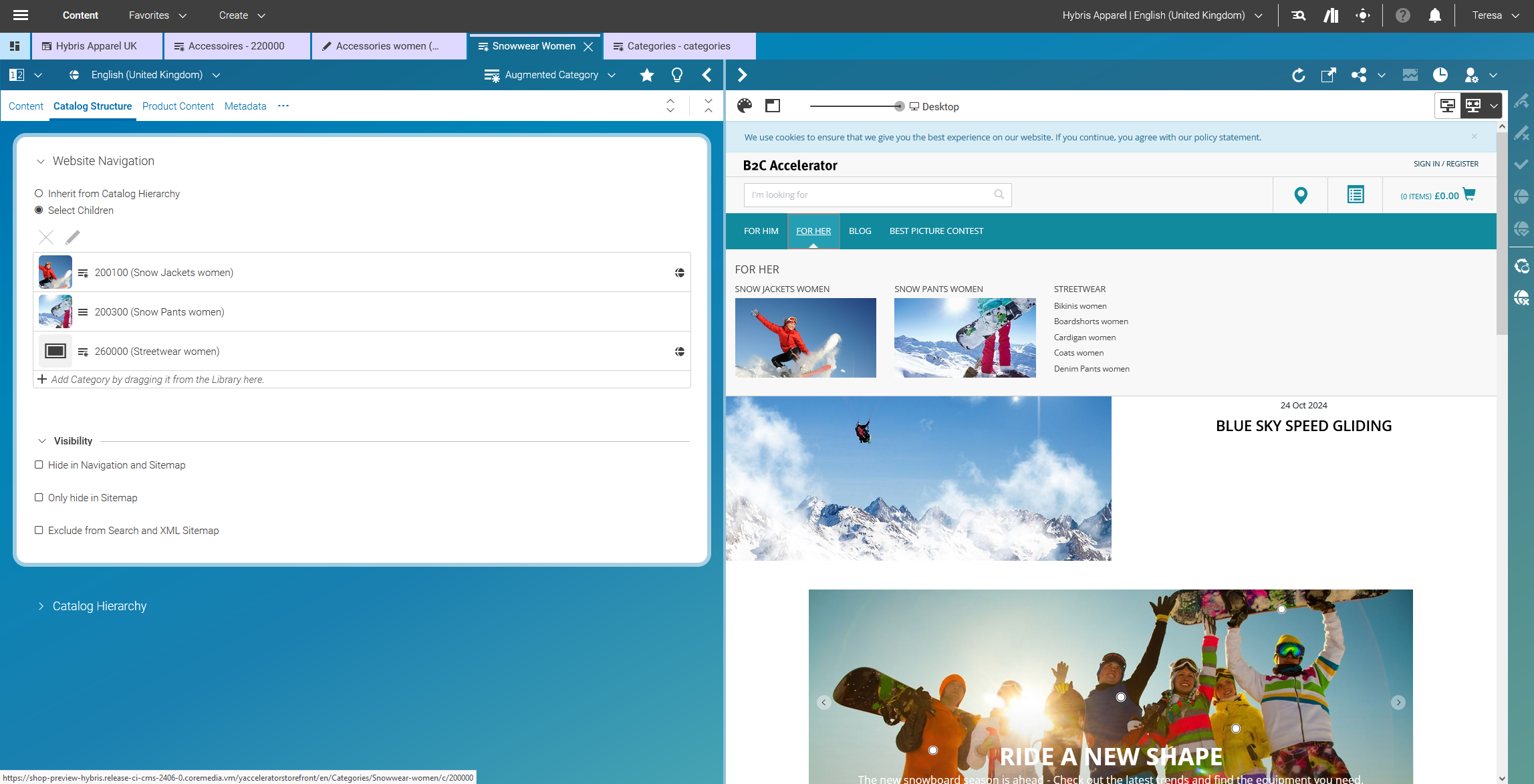
Managing the Navigation Menu within CoreMedia Studio

Figure 3.44.  Managing the Navigation Menu within CoreMedia Studio


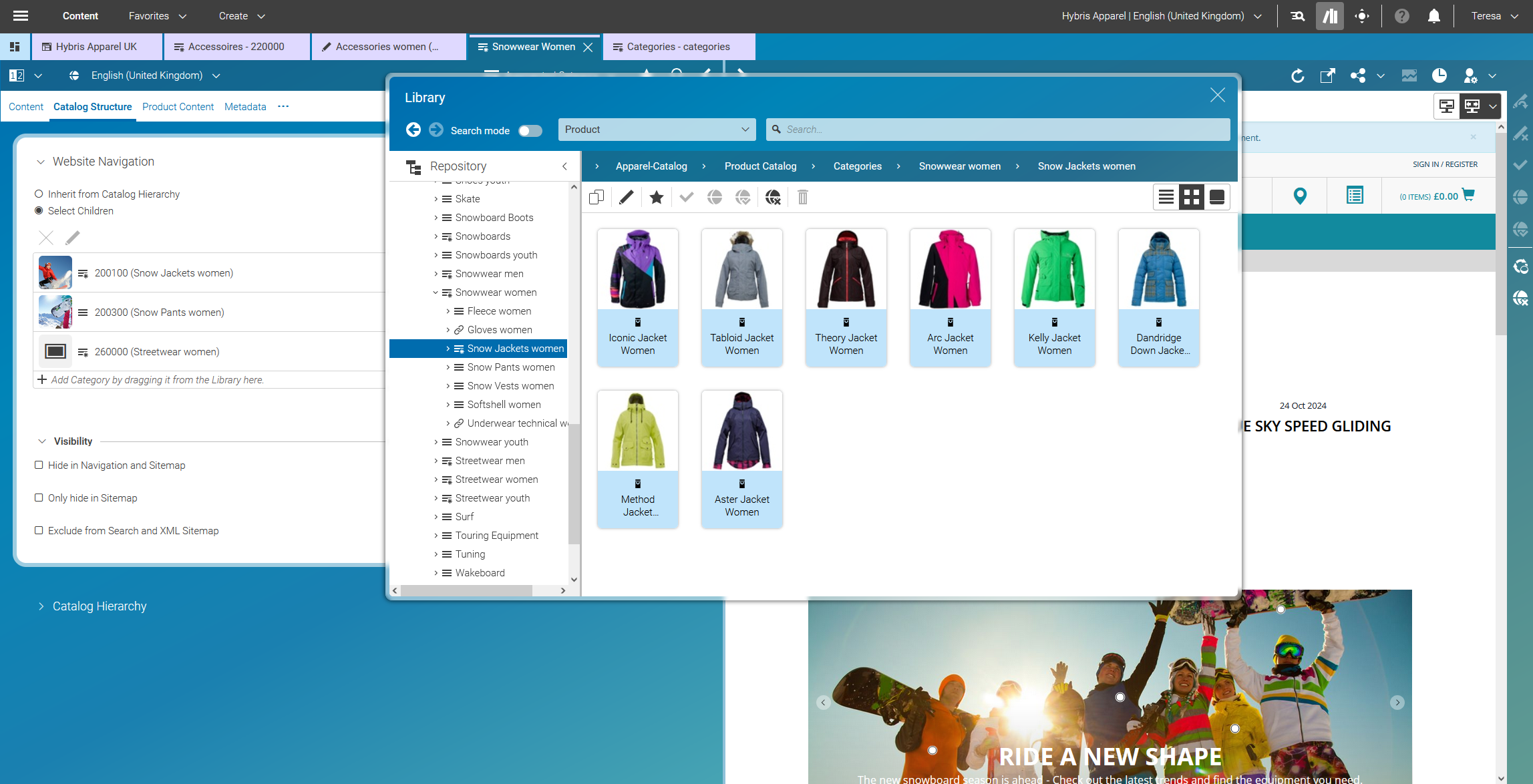
Product Catalog Access within CoreMedia Studio – incl. Product Variant Support

Figure 3.45.  Product Catalog Access within CoreMedia Studio – incl. Product Variant Support


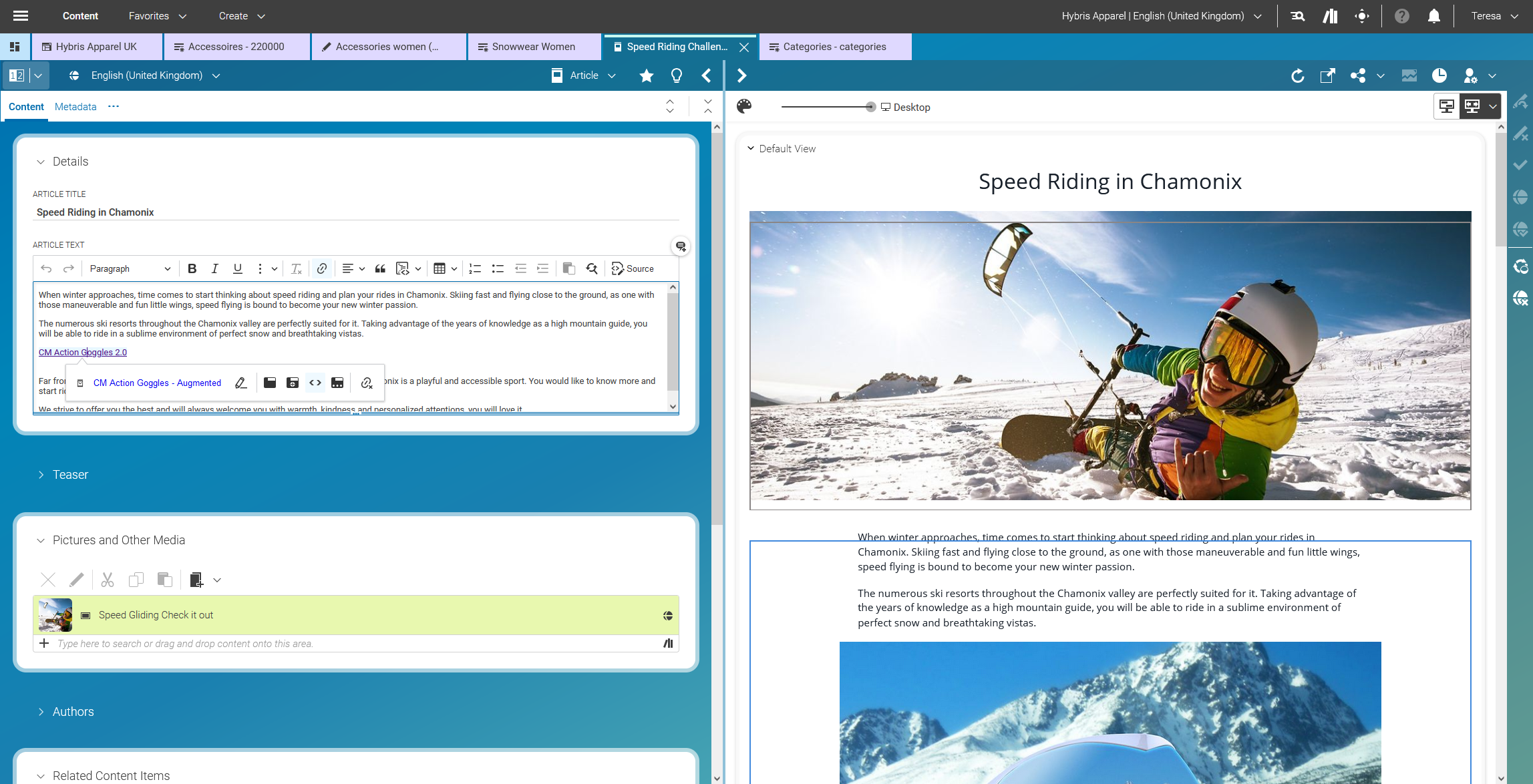
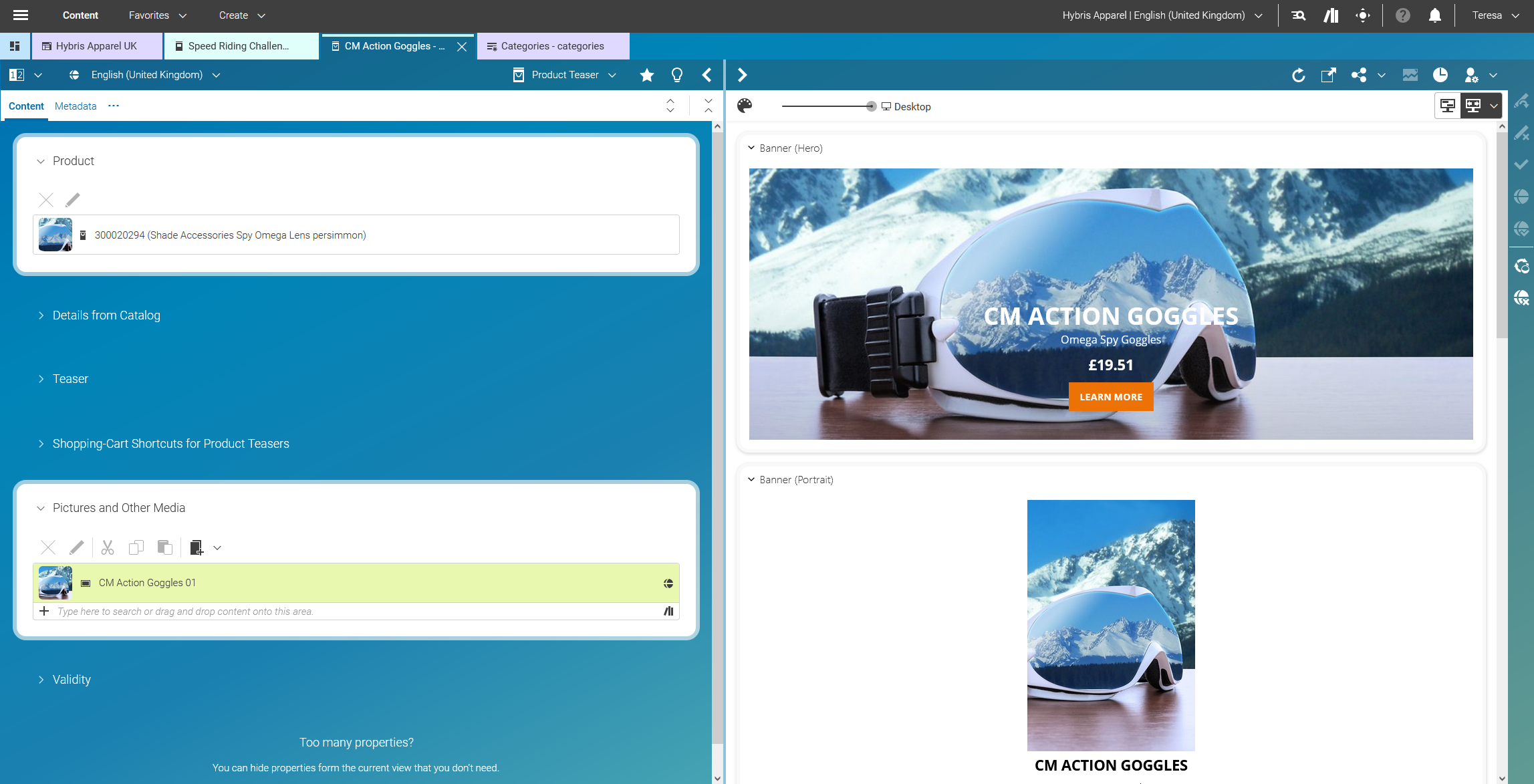
Embedding Product and Category Banners within Stories

Figure 3.46.  Embedding Product and Category Banners within Stories


Enriching Standard Product Teasers

Figure 3.47.  Enriching Standard Product Teasers


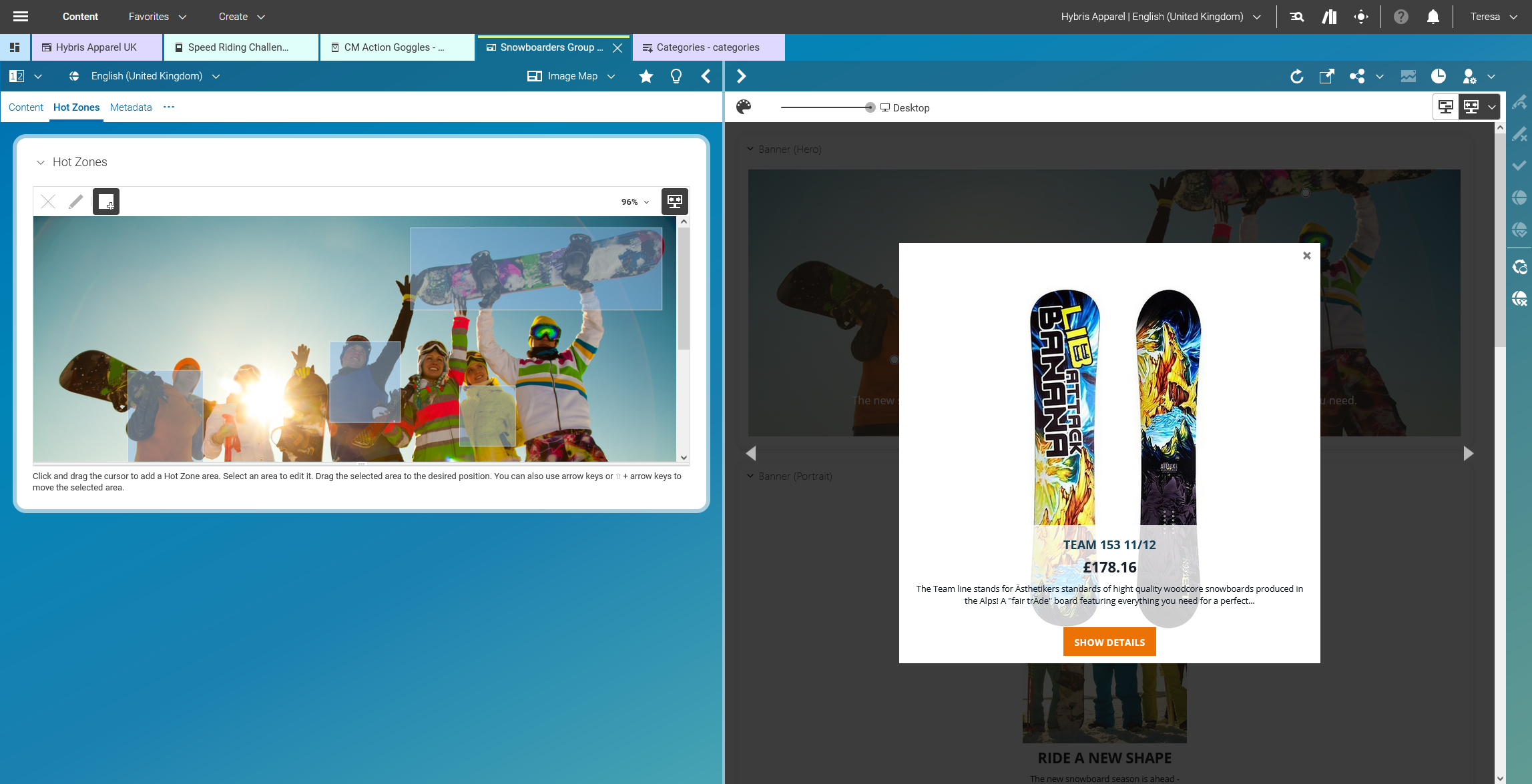
Shoppable Images – Creating Hot Zones within Images

Figure 3.48.  Shoppable Images – Creating Hot Zones within Images


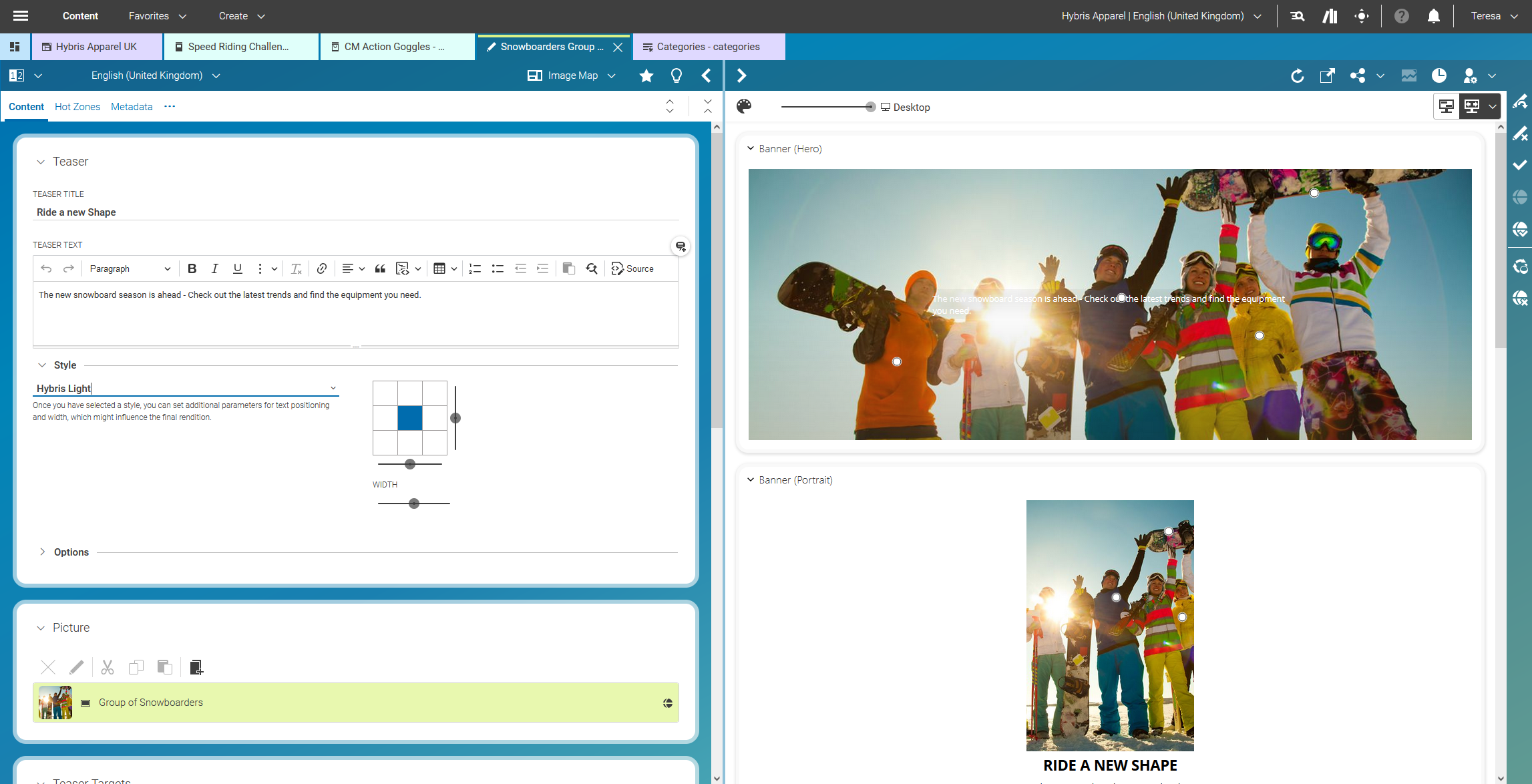
Advanced Text on Image Formatting and Positioning

Figure 3.49.  Advanced Text on Image Formatting and Positioning


Creating content-driven landing pages

Figure 3.50.  Creating content-driven landing pages


Advanced Tagging (incl. the option to connect to visual recognition services based on AI

Figure 3.51.  Advanced Tagging (incl. the option to connect to visual recognition services based on AI
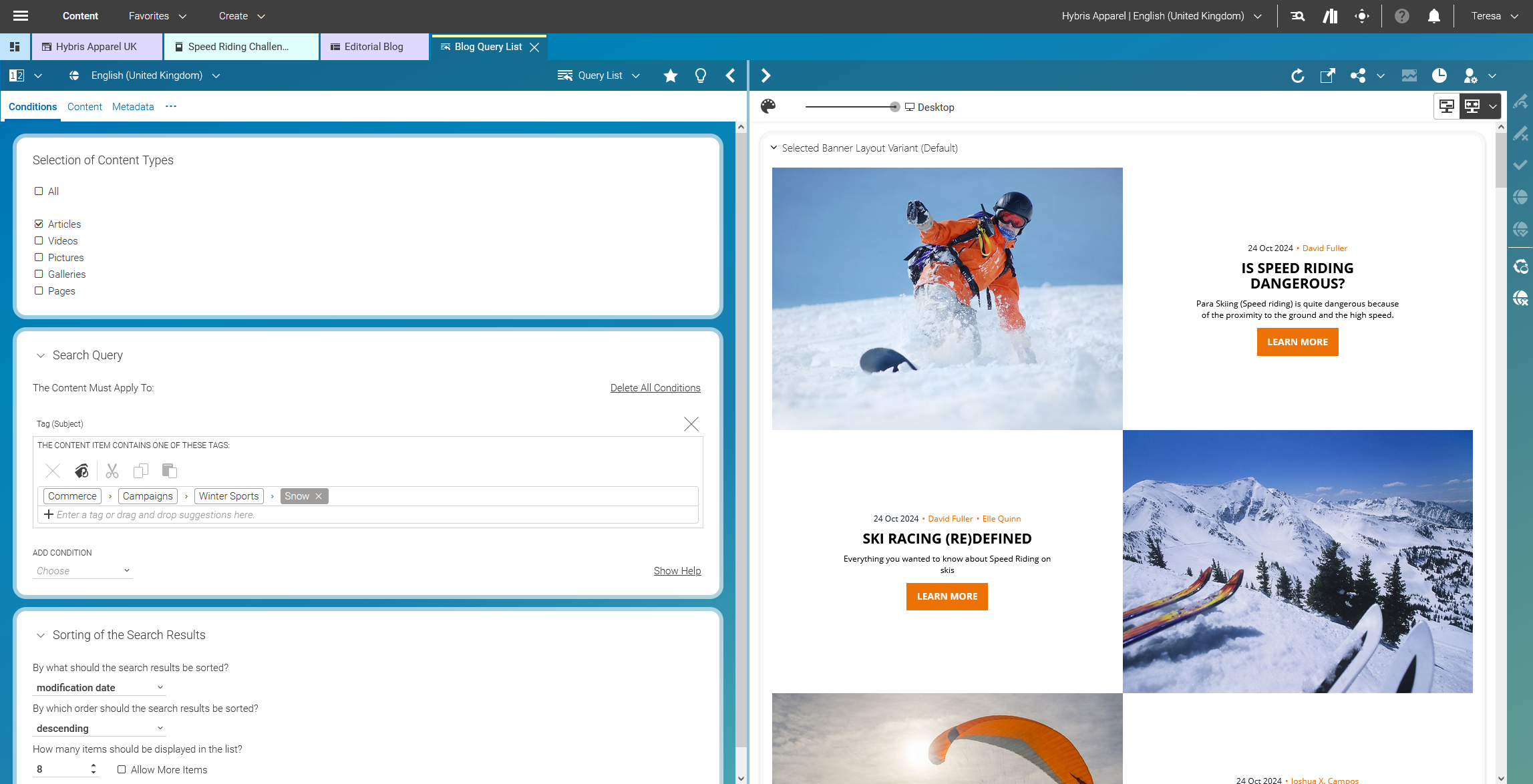

Rule-Driven Content Lists - Dynamic Lists

Figure 3.52.  Rule-Driven Content Lists - Dynamic Lists


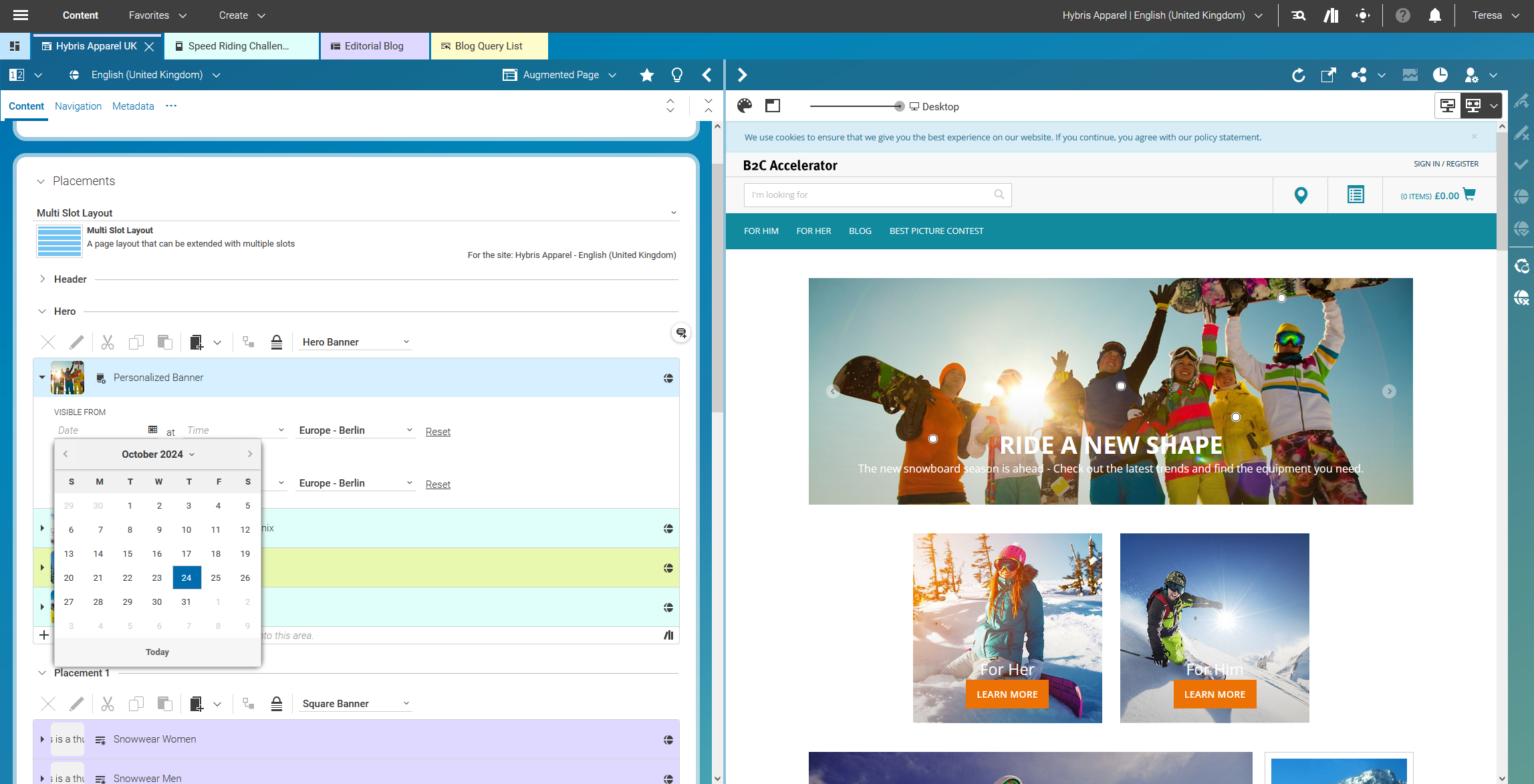
Scheduling Campaigns

Figure 3.53.  Scheduling Campaigns


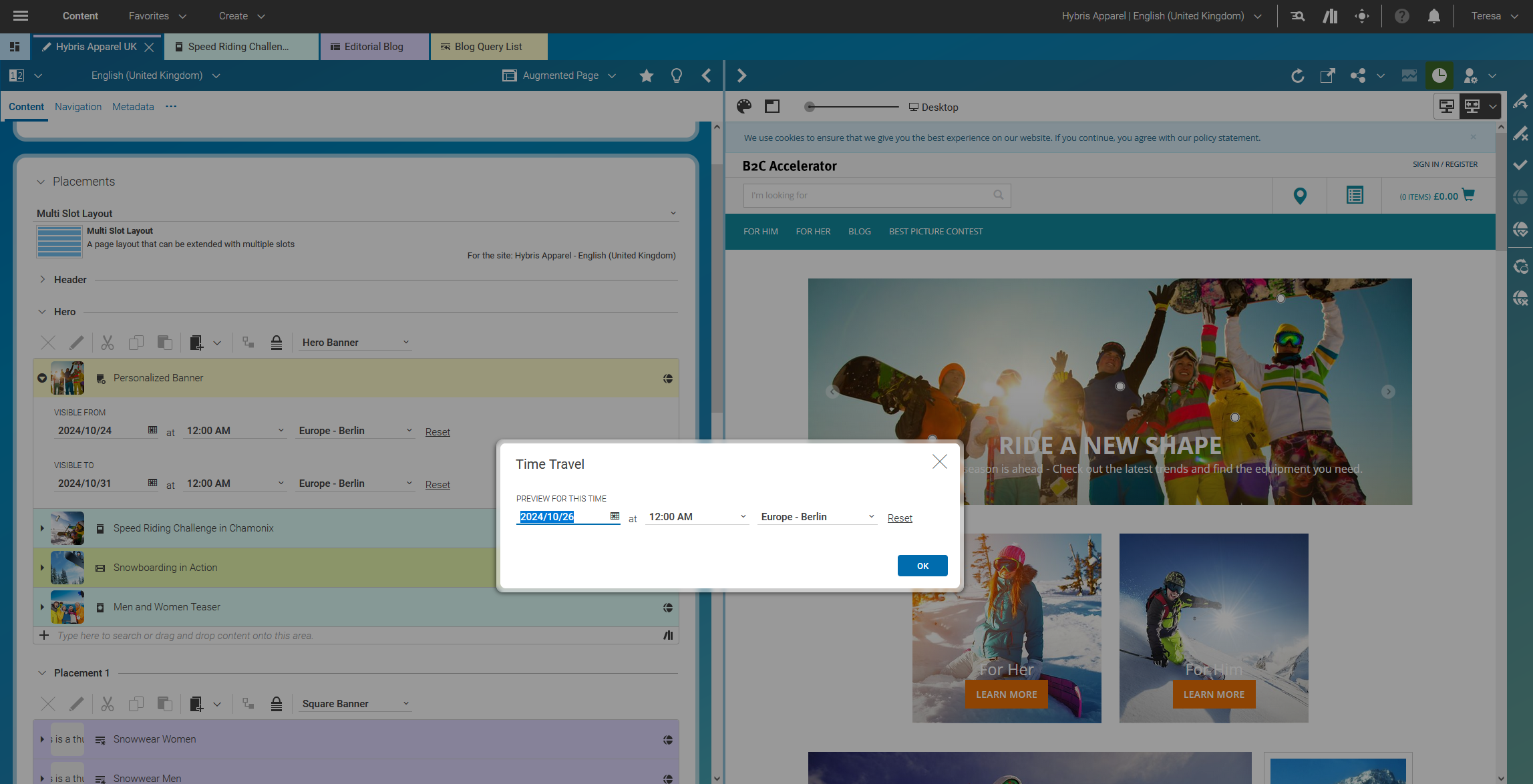
Time travel preview for scheduled campaigns

Figure 3.54.  Time travel preview for scheduled campaigns


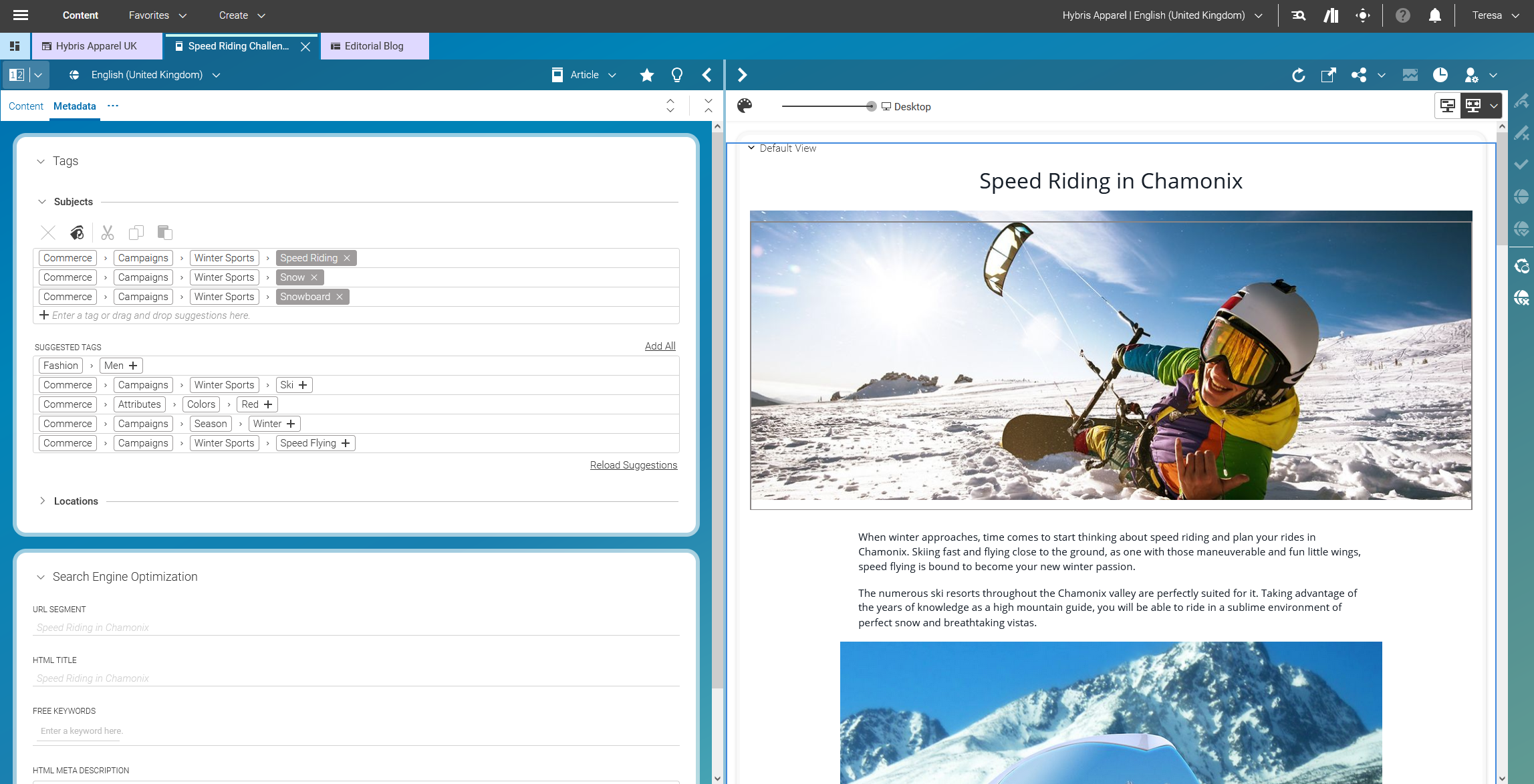
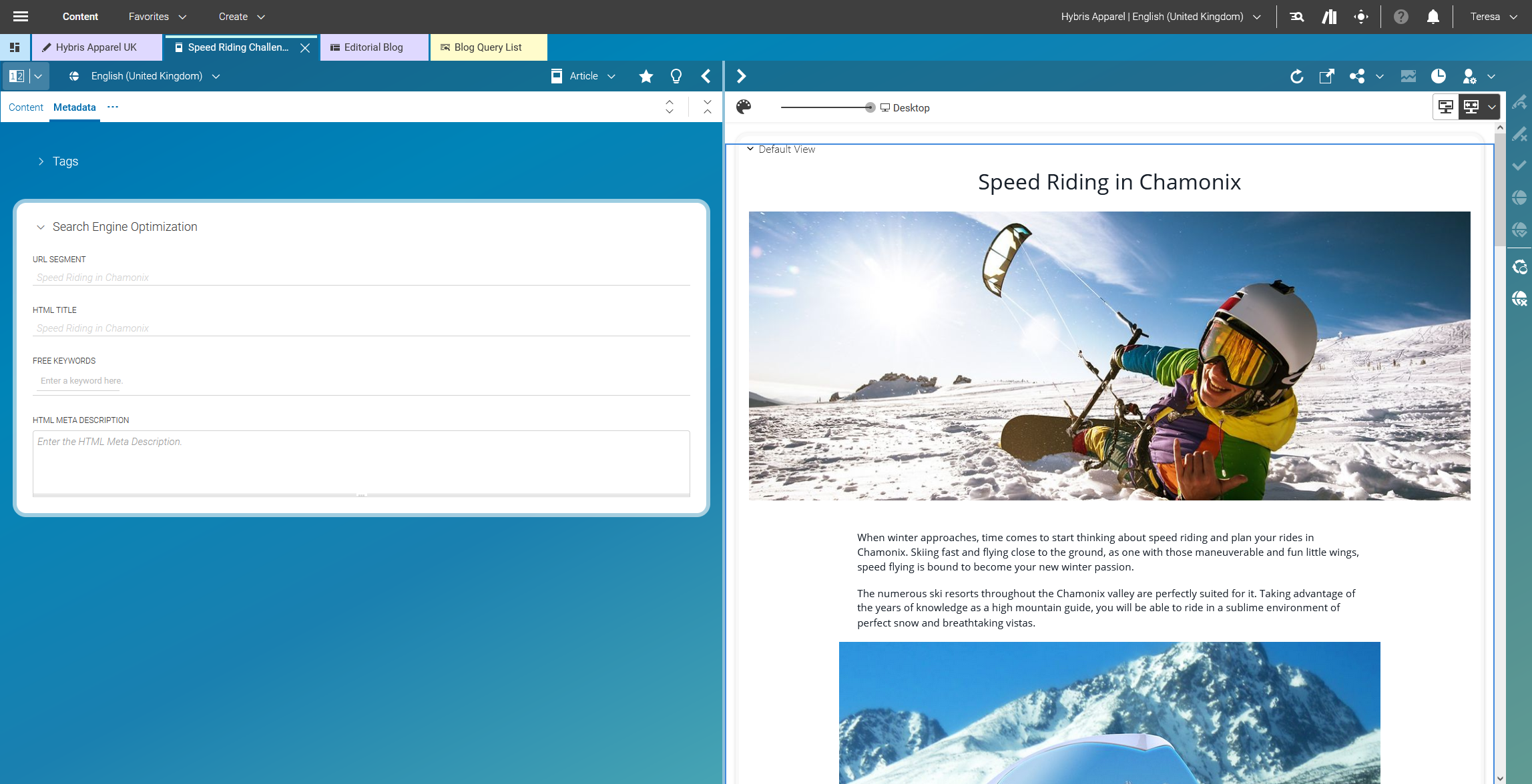
SEO - Human readable URLs and advanced metadata editing

Figure 3.55.  SEO - Human readable URLs and advanced metadata editing


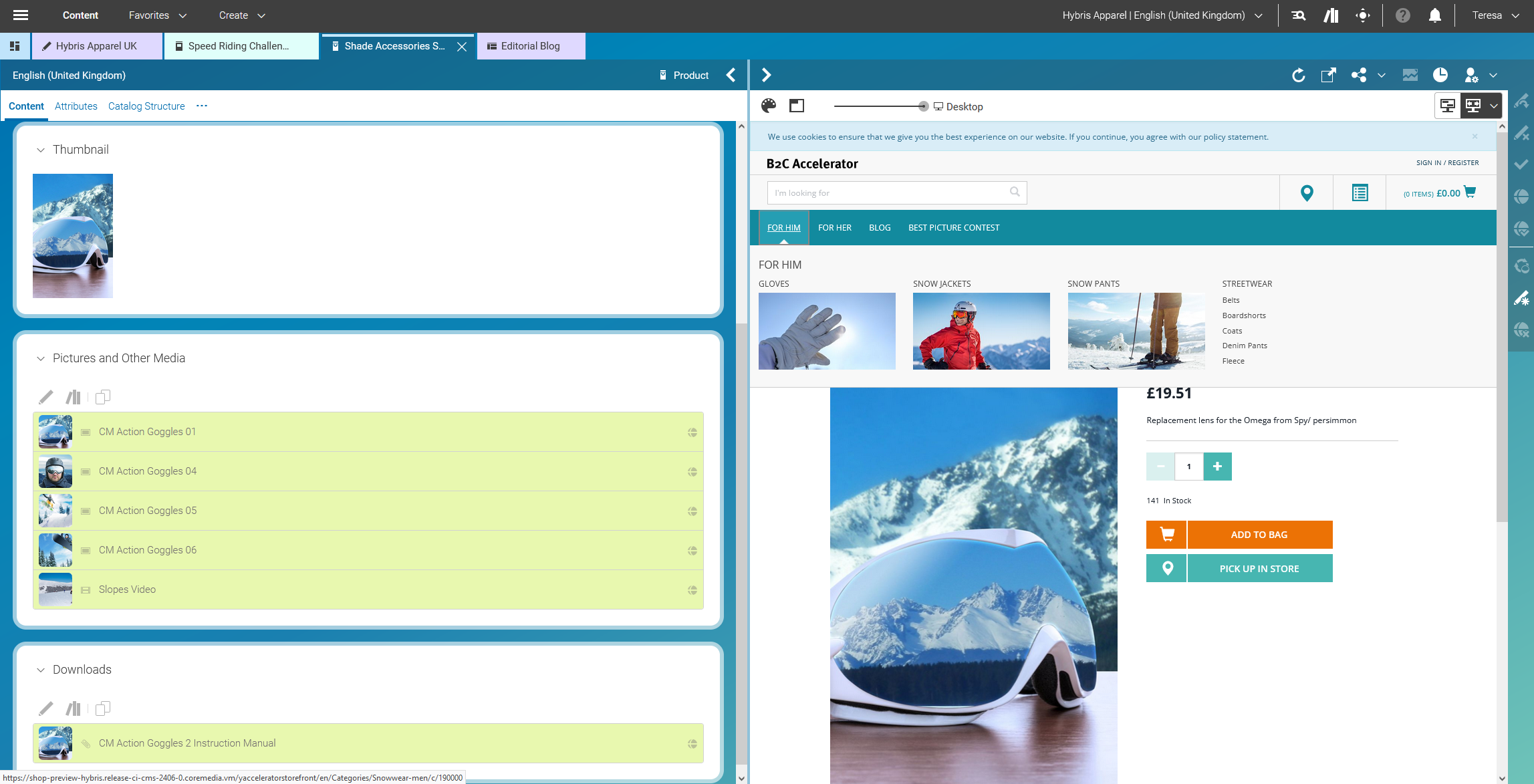
PDP Augmentation – Alternative Images, Videos, Downloads

Figure 3.56.  PDP Augmentation – Alternative Images, Videos, Downloads


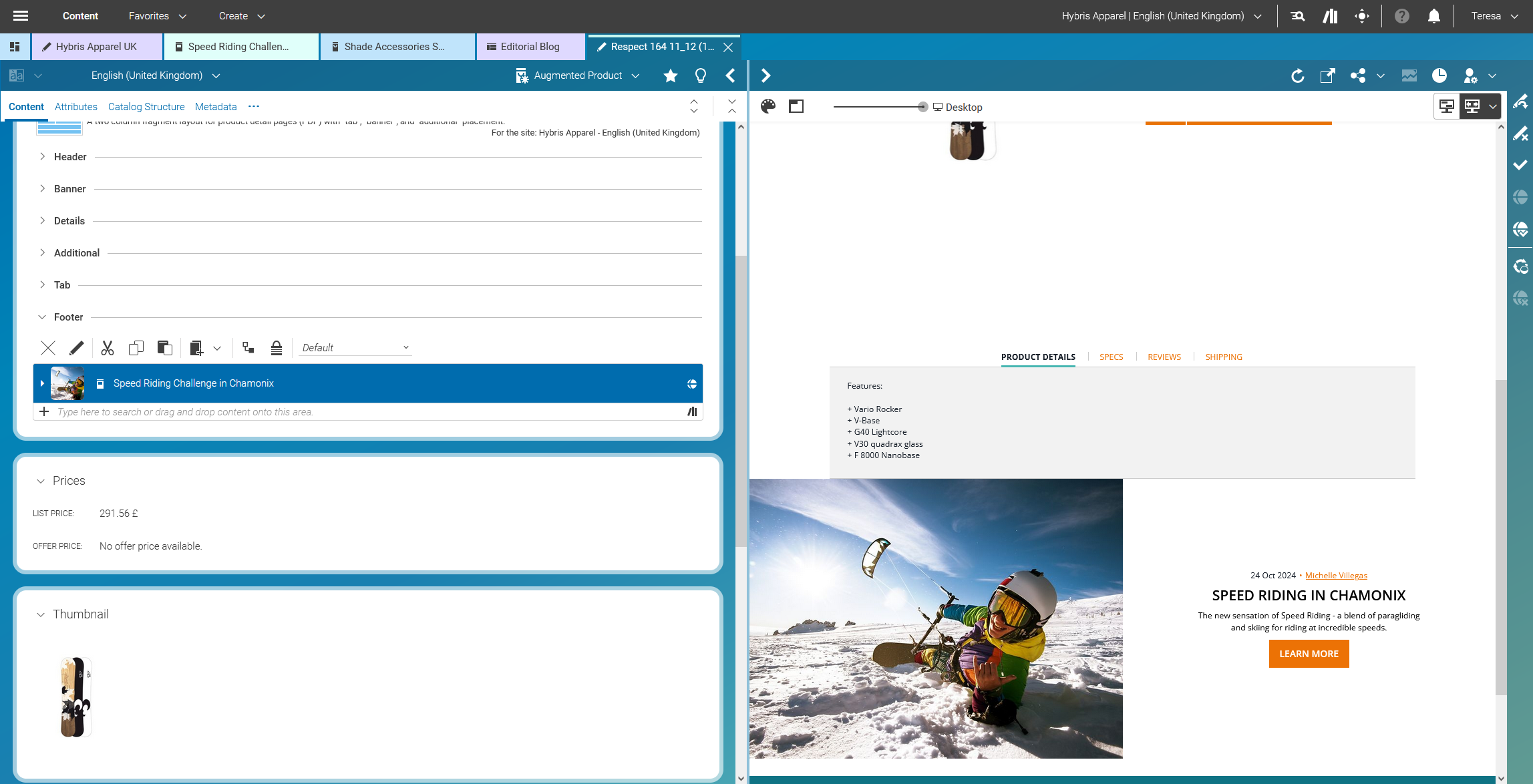
PDP Augmentation – Inspirational Content

Figure 3.57.  PDP Augmentation – Inspirational Content


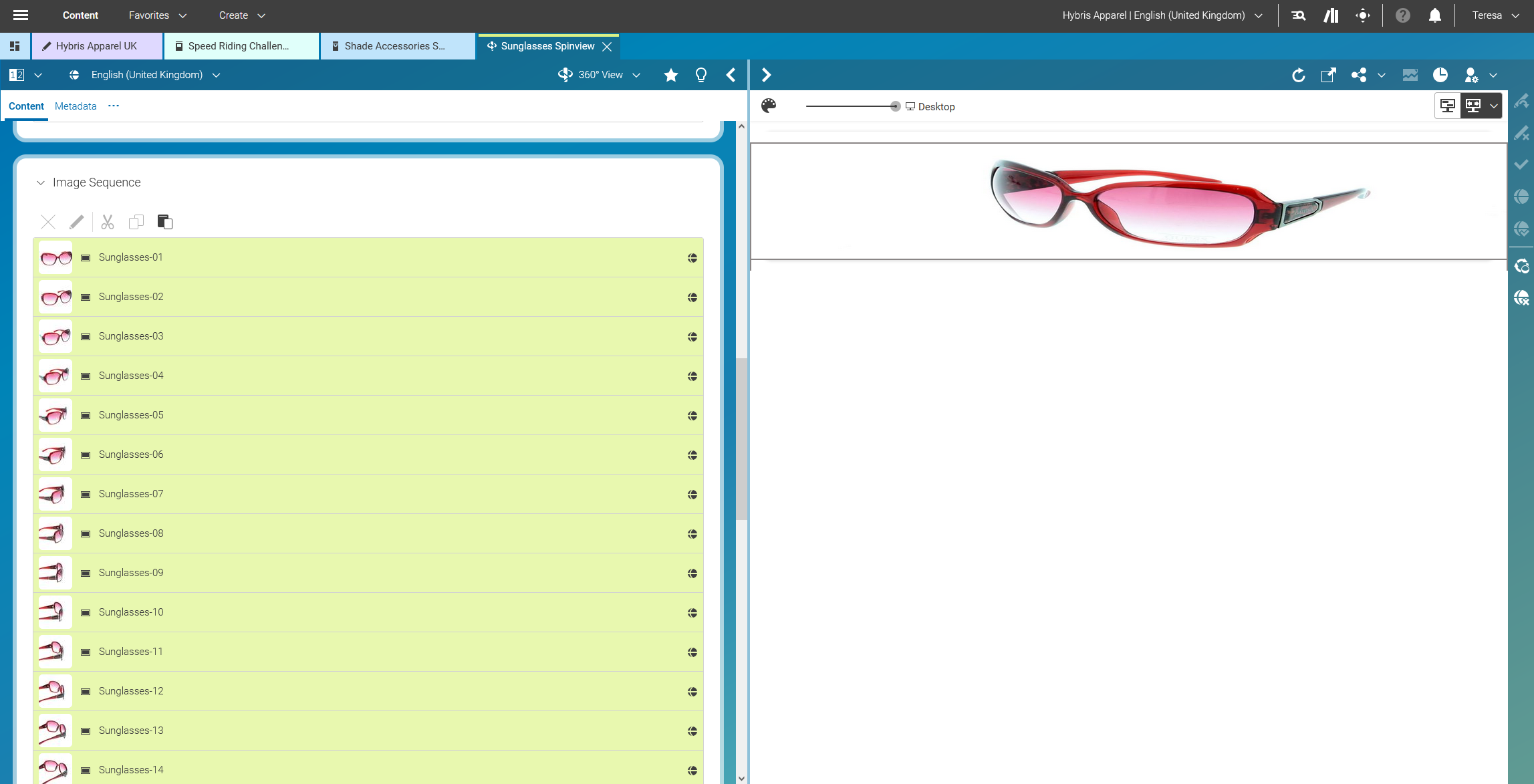
360° Product Spinners

Figure 3.58.  360° Product Spinners


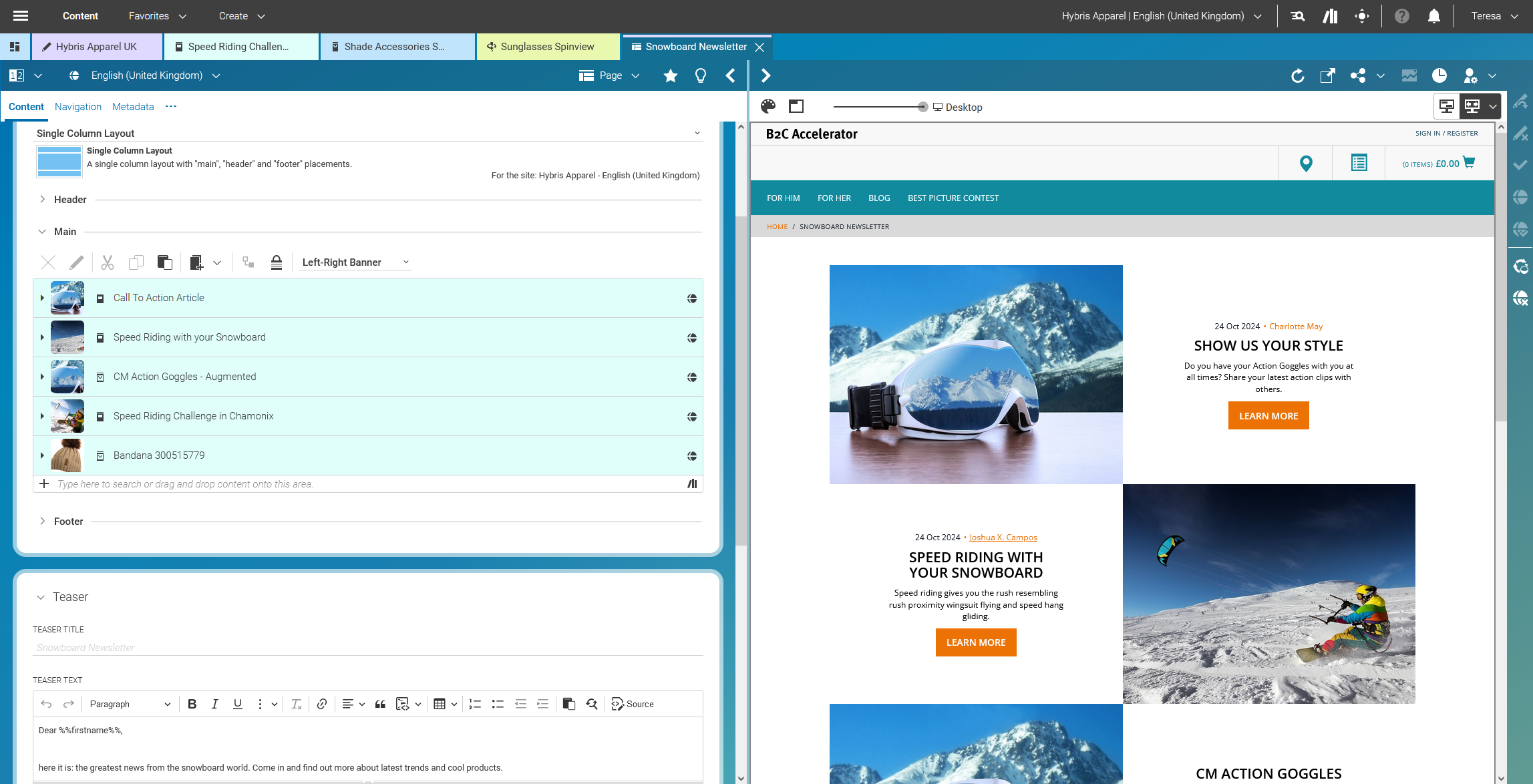
Content reuse for Newsletters / Outbound Marketing

Figure 3.59.  Content reuse for Newsletters / Outbound Marketing


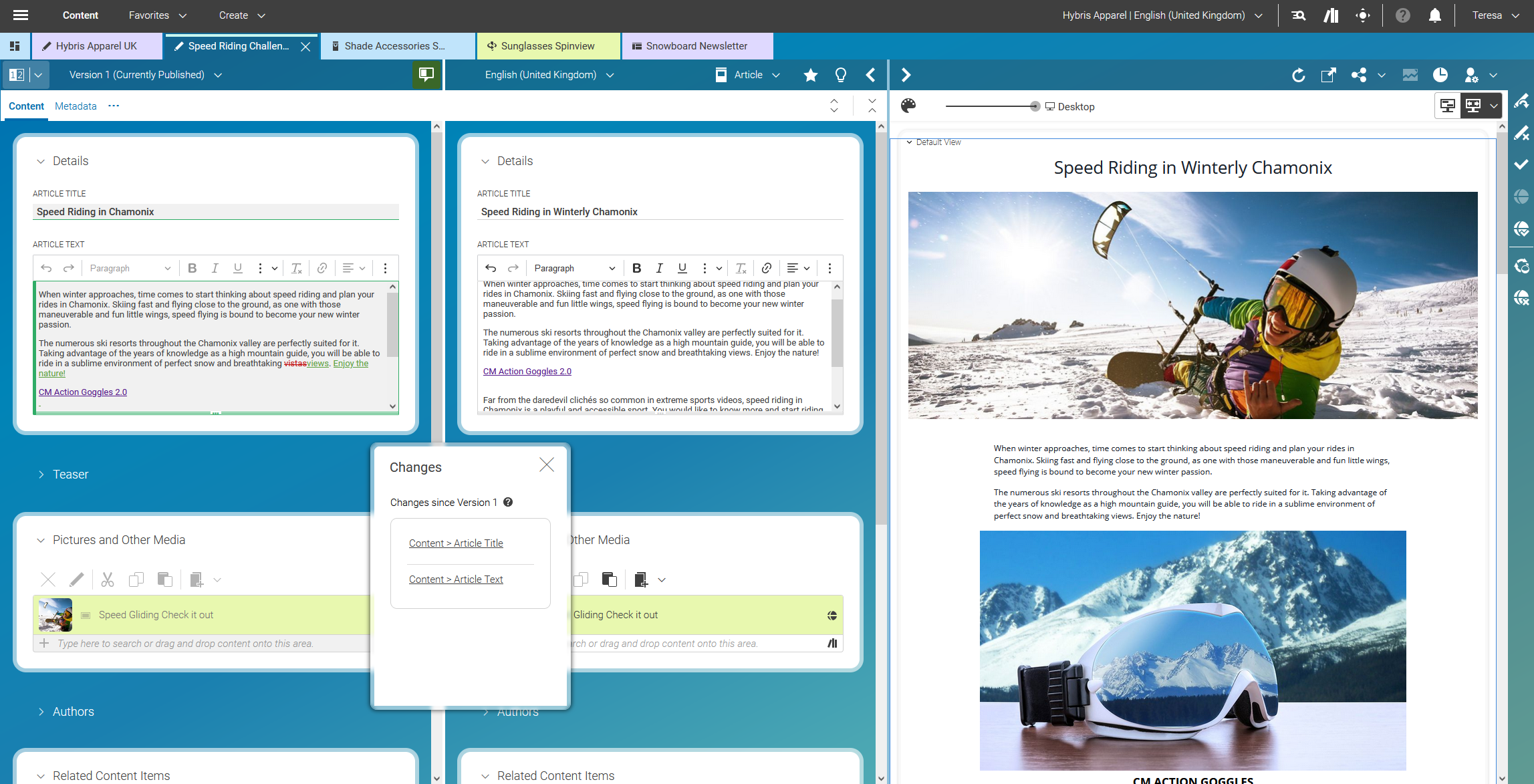
Content differencing

Figure 3.60.  Content differencing


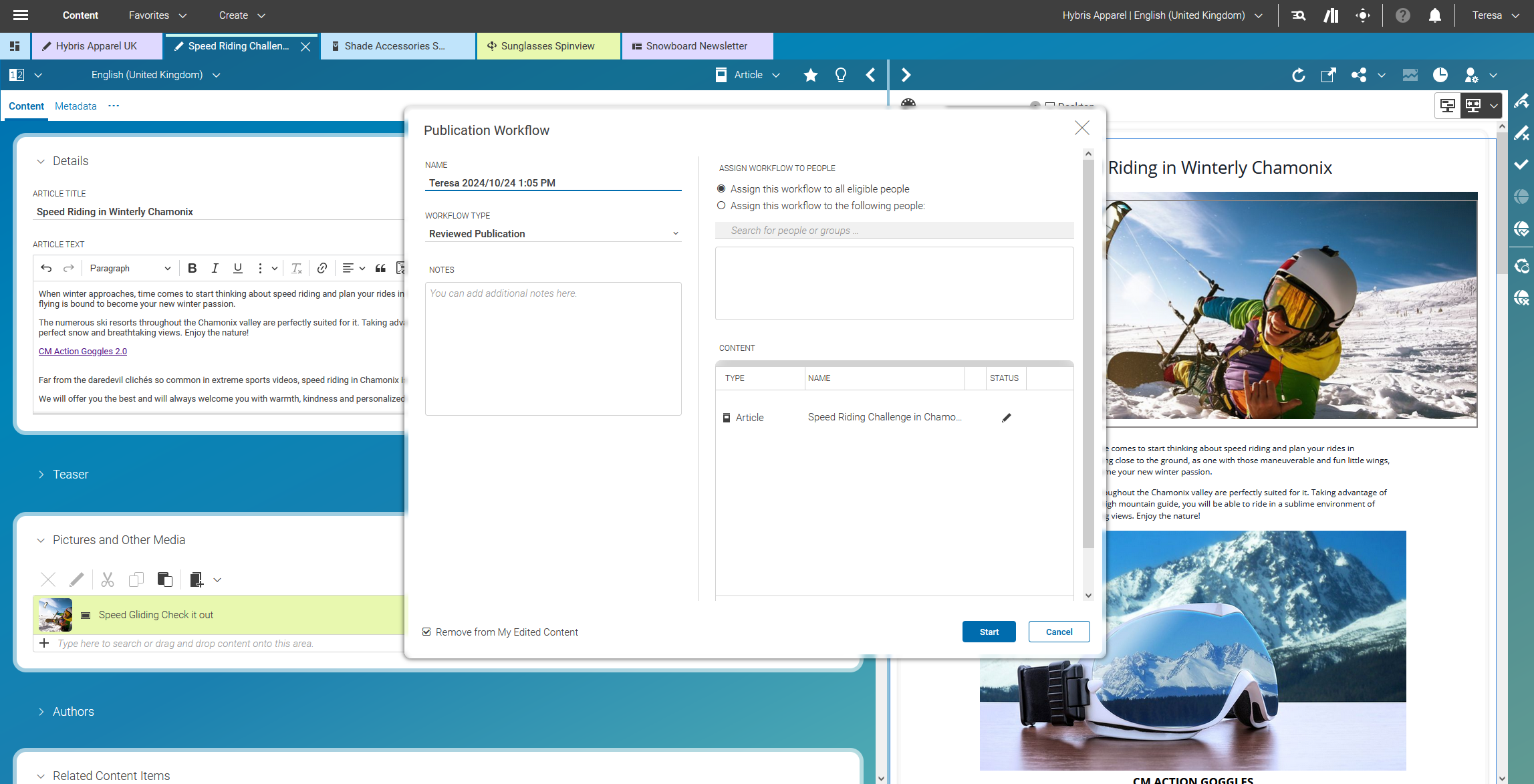
Reviewed Publication Workflows

Figure 3.61.  Reviewed Publication Workflows


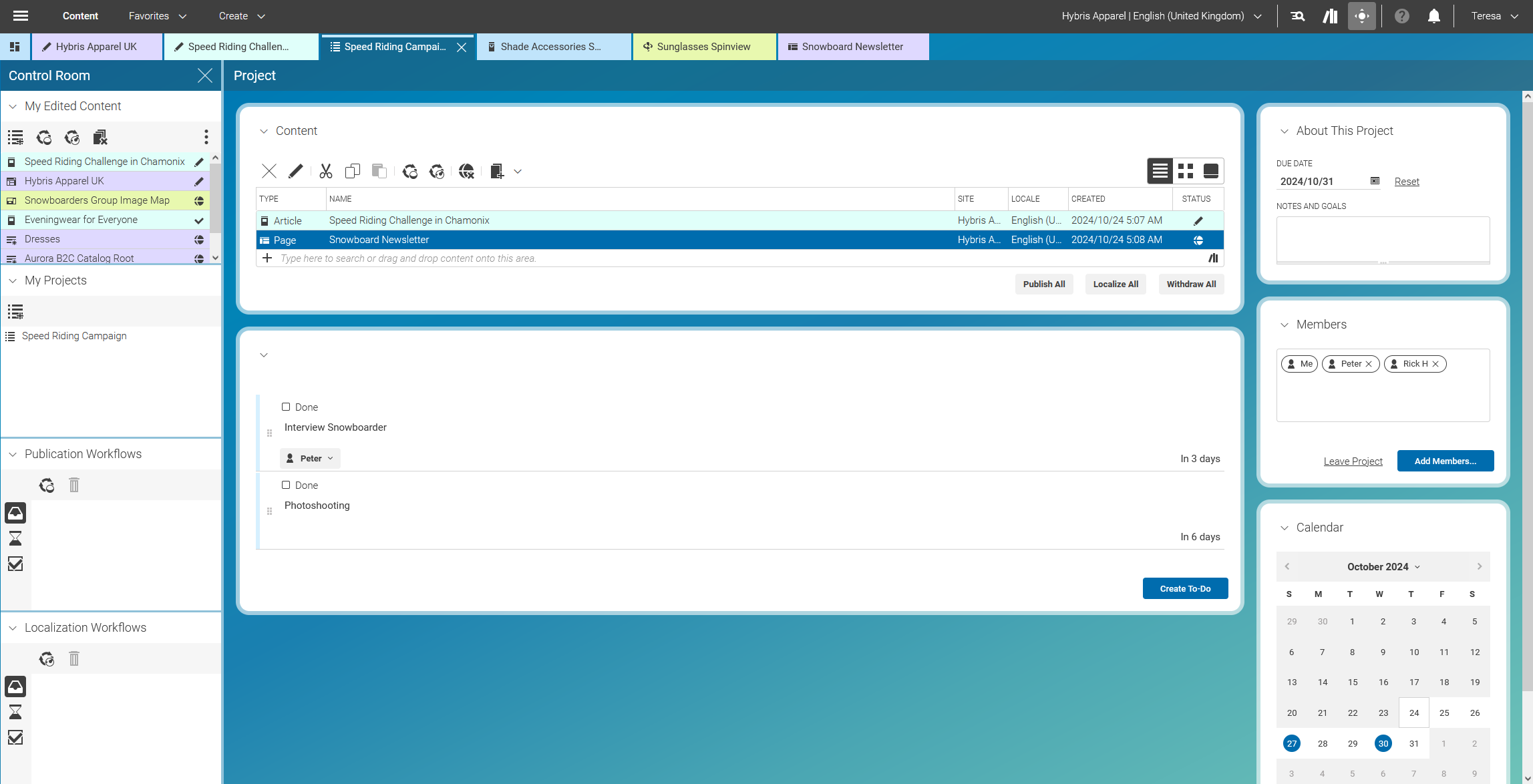
Collaboration in Teams

Figure 3.62.  Collaboration in Teams


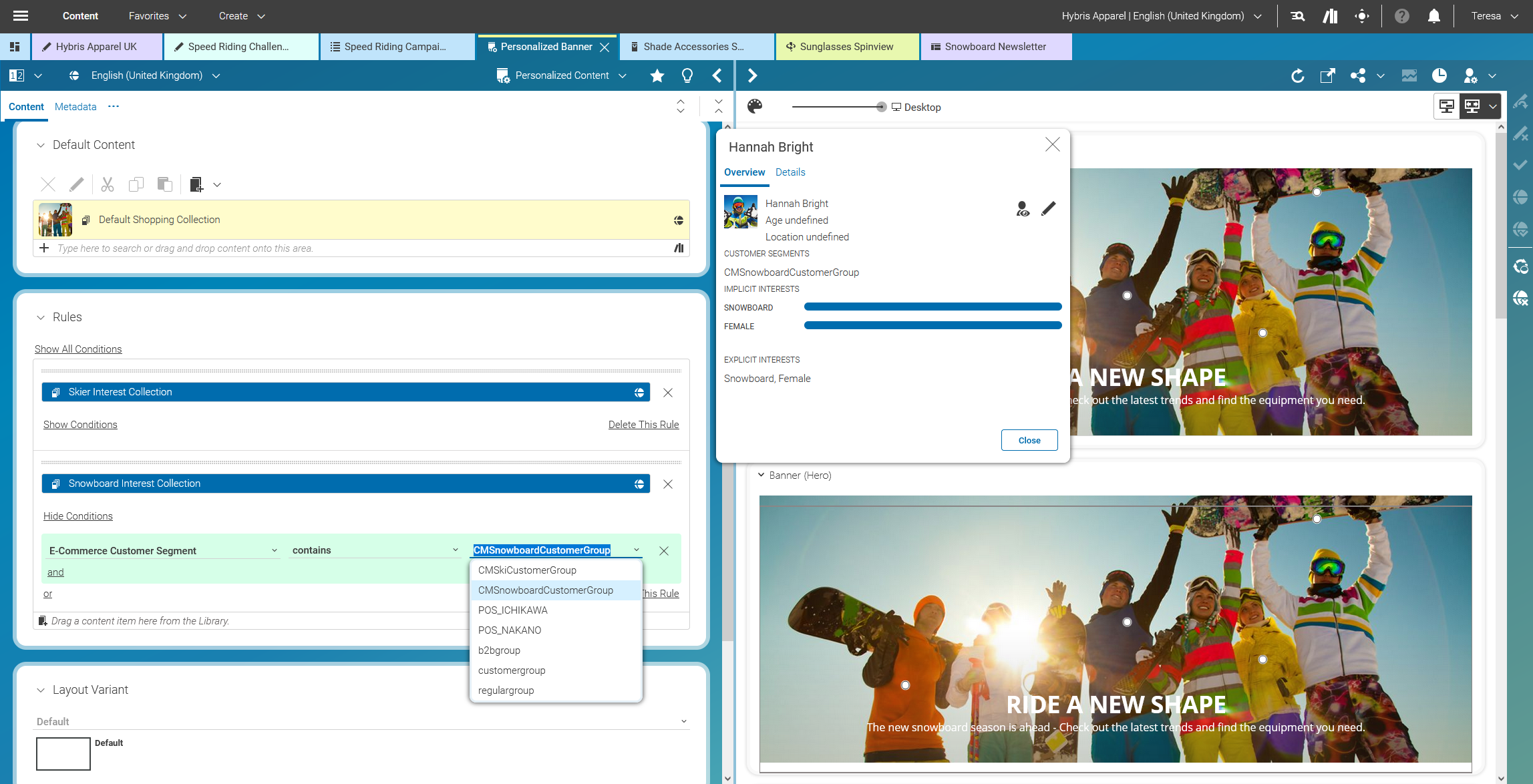
Personalization based on click behaviour or customer segments within SAP Hybris

Figure 3.63.  Personalization based on click behaviour or customer segments within SAP Hybris


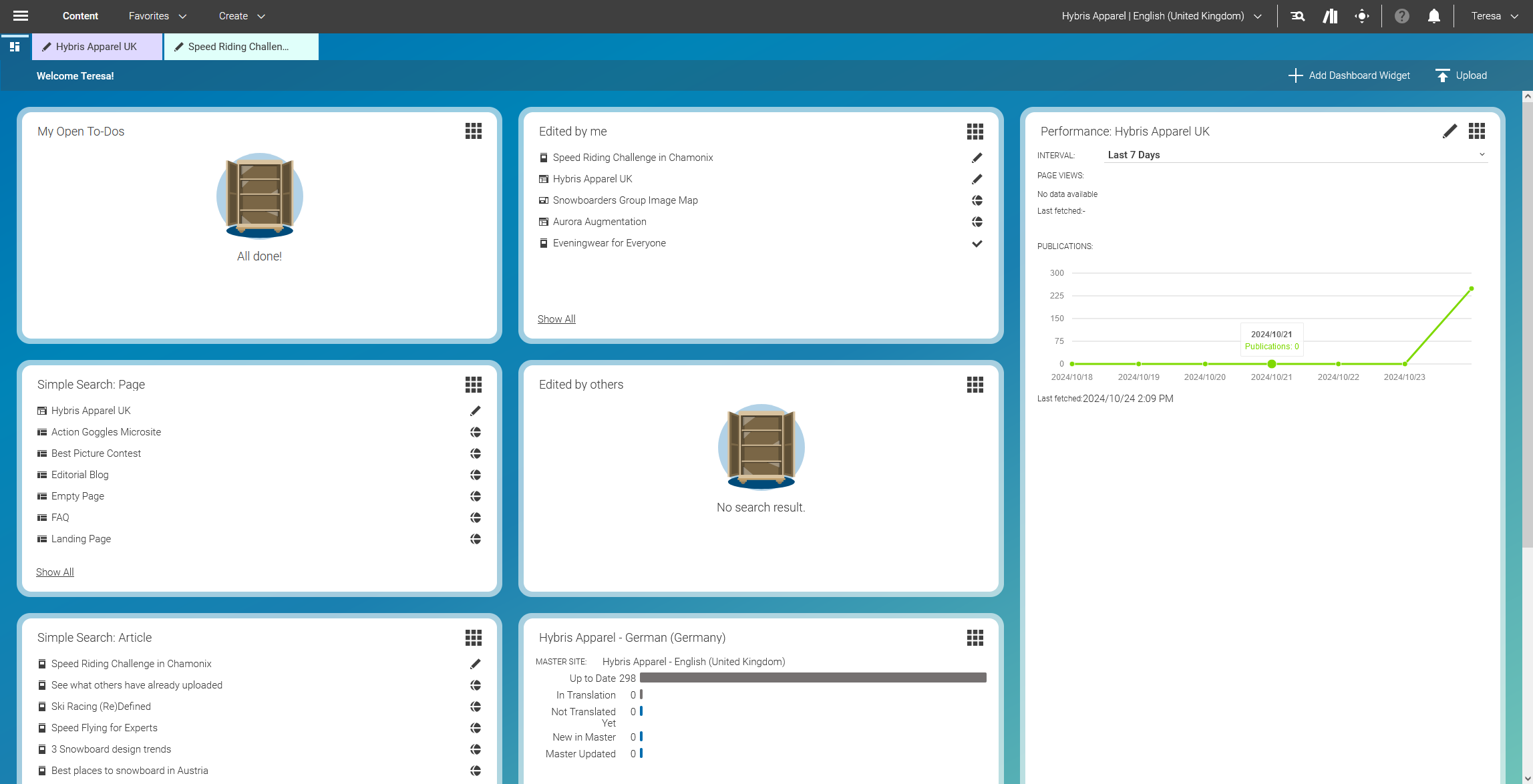
Dashboard Overview

Figure 3.64.  Dashboard Overview


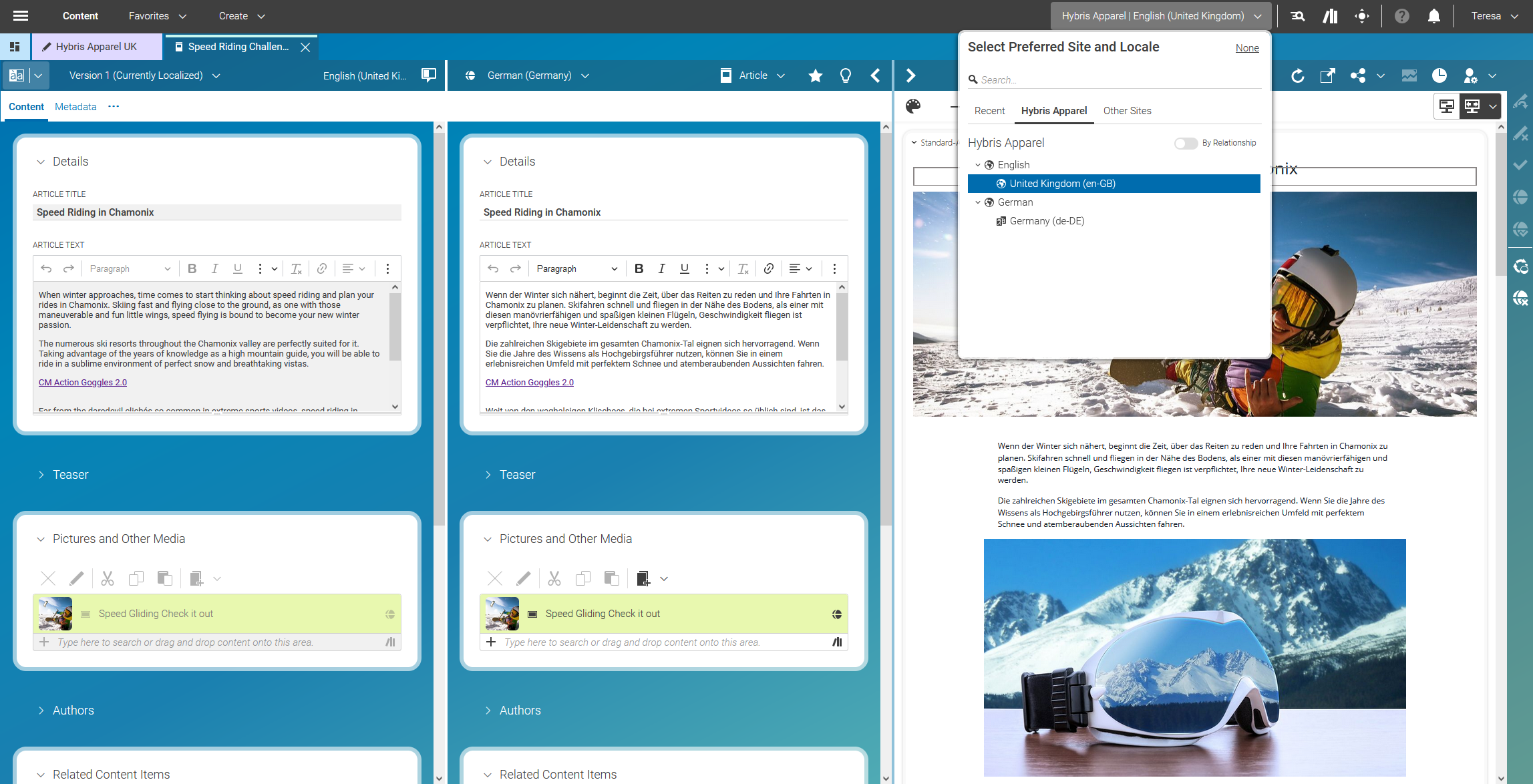
Strong Translation / Localization Capabilities

Figure 3.65.  Strong Translation / Localization Capabilities


Search Results

Table Of Contents
warning

Your Internet Explorer is no longer supported.

Please use Mozilla Firefox, Google Chrome, or Microsoft Edge.