Solution Overview for Business Users / Version 2506.0
Table Of Contents
To enable tagging of content two properties are available the CMLinkable content
type.
subjectTaxonomy
locationTaxonomy
Editors can assign taxonomies to content items using CoreMedia Studio and the Blueprint taxonomy property editor. It allows for the following:
adding/removing references to taxonomy
autocompletion
suggestions
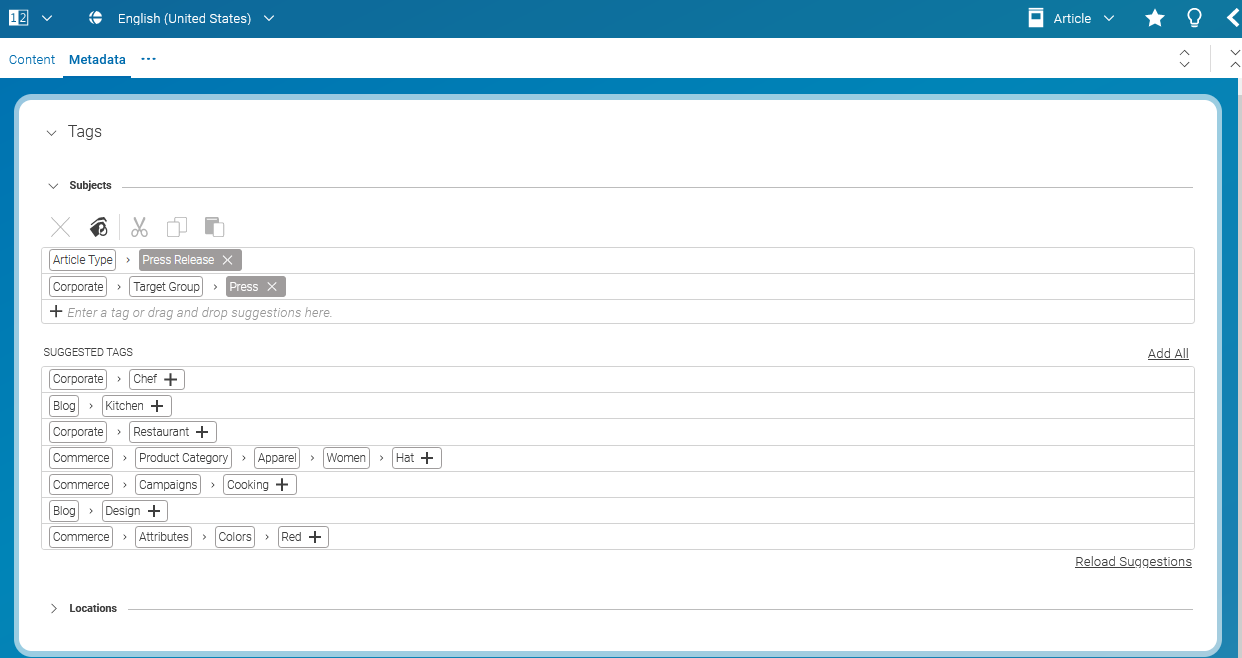
The user can add taxonomy keywords to the corresponding property link list using the taxonomy property editor. The editor also provides suggestions that are provided by a name matching algorithm. The strategy type can be configured in the preferences dialog of CoreMedia Studio.

To allow a more fine-granular access to taxonomy nodes in the Taxonomy Manager, it is possible to configure roles for different taxonomy trees in the TaxonomySettings
settings document. The example below shows how to configure the visibility of a global "Subject" taxonomy tree for the user group taxonomy-admin and
for the site specific "Subject" taxonomy (with site id "MY_SIDE_ID") for the user group taxonomy-admin.
Note that this configuration only configures the visibility of the taxonomies inside the Taxonomy Manager. User are still able to see matching contents of the taxonomy in the library if they have the corresponding rights.
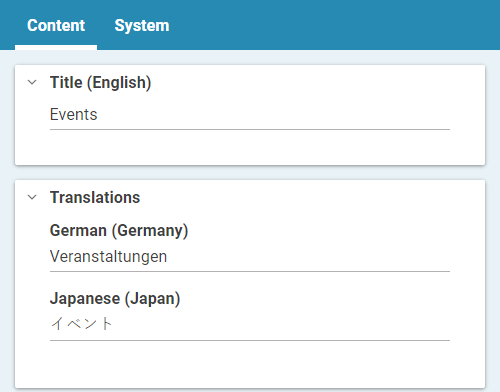
If the localization shouldn't be used, the field defaultLanguage can be left empty.
This will hide the list of localized input fields from the document form.
Otherwise, additional StringProperty input fields will be shown for every locale
of the translations list. The values are stored in the localSettings
of each taxonomy content item.