


Solution Overview for Business Users / Version 2506.0
Table Of ContentsThe Open Street Map project creates and distributes free geographic data. CoreMedia Blueprint is prepared to include the project to display the location of location based taxonomies, but map integration are not included in the default templates.
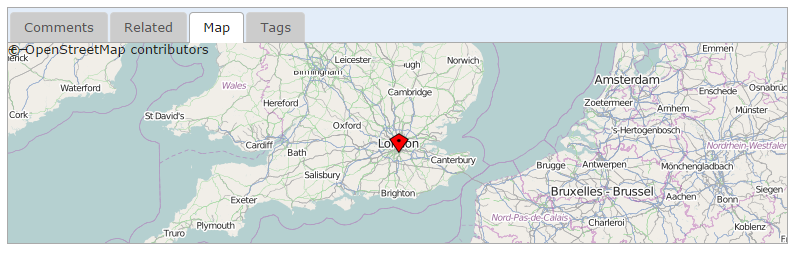
In order to use Open Street Map on your site, you have to create a settings content item and link it
to the root channel of your site. The JavaScript for Open Street Map will be loaded using an
aspect that is only enabled if the corresponding settings property is set. The available
settings for Open Street Map are shown in the table below and must be configured to enable the
map in the CAE. A template renders a map segment according to geographic coordinates stored in
the string property latitudeLongitude of a linked location content, and pinpoints
the matching location with a marker image (see CMTeasable.map.ftl for a usage
example).
