Solution Overview for Business Users / Version 2506.0
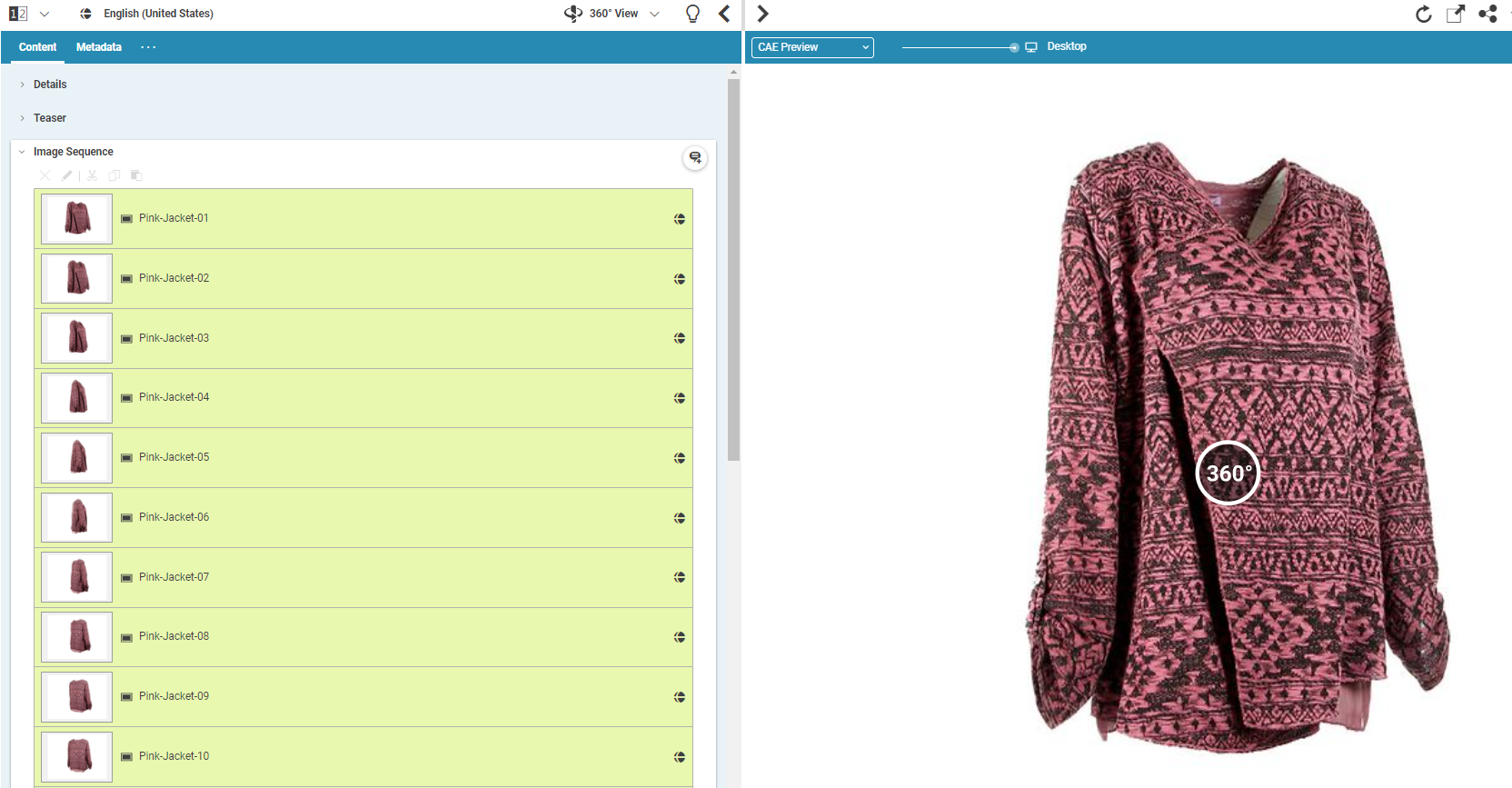
Table Of ContentsCoreMedia Studio enables you to create and edit 360°-Views. A 360°-Views is a sequence of pictures which shows a product from different perspectives. On the website the 360°-View enables a user to rotate through the pictures by using touch controls.
Create a 360°-View content item by clicking the  button in the library. Edit the properties of the item in the form. Note, that
a valid 360°-View must have more than two pictures. Link the 360°-View to a product, so that
it will be shown on a product detail page.
button in the library. Edit the properties of the item in the form. Note, that
a valid 360°-View must have more than two pictures. Link the 360°-View to a product, so that
it will be shown on a product detail page.